




Business Planning & Strategy
Explore other categories:
Planning & Strategy | Productivity & Time | Finance & Cash Flow | Marketing & Sales | Tools & Tech | CEO Mindset | ADHD Planning | How to start a business with no money
Business Planning & Strategy — Build a Smarter Business
Every successful business starts with a plan. Not a 40-page document that gathers dust in a drawer, but a living system that connects where you want to go with what you actually do each week.
Whether you are launching your first business, resetting after a tough year, or scaling something that is already working, planning gives you the structure to make better decisions, stay focused on the right priorities, and stop reacting to everything that lands in your inbox.
This page brings together everything we have published about business planning and strategy — from writing your first business plan to building the systems that keep your business running smoothly.
What is business planning, and why does it matter?
Business planning is the process of setting clear goals for your business and working out how you are going to reach them. It covers your vision, your revenue targets, your marketing approach, your operations, and your finances.
For small business owners and solopreneurs, planning is especially important because you are usually doing everything yourself. Without a plan, it is easy to spend entire weeks on tasks that feel productive but do not actually move the business forward. If you have ever wondered whether you really need a business plan, the short answer is yes — but it does not need to be complicated.
Planning does not mean predicting the future. It means deciding on a direction, making your best assumptions, and building in regular check-ins so you can adjust as you go. Our 5-step framework for going from idea to execution is a good starting point if you want a simple, actionable approach.
The four pillars of a strong business plan
Whether you are writing a formal business plan for investors or a one-page plan for yourself, every good business plan covers four areas:
1. Vision and goals
Where do you want the business to be in 12 months? What does success actually look like? This is about setting specific, measurable targets you can track. Our guide to goal setting for entrepreneurs explains how to set goals that are ambitious but realistic, and our step-by-step guide to planning your business year walks you through the full annual planning process.
2. Strategy and positioning
How are you going to reach those goals? Who are your ideal customers? What makes you different? If you are just starting out, our business launch checklist covers the 10 things you need in place before you launch, and our guide on how to validate a business idea will help you test your concept before investing too much time or money.
3. Operations and systems
How does the business actually run day to day? The businesses that scale without burning out their founders are the ones with clear systems in place. Our article on the 5-step business operating system shows you how to build an operational backbone, and if your business currently lives in ten different apps, read why running your business in ten places is making everything harder.
4. Finances
What are your costs, revenue streams, profit margins, and cash flow? Even if numbers are not your strength, understanding the financial basics of your business is non-negotiable. Start with our guide to business plan financials made simple, then dig into cash flow 101 for small businesses and break-even explained.
How to write your business plan
If you have never written a business plan before, start with our comprehensive guide on how to write a business plan. If you want something faster, how to write a one-page business plan gives you a stripped-down version you can complete in an afternoon.
We also offer practical resources to make the process easier:
Download our free business plan template — a step-by-step PDF you can fill in
Browse our free business plan resources for additional templates and tools
Read our 2026 business plan template guide for a complete walkthrough with examples
Use the ultimate business planning checklist to make sure you have not missed anything
From plan to action: making it work weekly
The biggest mistake people make with business planning is creating the plan and never looking at it again. A plan only works if it connects to what you do each week.
Break your year into quarters. A 12-month goal feels abstract. A 90-day goal feels actionable. Our monthly goal-setting system shows you how to turn quarterly targets into monthly priorities.
Plan your week. Each week, decide what you will actually do to move forward. Time blocking is one of the most effective ways to protect your priorities and stop the week running away from you.
Review regularly. At the end of each week and month, review what worked and what did not. Our simple monthly reset gives you a quick process for staying on track without overthinking it.
Common business planning mistakes
After working with thousands of entrepreneurs, we see the same planning mistakes again and again. We wrote a detailed guide on 30 common small business mistakes and how to fix them, and our article on 10 mistakes entrepreneurs make when planning their year covers the planning-specific pitfalls.
Tools for business planning
Paper planning: The MY PA Business Planner includes goal setting, project planning, time blocking, and a built-in business plan section. Read our planner comparison guide to see how it compares to other options.
Digital planning: Our digital planner PDFs work with GoodNotes, Notability, reMarkable, Kindle Scribe, and more.
Notion: The MY PA Planning System in Notion brings goals, projects, and weekly planning into one workspace. For a full business operating system, the Business HQ adds leads, CRM, finances, and delivery tracking. Not sure where to start with Notion? Read how to use Notion for business.
You can also download our free business planner to try the MY PA system at no cost before committing.
Explore the articles below for in-depth guides on every aspect of business planning and strategy.

Most people buy a planner full of good intentions, use it for three weeks, then leave it on the desk. The problem usually isn’t the planner. It’s that nobody shows you how to use one.
The short answer: to use a productivity planner, set a few goals for the year, turn them into monthly goals and projects, plan each week in a short session, then give each day three priorities and time blocks. Finish every week with a review.
This guide walks you through each step, how long it takes, and the mistakes that make people give up.

If you’ve ever Googled “best productivity planner” and ended up more overwhelmed than when you started, you’re not alone. Here’s our ranking of the best productivity planners for business owners in 2027, and who each one suits.
If you run a small business, you already know that a standard diary is not enough.
You need somewhere to set your goals, track your projects, plan your marketing, review your finances, and still manage to plan your week without everything falling through the cracks. A business planner does all of that in one place.
But not all business planners are equal. Some are beautiful but shallow. Some are packed with sections you will never use. Some fall apart by March.
This guide ranks and reviews the best business planners available in the UK for 2027, based on what actually matters for small business owners: structure, usability, durability and whether it helps you grow.

Here's a thought experiment worth taking seriously.
Imagine you still had your 9 to 5. You're coming home tired, making dinner, doing life. And somewhere in between, you've carved out two hours — maybe 6am before everyone wakes up, maybe 9pm when the house goes quiet — to work on your business.
What would you actually do with those two hours?
Not what you'd want to do. Not what feels productive. What would you actually need to do to keep the thing moving?
I ask because a lot of people running businesses full-time are still acting like they have infinite time. They're doing tasks that feel important — redesigning the website, tweaking their logo, reorganising their folders — and wondering why growth feels slow.
The 2-hour constraint forces clarity. And clarity is exactly what most business owners are missing.

The Remarkable 2 is one of the cleanest, simplest planning devices for entrepreneurs. It removes distractions, feels like paper and gives you a calm space to plan your week, projects and ideas without overwhelm.
If you want to use your MY PA Planner on your Remarkable 2, the good news is that it takes less than a minute to upload. Here is the simplest step-by-step guide to get you set up with the 2026 planner.
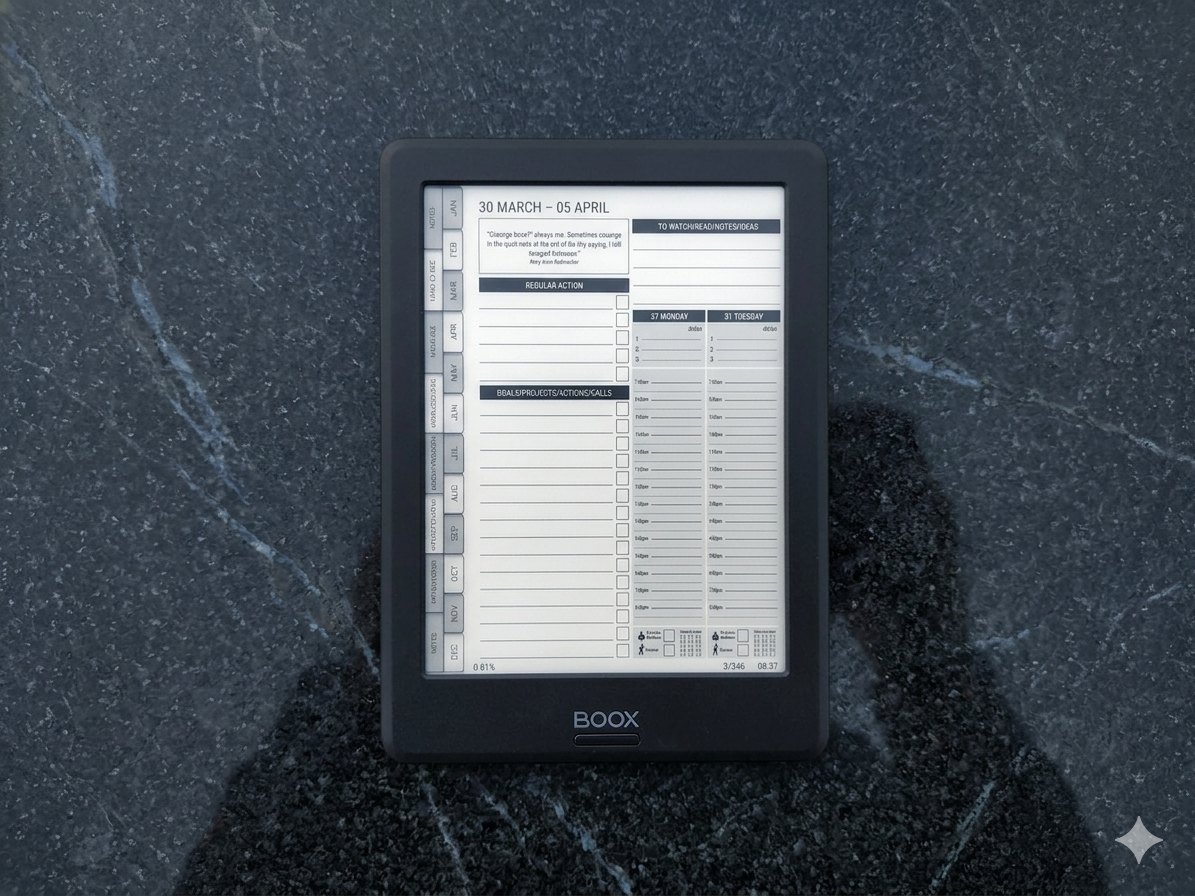
If you’ve bought an Onyx Boox and you’re looking for a planner that actually works on it, you’ve probably already discovered that most digital planners aren’t designed for e-ink devices.
They’re built for iPads. Bright colours, tiny text, layouts that look beautiful on a retina screen but become unreadable on e-ink. Hyperlinks that don’t work properly. Pages that are too cluttered for stylus writing.
Finding the right planner for Onyx Boox means knowing what to look for — and what to avoid. This guide breaks down what makes a good Boox planner, compares the main options, and helps you pick the right one for how you actually work.
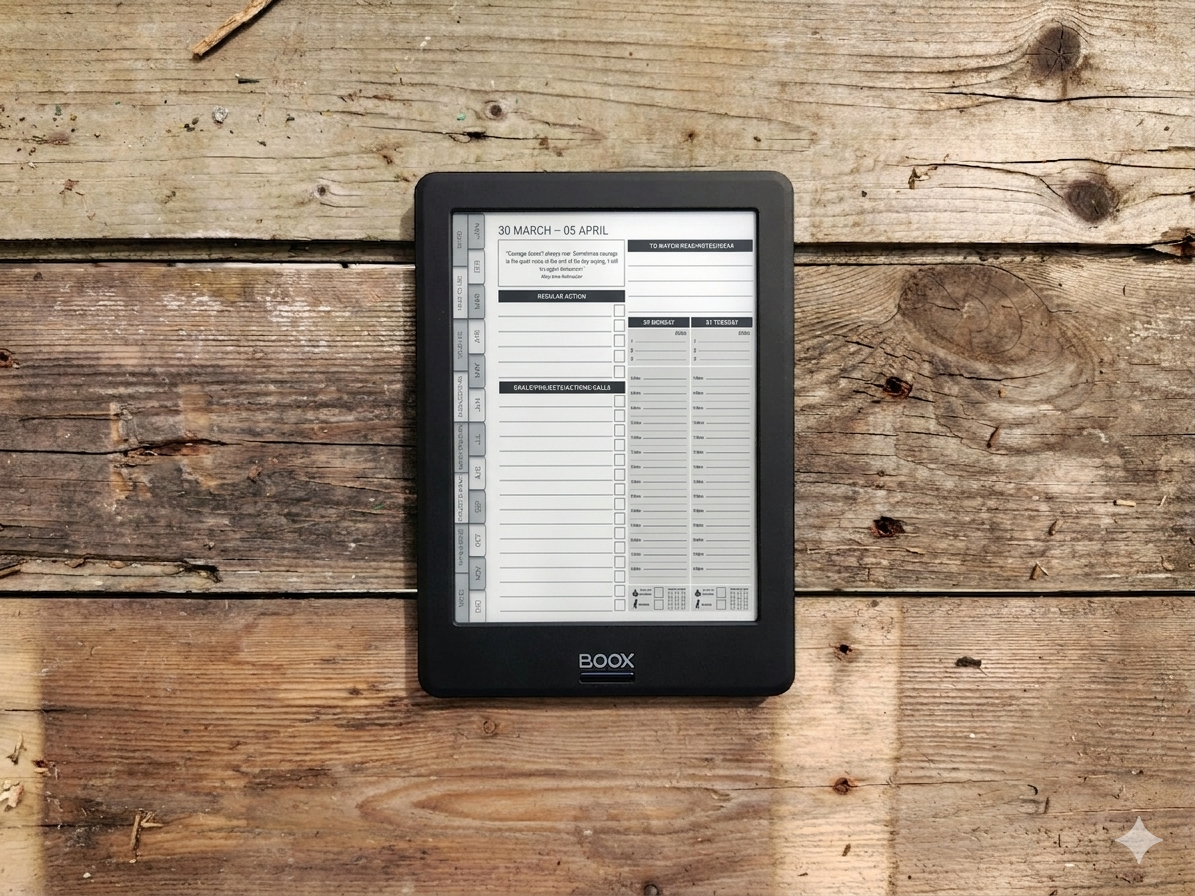
Most people buy an Onyx Boox and use it for reading. Maybe some note-taking. But they never turn it into what it could be — a focused, distraction-free planning system for running their business.
That’s a missed opportunity. An Onyx Boox is one of the best devices for business planning if you set it up properly. No notifications pulling your attention. No apps competing for your focus. Just you, your stylus, and a clean screen designed for thinking and writing.
This guide shows you how to turn your Onyx Boox into a complete business planning system — from initial setup to a daily and weekly workflow that actually keeps you on track.

Time blocking is the simplest productivity technique that most entrepreneurs know about but few actually use consistently. The concept is straightforward: instead of working from a to-do list and hoping you get to everything, you assign specific tasks to specific times in your day.
That sounds basic, but for entrepreneurs — who typically juggle client work, marketing, admin, finances, and strategy all in the same day — it is transformative. Time blocking turns a chaotic day of reactive task-switching into a structured day where your most important work gets protected time.
If you have ever ended a week feeling like you were busy every day but did not actually accomplish anything meaningful, why you feel busy but not productive explains the psychology behind that feeling, and time blocking is the primary solution.
What is time blocking?
Time blocking means dividing your day into blocks of time, each dedicated to a specific task or type of work. Instead of a to-do list that says "write blog post, reply to emails, update accounts, call supplier," your calendar says:

Best Business Planners for 2026: Compared and Reviewed
If you are running a small business, a good planner is not a luxury — it is an operational tool. The right business planner helps you set goals, manage projects, plan your week, and track whether you are actually making progress or just staying busy.
But with hundreds of planners on the market, choosing one can feel overwhelming. Most are designed for general productivity or personal life management, and they miss the things business owners actually need: project planning, financial tracking, client management, and a system that connects your big-picture goals to what you do each day.

You set goals at the start of the year with real intention. By February, they're buried under emails, client requests, and whatever felt urgent that morning. Sound familiar?
The problem isn't discipline. It's systems. Without a daily mechanism to reconnect you with your goals, they fade into the background. Here's how to build a system that keeps them front and centre.
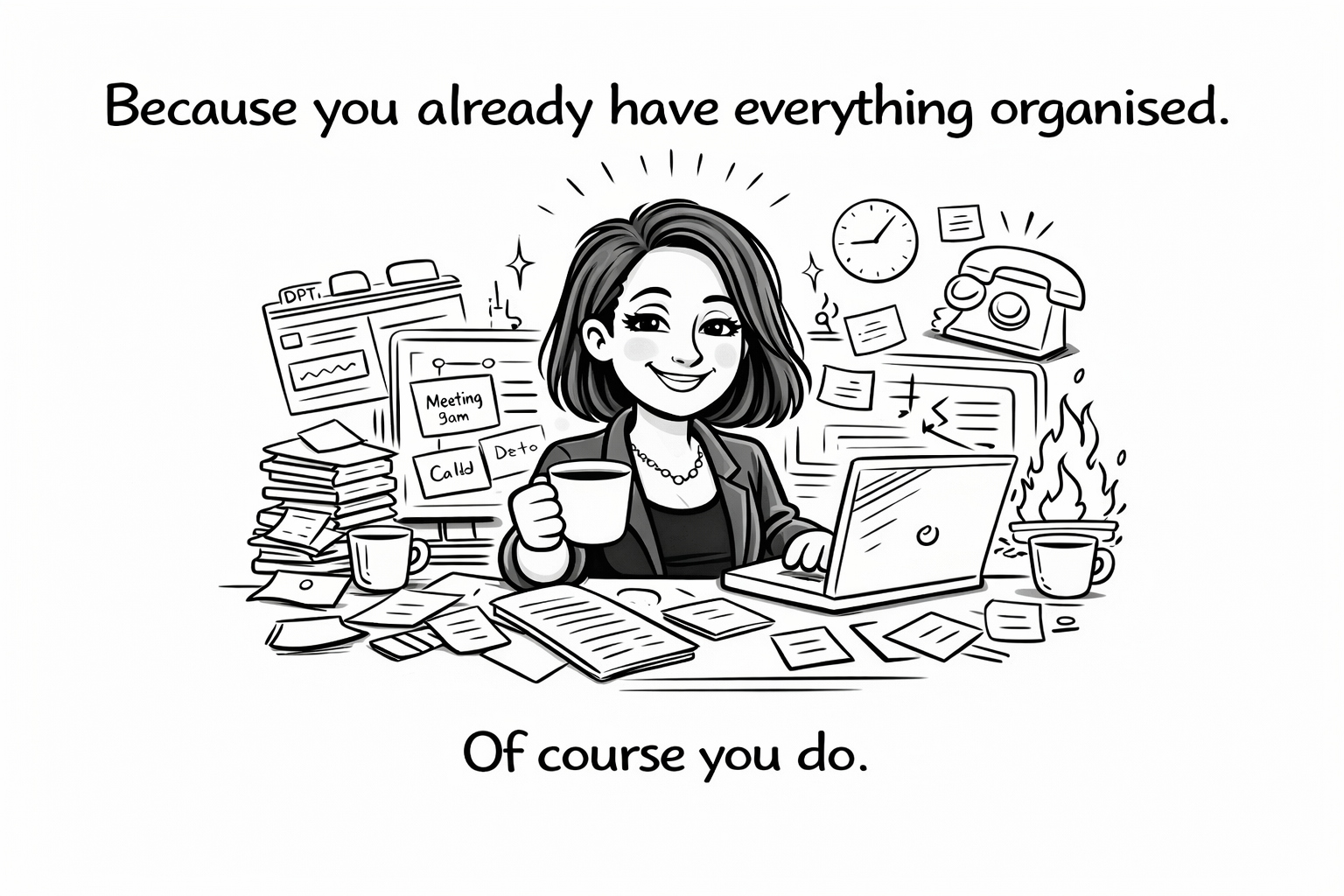
There is a lot of advice online about organising your business.
Systems. Dashboards. Workflows. Tools.
But honestly, it is not for everyone.
Some people genuinely prefer a more spontaneous way of running things.
So before you rush into building systems, here are six reasons your business probably does not need to be more organised.

If you are starting a business and you feel like you are guessing, this is for you.
Most people do not fail because they are not capable. They fail because they do not have a simple system that tells them what to do first, and what matters next. They bounce between ideas, overthink the details, and never build consistent momentum.
This is the 5-step operating system I use to take a business from idea to launch, in a way that feels clear and repeatable.
The simple timeline
You can do Steps 1 to 3 in a weekend, then launch within 7 to 14 days.
You do not need everything perfect. You need a clear path and consistent action.

If you’re a founder, this will sound familiar.
You work all week.
You’re constantly thinking ahead.
You solve problems other people don’t even notice.
And yet, by Friday, there’s a quiet feeling that you didn’t do enough.
That guilt is confusing, because you weren’t lazy. You didn’t waste time. You worked nonstop.
So why does it still feel like you’re behind?

If you’re running a small business, these are the mistakes that quietly cost the most money, time, and momentum.
Most small businesses don’t fail because of one big error.
They struggle because small, common mistakes compound over time.
This guide breaks down 30 of the most common small business mistakes, explains why they happen, and shows how to fix them in practical, realistic ways.
Why Small Businesses Fail (Quietly)
Many business owners work hard, care deeply, and still feel stuck.
The problem is rarely effort. It’s usually lack of clarity around money, priorities, and systems.
These mistakes are common because they feel reasonable in the moment.
They only become painful later.

(And That’s Why Getting Things Done Is Hard)
If you are a founder, there is a good chance you have never really switched your brain off.
You spot problems early. You see opportunities everywhere. You have ideas at inconvenient moments. You care about details other people do not even notice.
You pivot. You take risks. You stay motivated when it makes no sense. You obsess over things most people would ignore.
This is not personality. It is how founders are wired.
And while this wiring is the reason businesses get built, it also creates a very real problem.
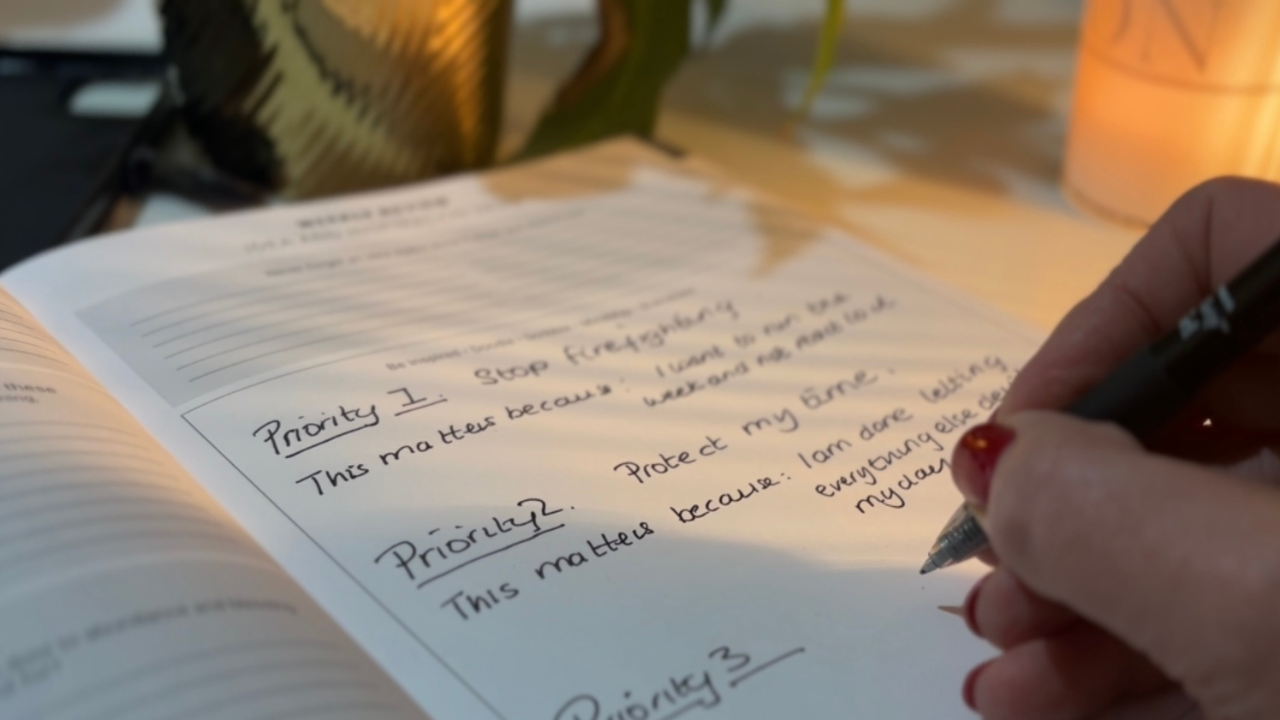
January is supposed to feel like a fresh start.
New goals. New energy. A clear plan for the year ahead.
But for a lot of people, by mid January, that plan already feels heavy.
Not inspiring.
Not motivating.
Just… pressure.

If you feel busy but not effective in your business, the problem usually isn’t effort. t’s direction.
Many small business owners spend their time reacting instead of building. They jump between platforms, ideas, and priorities, hoping something will finally click. It rarely does.
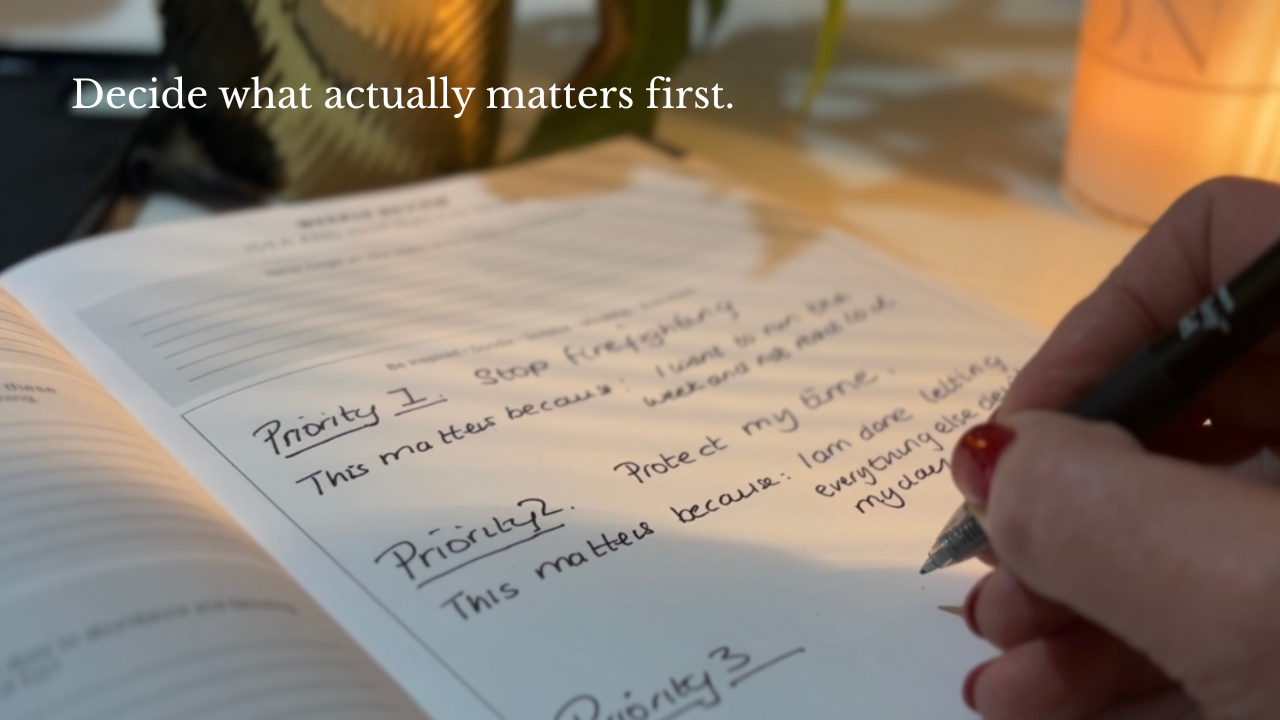
January has a way of making people rush.
New goals. New habits. Big plans. Fresh starts. And within days, the year already feels heavy.
Not because you are doing anything wrong, but because January pressure convinces people that everything needs fixing at once.
The result is usually the same. An overloaded plan, unrealistic expectations, and by March, a quiet sense of falling behind.
But here’s the truth most people miss.
You do not need to rush at the beginning of the year. You need to be strategic and intentional.
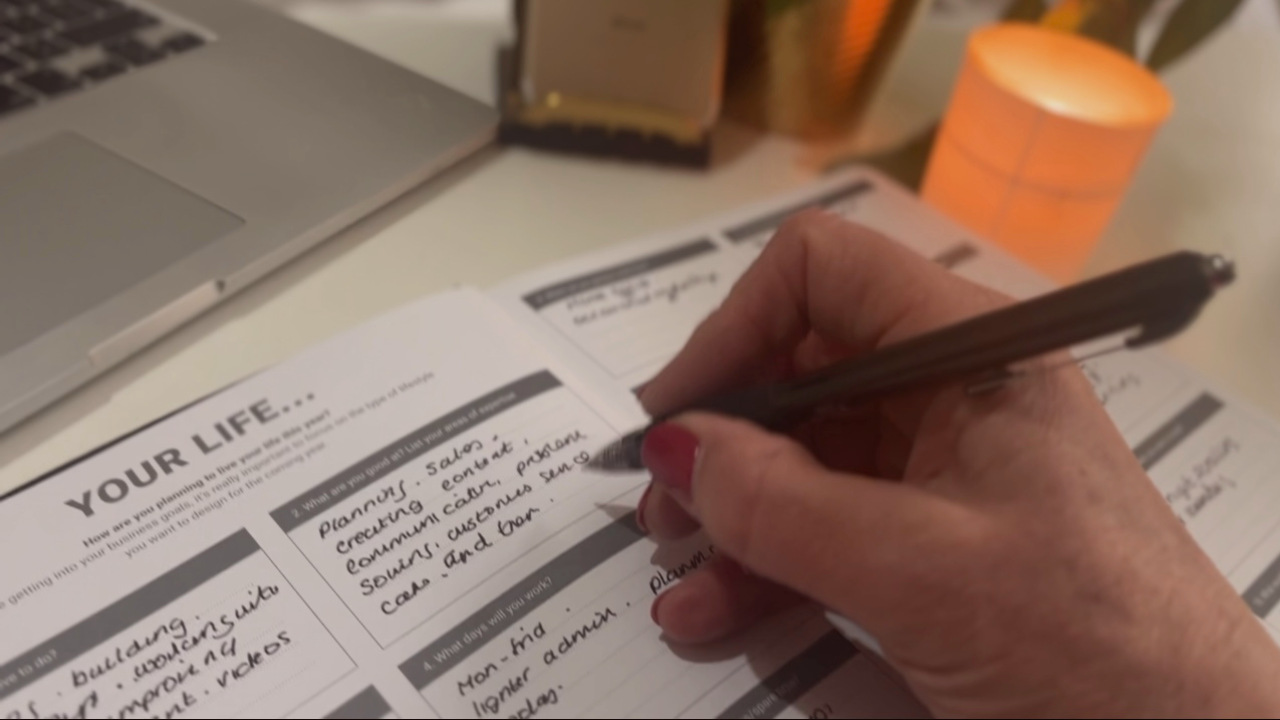
Most people don’t fail at goals.
They fail at designing the days those goals have to live inside.
That’s why January plans often collapse by February.
Not because you are lazy.
Not because you lack willpower.
But because the plan doesn’t match the life.
And life always wins.
The Truth About a “Better Year”

Planning a new year can feel heavy, especially when you are running a business and juggling everything else life brings with it. Most people do not struggle because they are lazy or unmotivated. They struggle because they are carrying too many decisions in their head with no clear system to hold them.
That is exactly why planning on paper still works so well. A printed planner gives you space to think, a clear overview of your time, and a simple structure you can return to every day. It helps you make decisions once, write them down, and stop rethinking everything all week.
In this guide and video, I will walk you through a realistic step-by-step way to plan your entire 2026 using a printed planner, so you can move into the year with direction, structure, and a plan you can actually stick to.
If you want to plan on paper with a clear system, you can use a [printed business planner] that is designed to take you from yearly direction to monthly planning, weekly priorities, and daily focus.
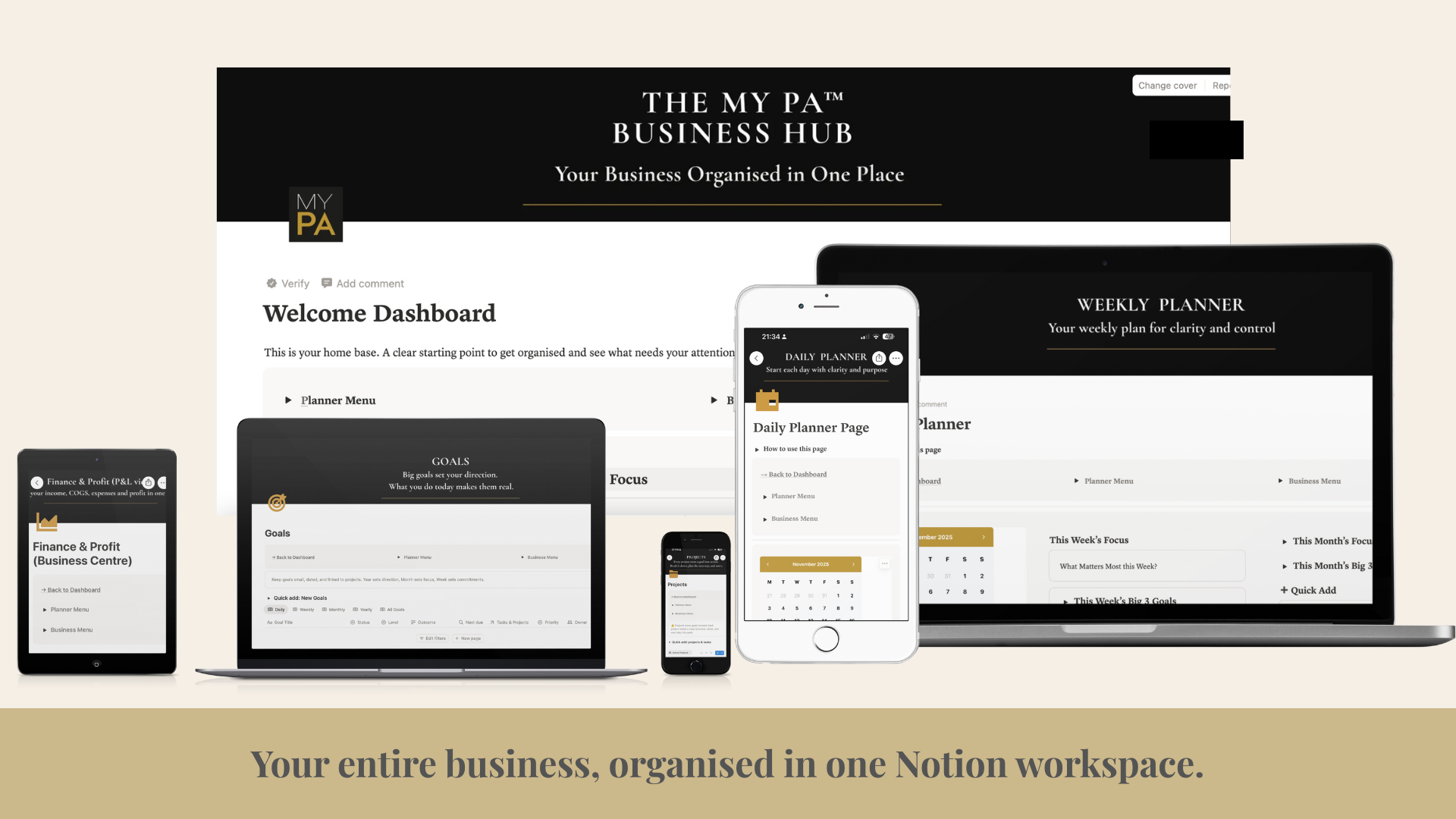
Running a business means juggling ideas, tasks, clients, finances, and plans, often all in your head. Notion can be a powerful tool for organising your business, but only if it’s set up in a way that actually supports how you work.
This guide explains how to use Notion for business in a simple, practical way, without overcomplicating things or turning it into another system you never check.
Why Use Notion for Business?
Notion works well for business because it brings everything into one place. Instead of using separate tools for planning, notes, projects, and tracking, Notion lets you connect everything together.
Used properly, Notion can help you:
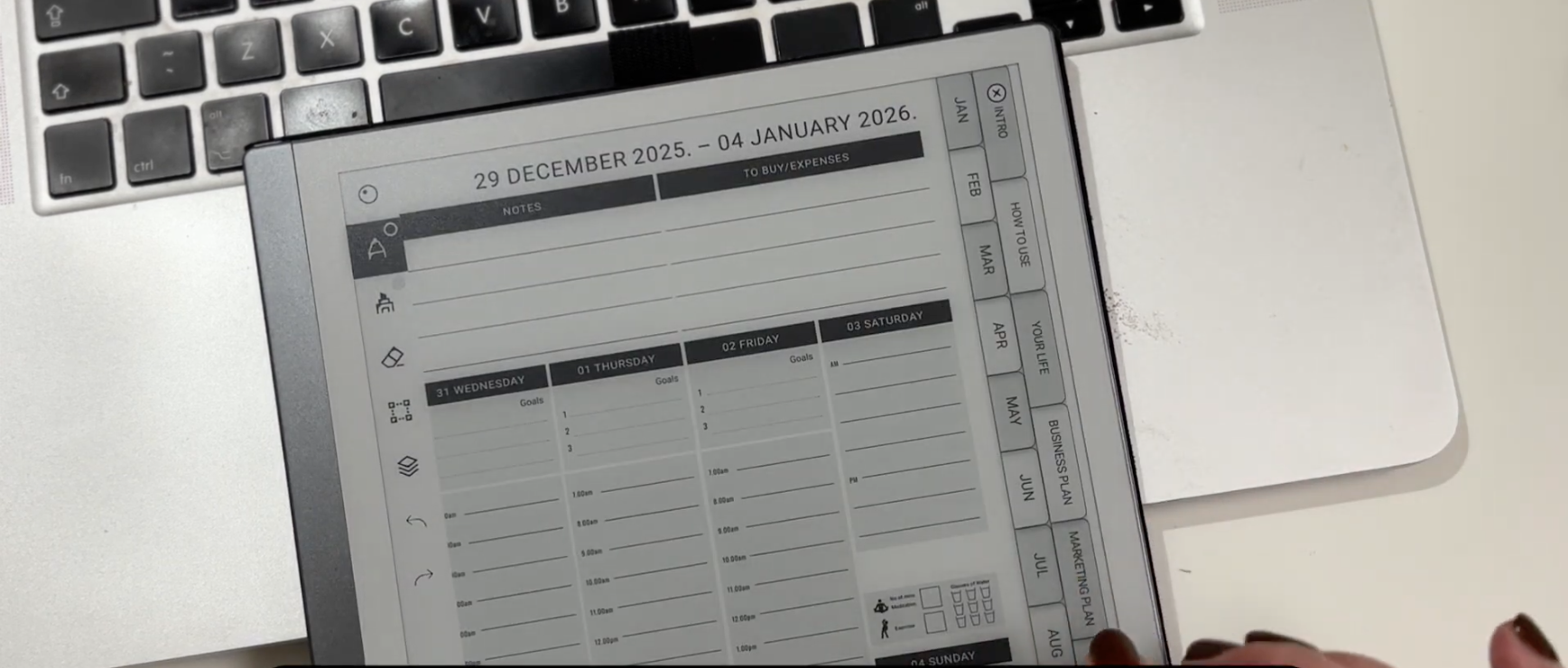
reMarkable 2 and reMarkable Paper Pro are designed for people who think better when they write things down. They remove distractions and give you space to plan, think, and focus.
But once you move beyond basic note-taking, many people run into the same issue. They have lots of notes, ideas scattered across notebooks, and no clear structure for their days or weeks.
Planning on reMarkable works best when you use a clear, repeatable planning system, rather than starting from blank pages every time.
Some people choose to use a structured digital planner PDF, such as the MY PA planner, which is designed to work well on paper-like tablets including reMarkable 2 and reMarkable Paper Pro.

Most small business owners aren’t short on ideas.
They’re short on structure.
And when everything lives in your head, the year disappears into firefighting, constant context switching and always “catching up”. The businesses that grow consistently have one thing most others don’t…
a real system.
If you want to plan your best 2026, you need more than a pretty dashboard or a list of resolutions. You need a workspace that holds your vision, your business plan, your projects, your finances, your regular actions and your weekly rhythm all in one place.
That’s exactly what the MY PA Business Hub was built for.
In this walkthrough we’ll look at how to set up your full 2026 planning system inside Notion, using the exact structure real founders use to bring order to their year.
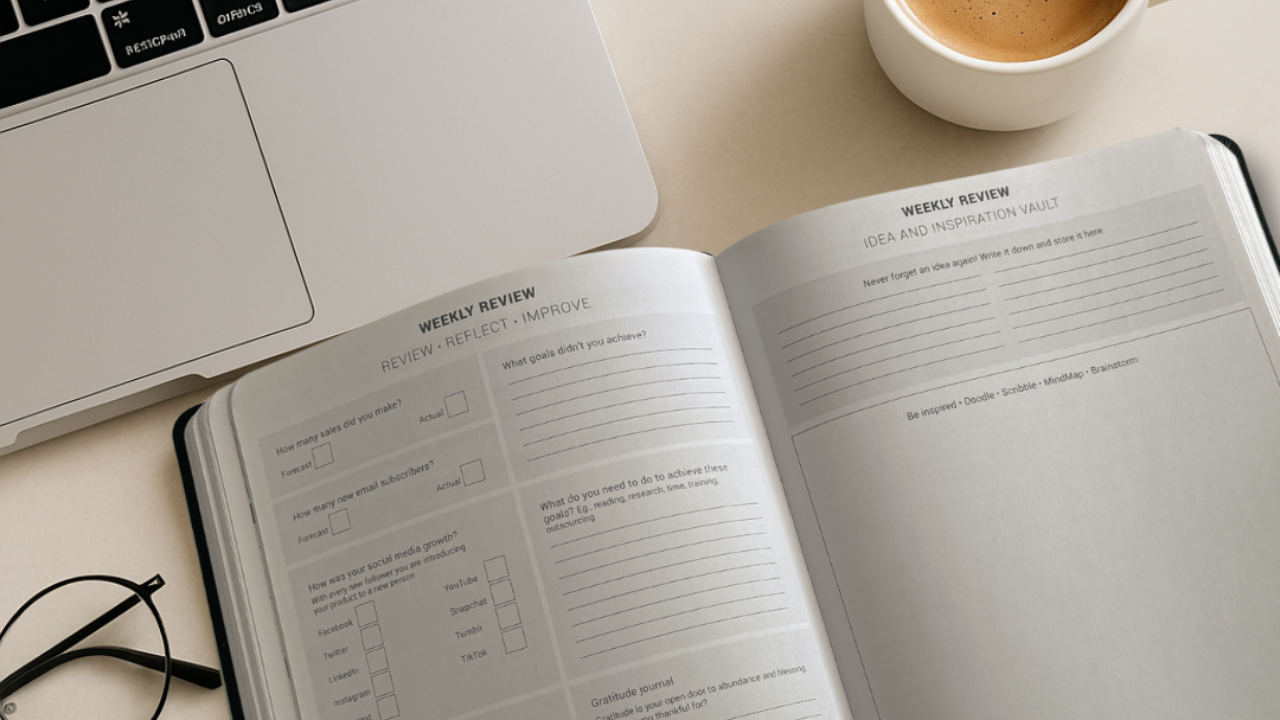
Most small business owners know they should have a business plan. Most of them don’t have one.
Not because they don’t understand why it matters. But because every business plan template they find is either a 40-page corporate document written for investors, or so vague it gives them nothing to work with.
This guide gives you something different: a practical way to write a business plan that is useful to you, the person running the business, plus a free business plan template you can download and complete today.


There is something grounding about opening a fresh planner.
Clean pages. A calm layout. A feeling that you are finally taking control again.
For many people, including me, pen and paper is where clarity happens.
It slows your mind down just enough to think properly.
It cuts out the noise.
It gives your week shape.
This is why MY PA has always been a paper first system.
The physical planner is the core, the anchor, the place you come back to no matter how overwhelmed life gets.
If you’re curious, this is the exact Notion workspace I use myself.

Most small business owners are not struggling because they’re disorganised.
They’re struggling because their business is scattered everywhere.
Projects in one app, content in another, money tracked somewhere else, client notes in a notebook, screenshots saved in your photos, reminders in your head.
It feels heavy because it is heavy.
And no one can run a business with clarity like that.
This post is for the business owners who are doing everything alone and carrying all the mental weight. If it feels messy, slow, or overwhelming, there is nothing wrong with you. You just don’t have a central system holding everything for you.

For the last few months, I have basically been in a cave.
On the outside it looked like “planner season as usual.” Orders going out. Emails coming in. Social posts. Real life.
On the inside, every spare hour was being poured into one question:
How do I take what MY PA does on paper and turn it into a proper business system that lives in Notion.
I thought it would be simple. A few databases. Some views. A nice dashboard.
It wasn't simple.
At several points I seriously considered walking away from it and pretending I never started.
The idea that would not leave me alone
For years, I have watched customers use the MY PA Planner as their weekly control centre. They plan their goals, block their time, review their weeks and actually move things forward.
But there was always this gap.
They were still running the business in their head. Leads. Client work. Invoices. Content. Ideas. To-dos. All in mental tabs.
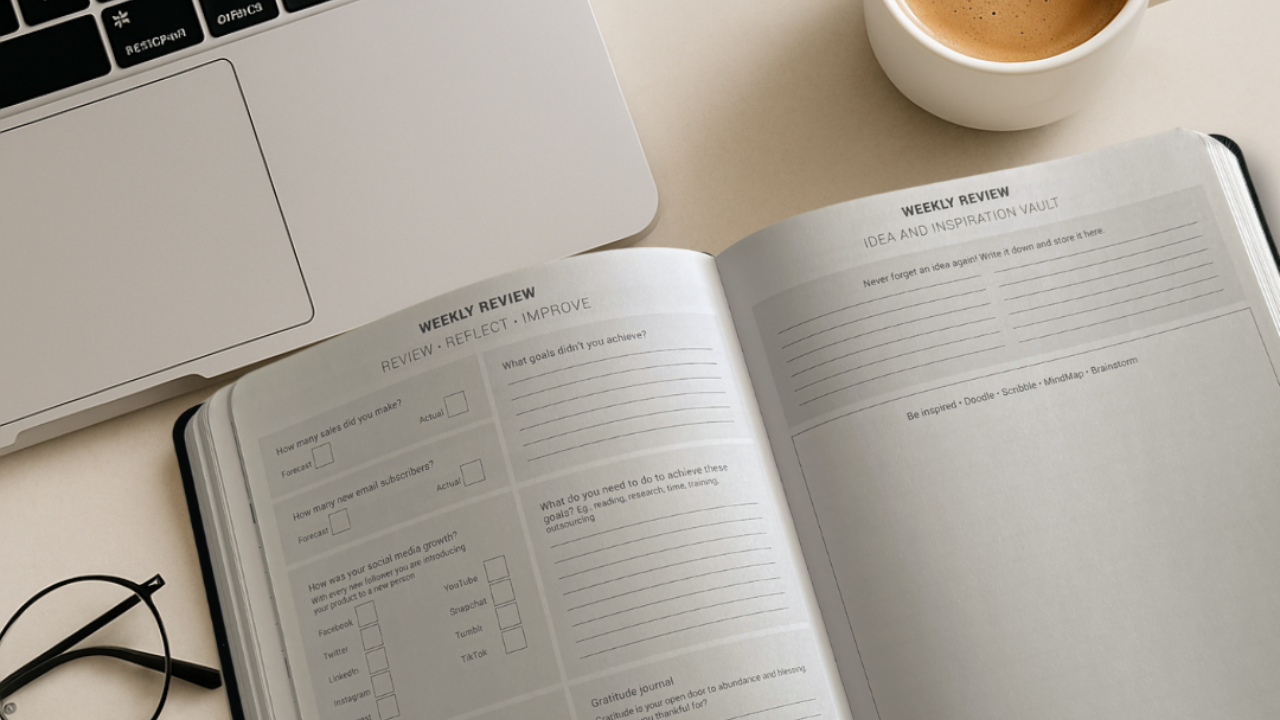
How to Stay Aligned With Your Big Vision Every Month, Week and Day
Most small business owners do one of two things for the new year:
They write a big plan, then never look at it again.
Or they wing it week to week and hope it somehow adds up.
Neither really works.
The truth is, you need both:
A clear big plan for 2026.
A simple way to bring that plan into your months, weeks and days.
Most business owners set goals in January and abandon them by March.
Not because they lack ambition. Not because the goals were wrong. But because the way they set goals almost guarantees failure.
Vague goals with no deadline, no measurement and no plan for what to do when things go wrong are not goals. They are wishes. And wishes do not build businesses.
This guide shows you how to set business goals for 2027 that are specific enough to pursue, measurable enough to track and connected enough to your weekly work that you actually make progress on them every week.