
How to start a business with no money
Planning & Strategy | Productivity & Time | Finance & Cash Flow | Marketing & Sales | Tools & Tech | CEO Mindset | ADHD Planning | How to start a business with no money
You don’t need savings, investors, or a big idea to start a business. You need a skill, a problem to solve, and a willingness to start before you feel ready.
This guide covers everything you need to go from zero budget to your first paying customer — and then build from there. Whether you’re working a full-time job, studying, or simply looking for a way to create something of your own, this is the practical starting point.
Every article in this series is designed to help you take one clear step forward — without spending money you don’t have.
What You’ll Learn in This Guide
This hub brings together a series of focused articles, each covering a specific part of starting a business with no money:
The Complete Guide
How to Start a Business with No Money (Step-by-Step Guide)
The full roadmap — from finding your first idea to getting paying customers to building real structure. Start here.
Find Your Starting Point
Business Ideas You Can Start with No Money
Practical, realistic business ideas you can launch today with nothing but your skills and an internet connection. No fluff, no ‘passive income’ nonsense.
Get Your First Sale
How to Get Your First Customer Without Spending Money
Forget ads and funnels. Here’s how to land your first paying customer using outreach, content, and direct conversations.
Build While You Work
How to Start a Business While Working a 9 to 5
You don’t need to quit your job. You need 1–2 focused hours a day. This article shows you how to build alongside your full-time work without burning out.
Stay the Course
How to Stay Consistent When Starting a Business
Most businesses don’t fail because the idea was bad. They fail because the founder lost momentum. Here’s how to stay consistent when nobody’s watching.
Go Deeper
How to Start a Service Business (Beginner Guide)
Service businesses are the fastest way to earn money with zero upfront cost. This guide walks you through choosing, pricing, and launching your first service.
Related Resources
Once you’ve started, these guides will help you build on your progress:
Ready to Get Organised?
Starting a business is one thing. Staying on track is another. If you want a simple system to plan your goals, map your priorities, and actually follow through — explore the MY PA Business Starter Kit or browse our 2026 Business Planners.

Digital planners have come a long way.
A few years ago a digital planner was a basic PDF you annotated with a stylus. Today the best digital business planners are fully hyperlinked, beautifully designed systems built specifically for e-ink devices and tablets, with tabs, sections and layouts that rival the best physical planners on the market.
But the options have multiplied too. iPad, reMarkable, Kindle Scribe, Onyx Boox, Supernote, GoodNotes, Notability — the number of devices and apps has made choosing the right digital planner genuinely confusing.
This guide cuts through it. We rank the best digital business planners for 2027 by device, explain what makes each one worth using, and help you find the right setup for how you actually work.
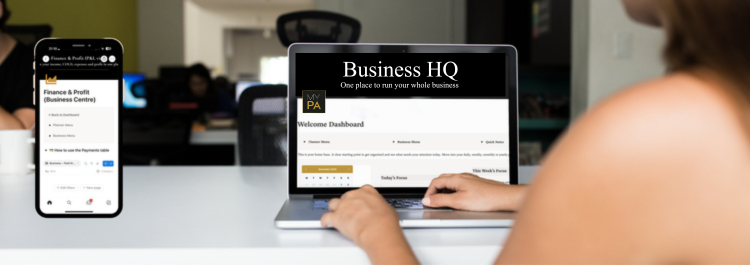
Notion has become one of the most popular tools for small business owners who want to organise their business without paying for ten different apps. But starting from a blank Notion page is overwhelming. That is where templates come in.
A good Notion template gives you a pre-built system you can start using immediately without needing to understand databases, relations or Notion's more complex features. The best ones are built specifically for running a business, not for students, not for personal productivity, and not for large corporate teams.
This guide reviews the best Notion templates for small business owners in 2027, covering what each one does well and who it is best suited to.
A business plan does not need to be a 40 page document written for a bank.
For most small business owners, a good business plan is a clear, honest document that answers the questions that matter: what are you selling, who is buying it, how will you reach them, and will it actually make money.
This guide walks you through every section of a small business plan, explains what to write in each one, and gives you a free template you can use right now.
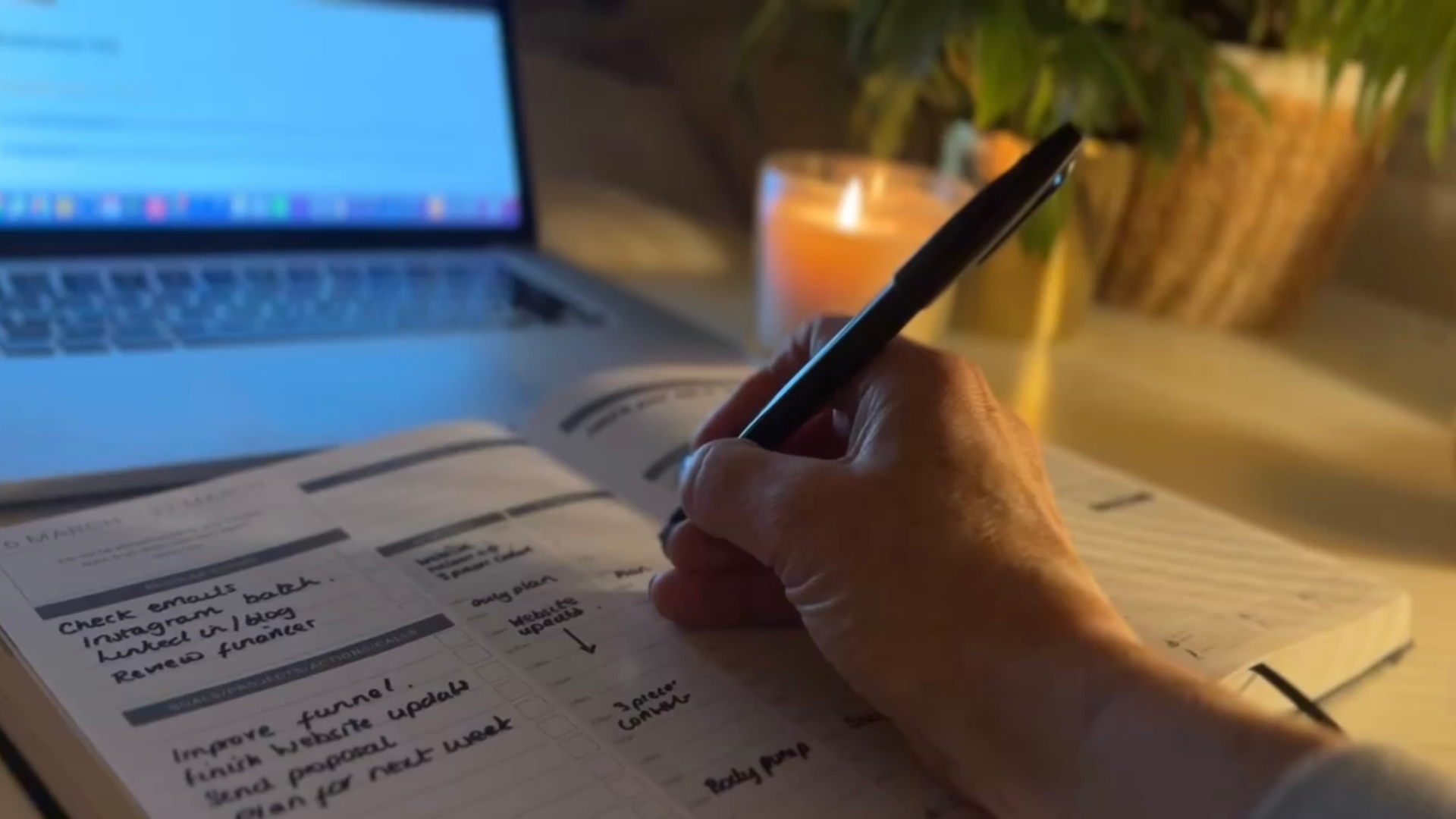
If you run a small business, you already know that a standard diary is not enough.
You need somewhere to set your goals, track your projects, plan your marketing, review your finances, and still manage to plan your week without everything falling through the cracks. A business planner does all of that in one place.
But not all business planners are equal. Some are beautiful but shallow. Some are packed with sections you will never use. Some fall apart by March.
This guide ranks and reviews the best business planners available in the UK for 2027, based on what actually matters for small business owners: structure, usability, durability and whether it helps you grow.
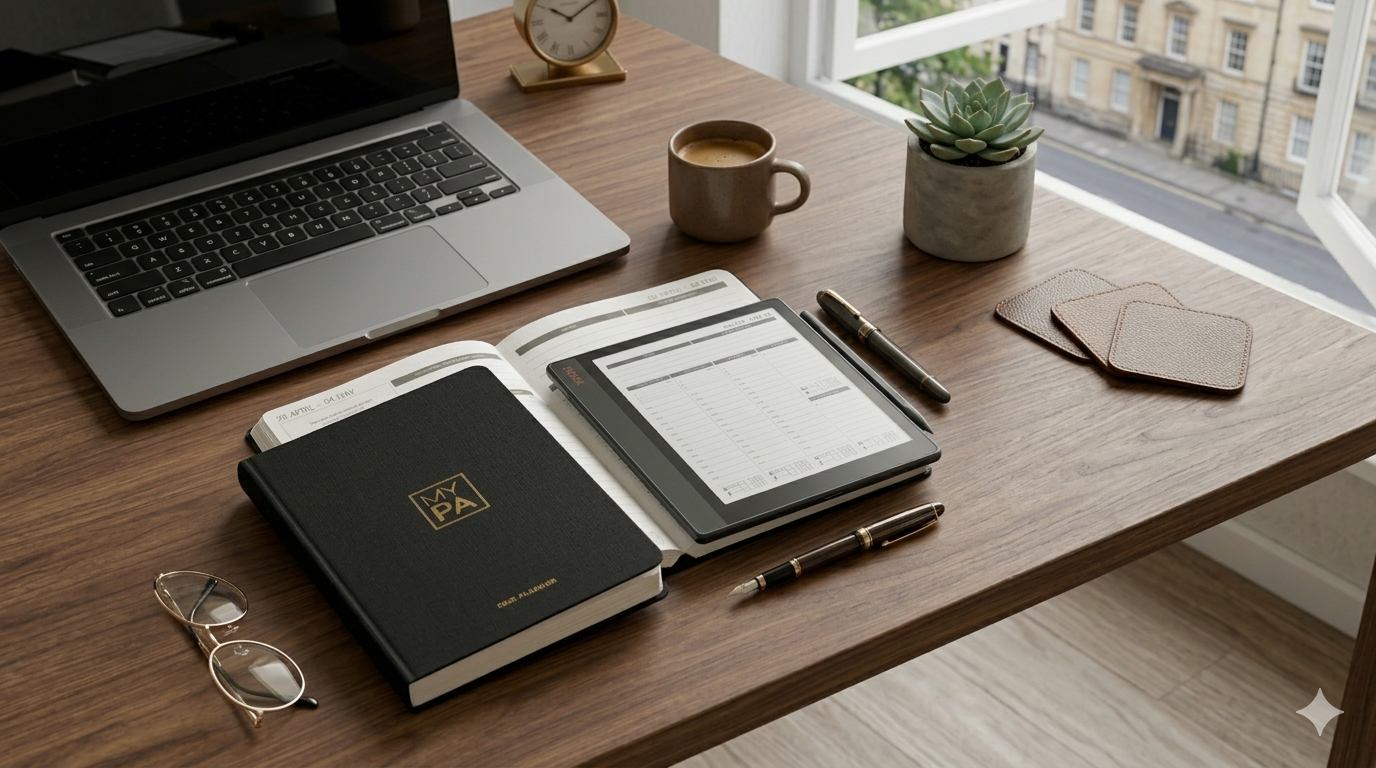
This is one of the most common questions we get asked, and the honest answer is: neither is objectively better. They’re different tools with different strengths, and the right choice depends entirely on how you work.
But that non-answer doesn’t help you decide. So this guide breaks down both options honestly — what each does well, where each falls short, and how to choose based on your actual planning habits, not someone else’s opinion.
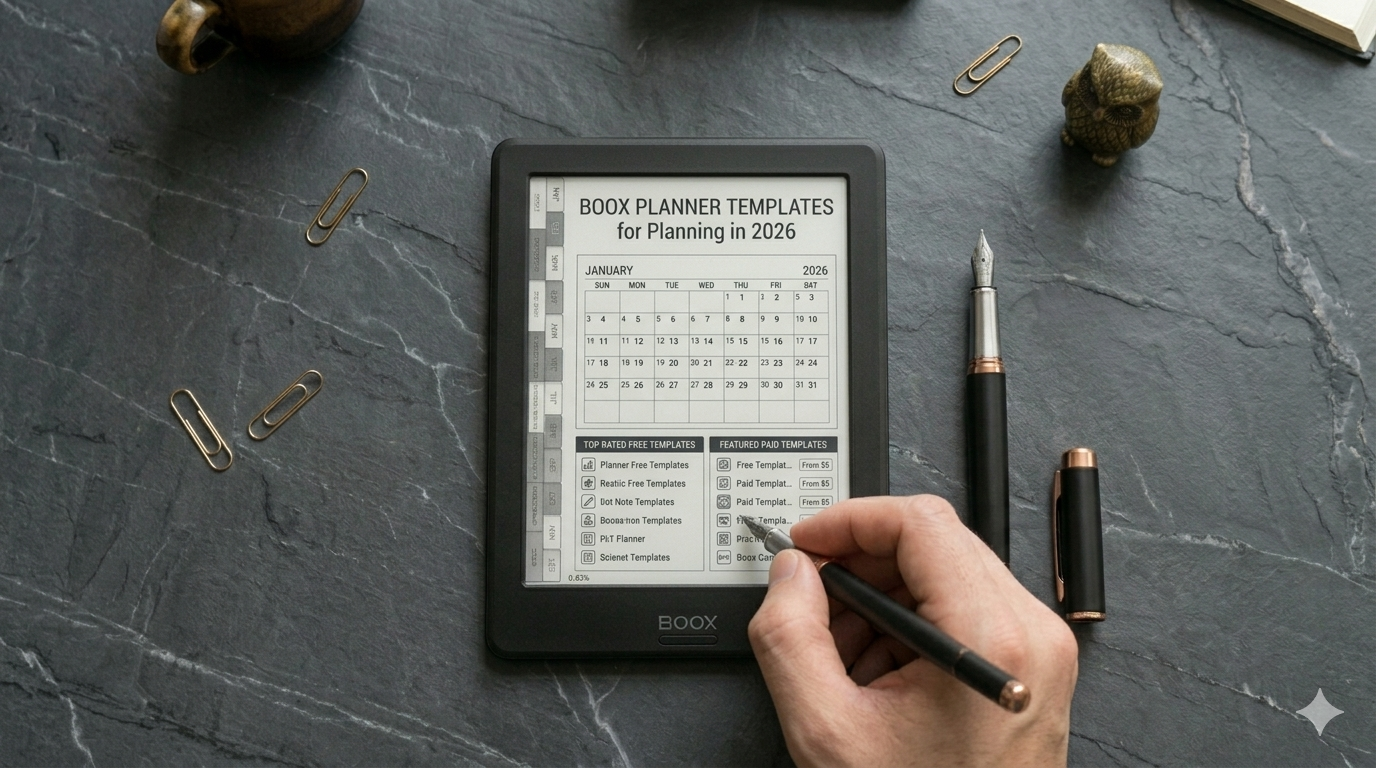
One of the best things about the Onyx Boox is that you can load any PDF template onto it and start writing immediately. But finding templates that actually work well on e-ink — and for serious planning, not just note-taking — takes more effort than you’d expect.
Most templates floating around online are designed for iPads. They use colour-coded sections, tiny text, and layouts that look great on a retina screen but fall apart in greyscale. On an Onyx Boox, you need clean lines, high contrast, and enough writing space for a stylus.
This guide rounds up the best planning templates for Onyx Boox in 2026 — both free and paid — and explains what to look for so you don’t waste time downloading things that don’t work.
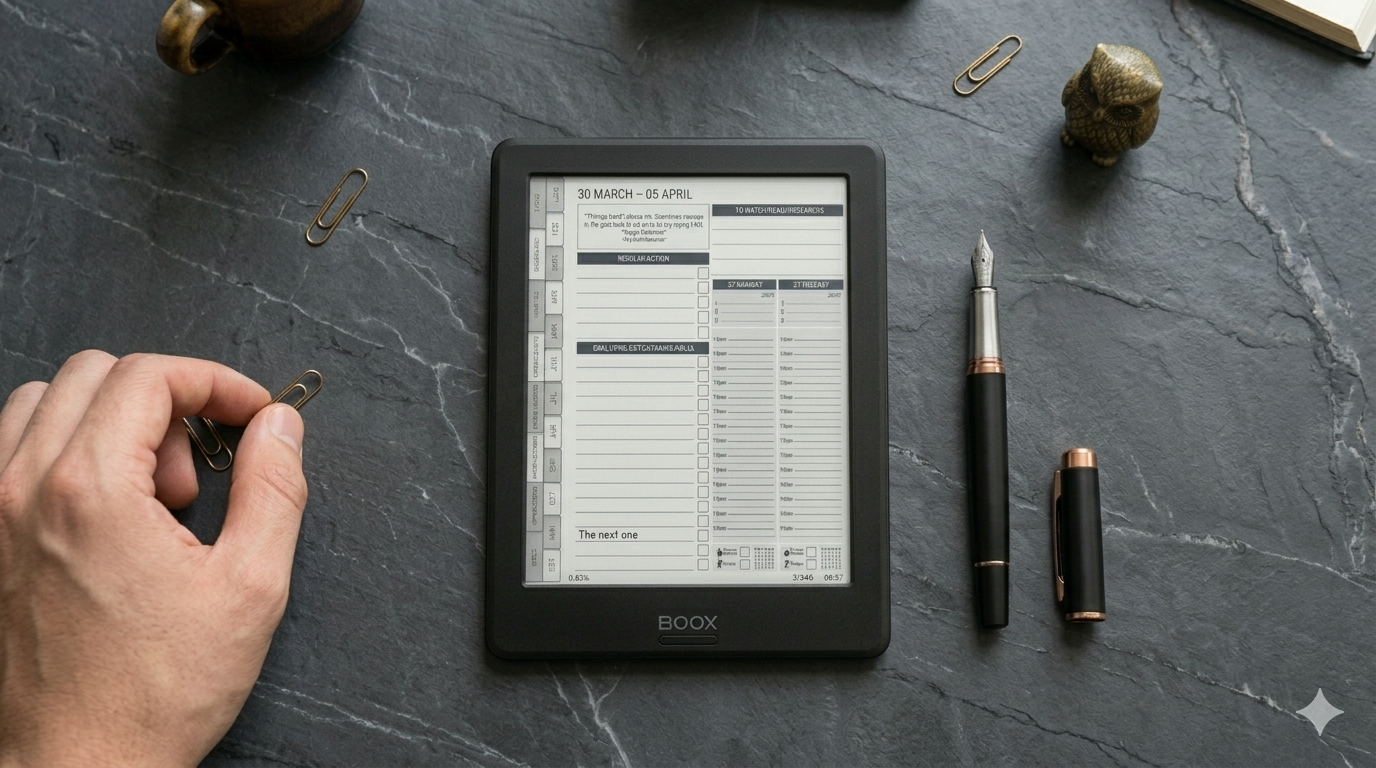
Every Monday morning, before I open my laptop, I pick up my Onyx Boox and spend about 15 minutes planning my week. No apps. No notifications. Just the planner, a stylus, and a clear head.
This is the single habit that keeps my business moving forward. Not a to-do list app. Not a Notion dashboard. A simple weekly planning session on an e-ink screen that forces me to think before I start doing.
Here’s exactly how it works.
Why I Plan on Onyx Boox Instead of My Laptop
I tried planning digitally for years — Notion, Google Calendar, various task apps. They all had the same problem: I’d open my laptop to plan, then get pulled into emails, Slack messages, or a browser tab I’d left open. The planning session would dissolve into reactive work within minutes.

There’s a growing trend of people switching from iPads and laptops to e-ink devices like the Onyx Boox for focused work. The pitch is simple: no distractions, no notifications, just a clean screen for reading, writing, and thinking.
But does it actually make you more productive? Or is it just another gadget that ends up in a drawer after two weeks?
This is an honest review of using Onyx Boox specifically for productivity and business planning — what it does well, where it falls short, and who it’s actually for.
If you’re looking for an e-ink device specifically for planning — not just reading or casual note-taking — you’ve probably narrowed it down to three options: Onyx Boox, Kindle Scribe, and reMarkable 2.
All three have stylus input, e-ink screens, and long battery life. But they’re very different devices when it comes to actually using them as a planning tool. What works for reading a novel doesn’t necessarily work for managing your business week.
This guide compares all three from a planning perspective — not specs and benchmarks, but the things that actually matter when you’re trying to stay organised and get things done.

Here's a thought experiment worth taking seriously.
Imagine you still had your 9 to 5. You're coming home tired, making dinner, doing life. And somewhere in between, you've carved out two hours — maybe 6am before everyone wakes up, maybe 9pm when the house goes quiet — to work on your business.
What would you actually do with those two hours?
Not what you'd want to do. Not what feels productive. What would you actually need to do to keep the thing moving?
I ask because a lot of people running businesses full-time are still acting like they have infinite time. They're doing tasks that feel important — redesigning the website, tweaking their logo, reorganising their folders — and wondering why growth feels slow.
The 2-hour constraint forces clarity. And clarity is exactly what most business owners are missing.

If you want to start a business with no money, a service business is the fastest way to get there.
No stock. No warehouse. No upfront investment. Just a skill, a customer, and the ability to deliver. You get paid for your time and expertise, and you can start earning from week one if you move quickly enough.
This guide walks you through choosing your service, finding your first clients, setting your prices, and building something that can grow — all without spending money you don’t have.

A business plan is a written document that describes what your business does, who it serves, how it makes money, and how you plan to grow it.
But here's the honest truth most business advice glosses over: you don't need a 40-page document with financial projections and market analysis charts to start a business.
What you need is clarity.
Clarity on:
What problem you're solving
Who you're solving it for
How you'll reach them
How you'll make money
What you need to do first
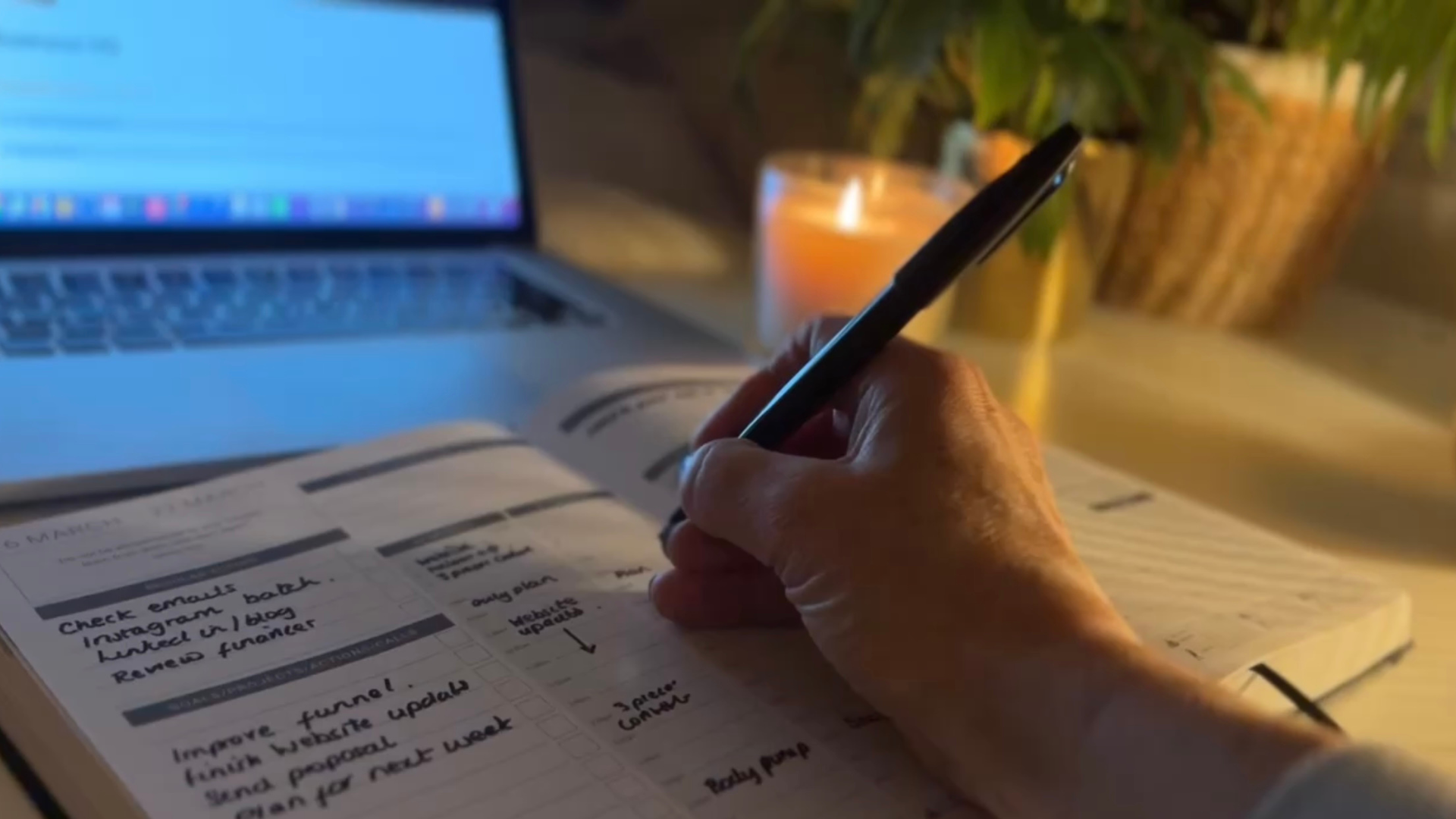
If you've ever Googled "best productivity planner" and ended up more overwhelmed than when you started, you're not alone.
There are hundreds of planners on the market. Most are beautiful. Most are also built for students, not business owners.
This guide cuts through the noise. We've tested and reviewed the best productivity planners specifically for entrepreneurs, freelancers, coaches, and small business owners — people who need a planner that handles real business life, not just to-do lists.
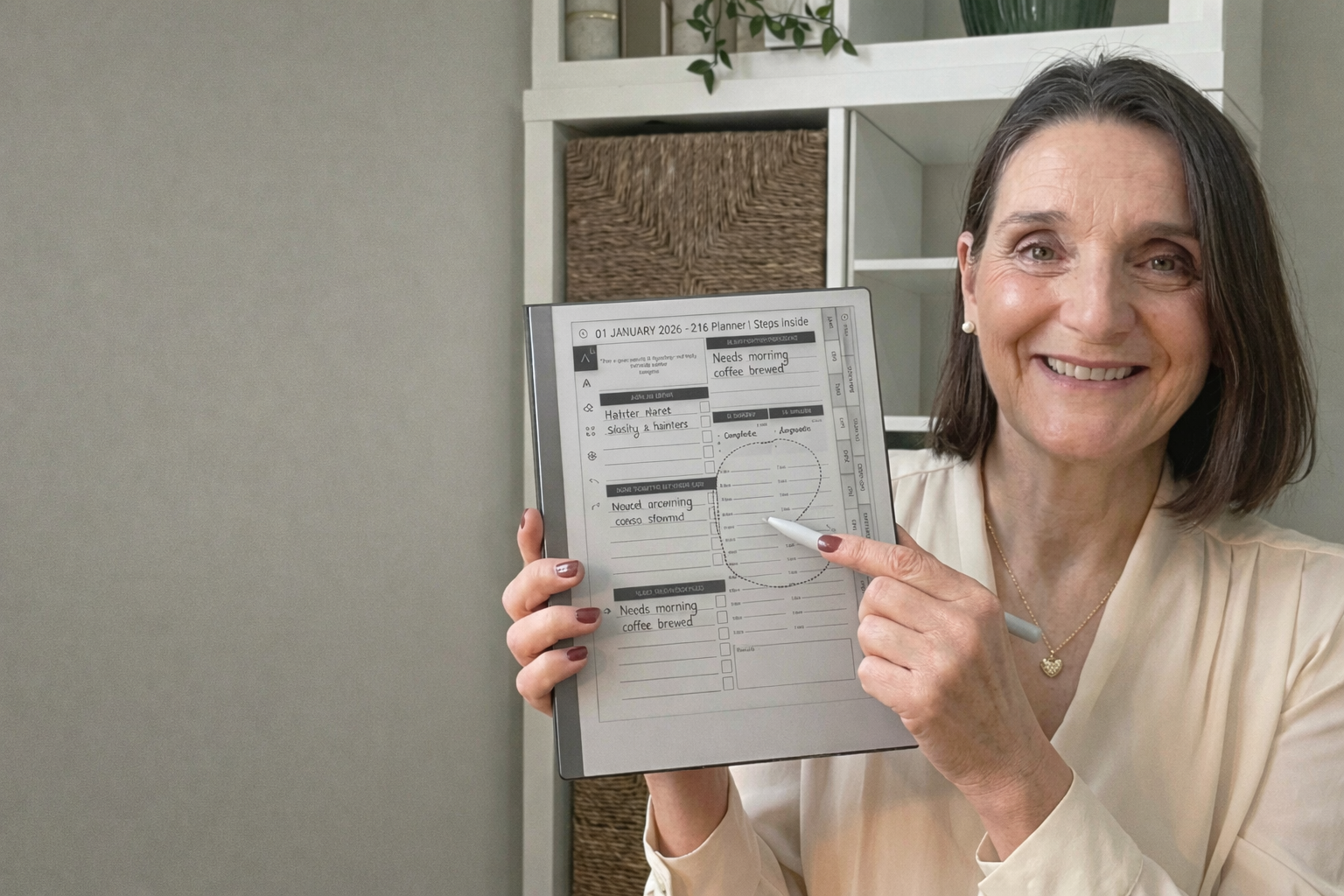
The Remarkable 2 is one of the cleanest, simplest planning devices for entrepreneurs. It removes distractions, feels like paper and gives you a calm space to plan your week, projects and ideas without overwhelm.
If you want to use your MY PA Planner on your Remarkable 2, the good news is that it takes less than a minute to upload. Here is the simplest step-by-step guide to get you set up with the 2026 planner.

Starting a business is exciting. The first few weeks are full of energy, ideas, and momentum. You’re researching, planning, building, and it feels like everything is moving.
Then week four hits. Or week six. Nobody has bought anything. Your content isn’t getting traction. You’re tired from working on this alongside your day job. And that voice in your head starts: “Maybe this isn’t going to work.”
This is where most businesses die. Not because the idea was bad, but because the founder stopped.
This guide is about making sure that doesn’t happen to you. If you’re building from scratch, read this alongside our full guide: How to Start a Business with No Money.
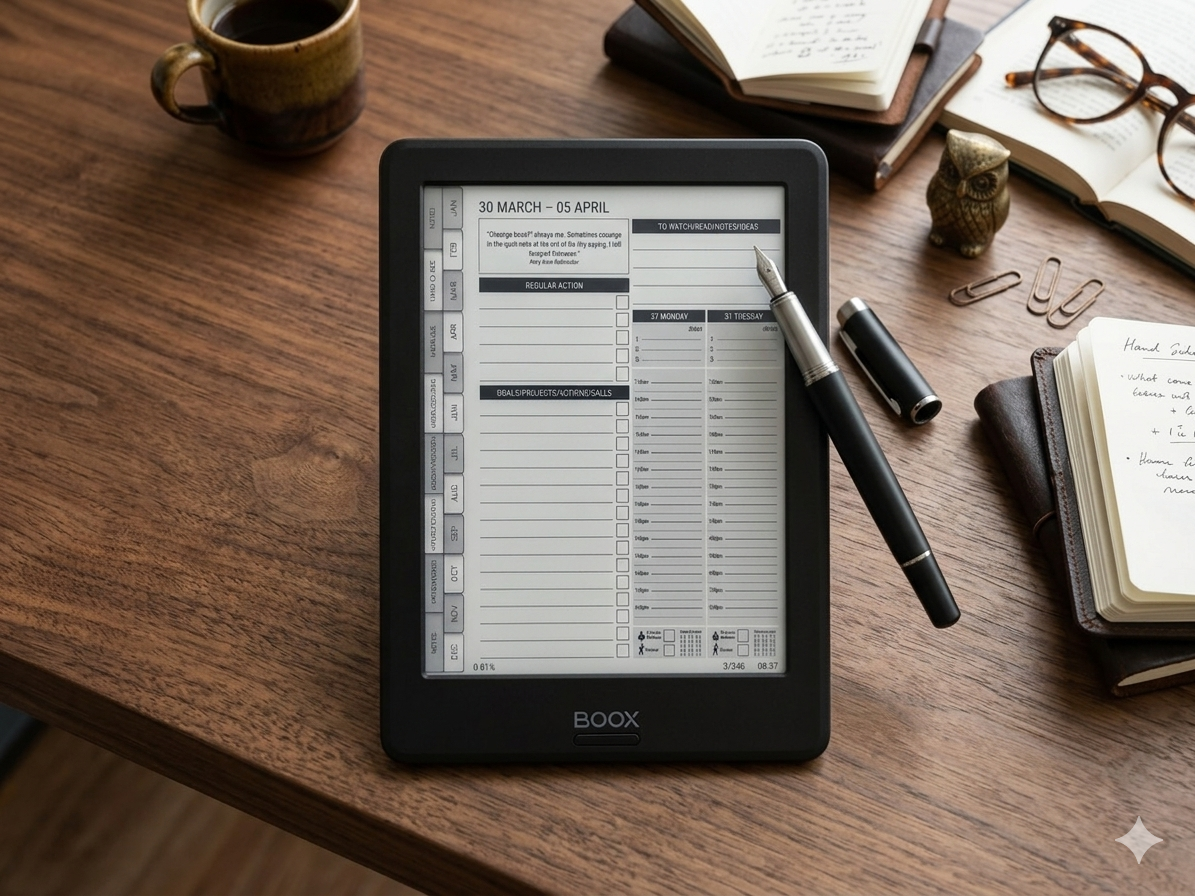
You’ve bought a digital planner for your Onyx Boox. Now you need to get it onto the device and set it up properly so the hyperlinks work, the writing feels right, and you can actually start planning.
This guide walks you through the entire process — from downloading the file to navigating your planner with the stylus. It takes about five minutes, and once it’s done, you’re ready to go.
If you haven’t chosen a planner yet, read our guide on the best planner for Onyx Boox first.
Before You Start

Quitting your job to start a business sounds bold. It also sounds like one of the fastest ways to put yourself under financial pressure and make terrible decisions.
The smarter move? Keep your job. Build alongside it. Let your salary fund your business while you figure out what works, what doesn’t, and whether this thing has legs.
Millions of successful businesses were started exactly this way — evenings, weekends, lunch breaks. You don’t need eight hours a day. You need one or two focused hours, used consistently.
This guide shows you how to build a real business around a full-time job without burning out or staying stuck. If you’re starting from zero, read the full guide first: How to Start a Business with No Money.
Why You Shouldn’t Quit Your Job (Yet)