

Digital Tools & Tech
Explore other categories:
Planning & Strategy | Productivity & Time | Finance & Cash Flow | Marketing & Sales | Tools & Tech | CEO Mindset | ADHD Planning | How to start a business with no money
Discover the digital tools, apps, and platforms that help you streamline your business, save time, and stay organised — even when you’re wearing all the hats.
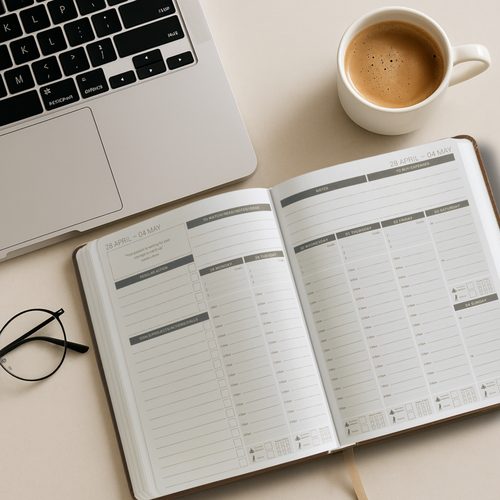

Digital planners have come a long way.
A few years ago a digital planner was a basic PDF you annotated with a stylus. Today the best digital business planners are fully hyperlinked, beautifully designed systems built specifically for e-ink devices and tablets, with tabs, sections and layouts that rival the best physical planners on the market.
But the options have multiplied too. iPad, reMarkable, Kindle Scribe, Onyx Boox, Supernote, GoodNotes, Notability — the number of devices and apps has made choosing the right digital planner genuinely confusing.
This guide cuts through it. We rank the best digital business planners for 2027 by device, explain what makes each one worth using, and help you find the right setup for how you actually work.
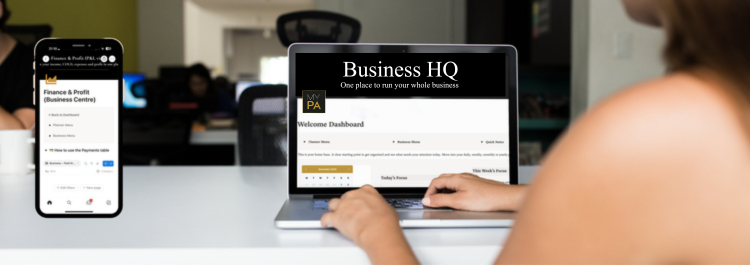
Notion has become one of the most popular tools for small business owners who want to organise their business without paying for ten different apps. But starting from a blank Notion page is overwhelming. That is where templates come in.
A good Notion template gives you a pre-built system you can start using immediately without needing to understand databases, relations or Notion's more complex features. The best ones are built specifically for running a business, not for students, not for personal productivity, and not for large corporate teams.
This guide reviews the best Notion templates for small business owners in 2027, covering what each one does well and who it is best suited to.
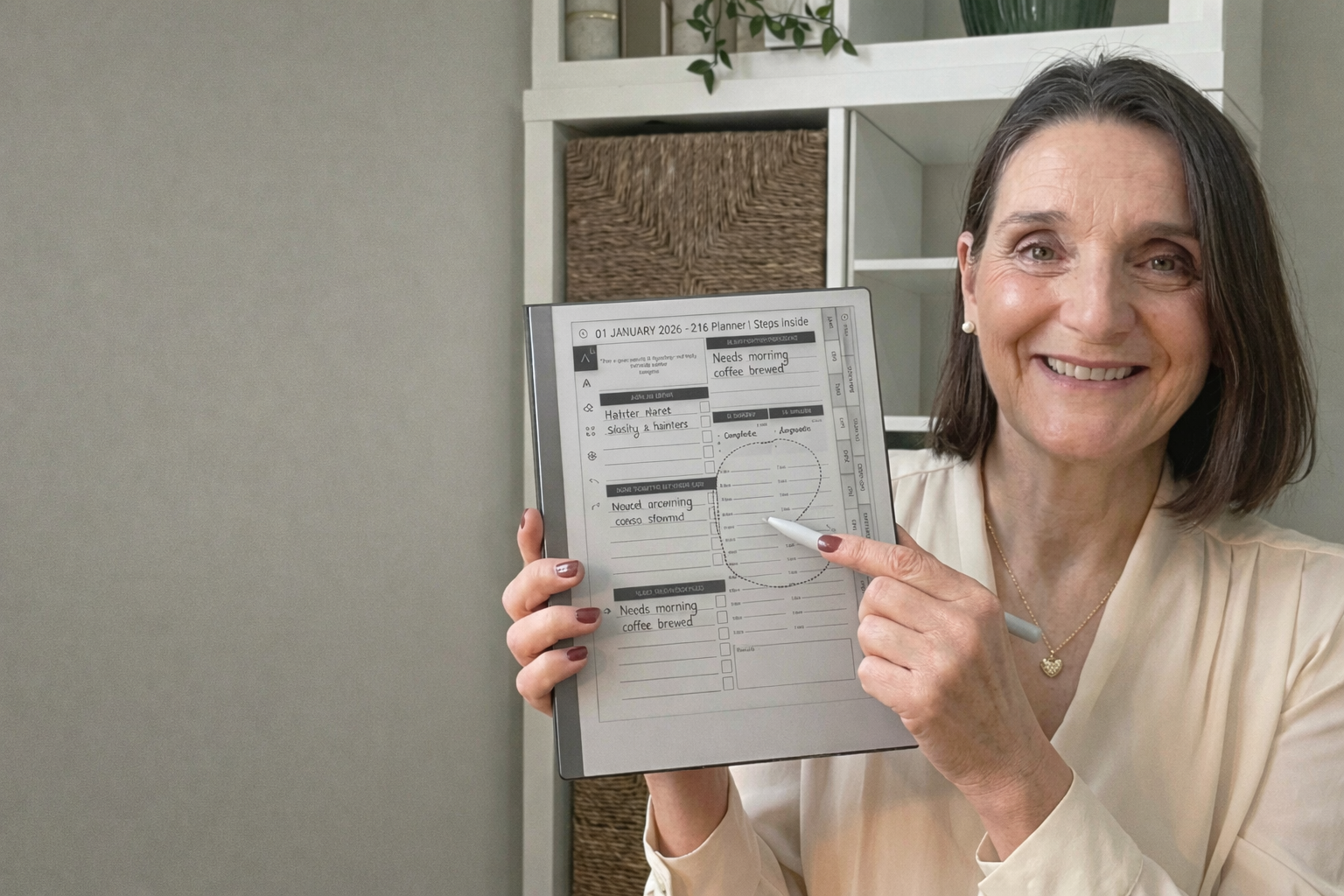
The Remarkable 2 is one of the cleanest, simplest planning devices for entrepreneurs. It removes distractions, feels like paper and gives you a calm space to plan your week, projects and ideas without overwhelm.
If you want to use your MY PA Planner on your Remarkable 2, the good news is that it takes less than a minute to upload. Here is the simplest step-by-step guide to get you set up with the 2026 planner.
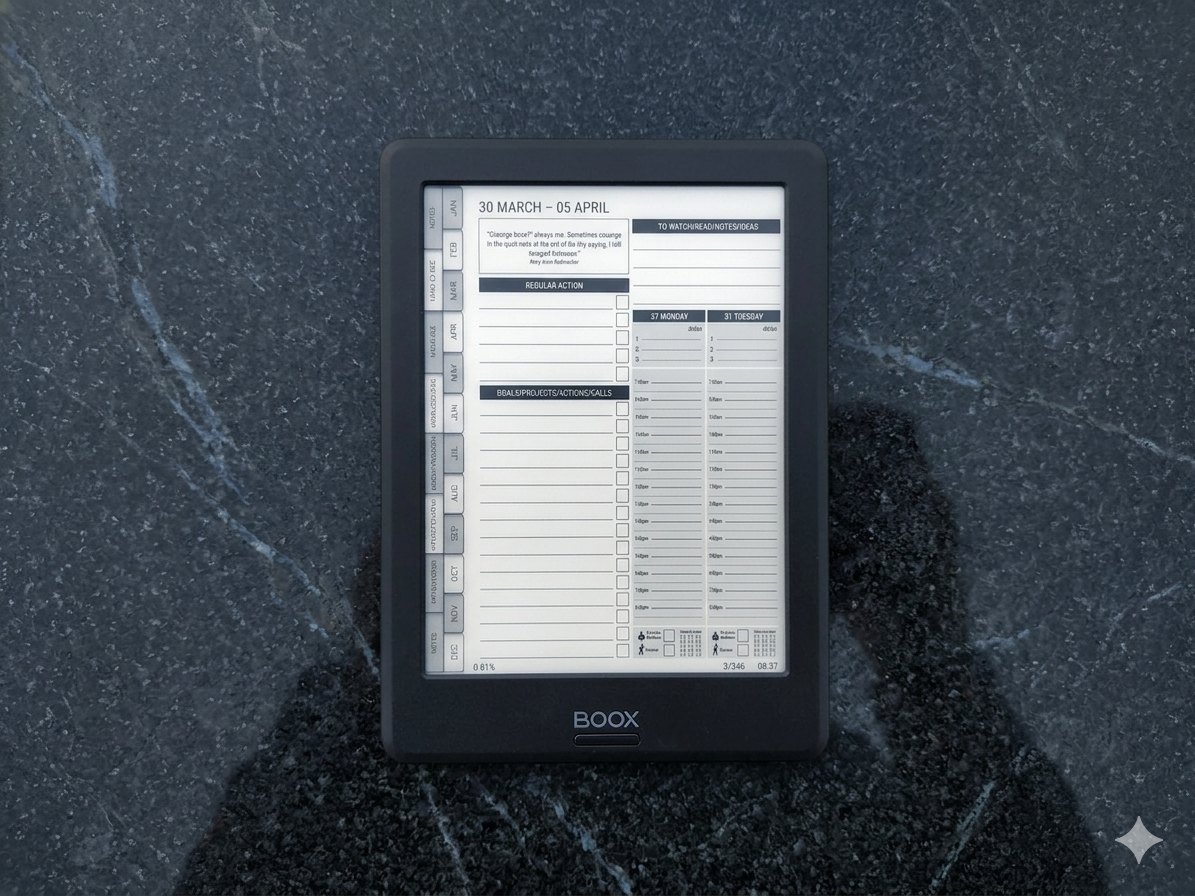
If you’ve bought an Onyx Boox and you’re looking for a planner that actually works on it, you’ve probably already discovered that most digital planners aren’t designed for e-ink devices.
They’re built for iPads. Bright colours, tiny text, layouts that look beautiful on a retina screen but become unreadable on e-ink. Hyperlinks that don’t work properly. Pages that are too cluttered for stylus writing.
Finding the right planner for Onyx Boox means knowing what to look for — and what to avoid. This guide breaks down what makes a good Boox planner, compares the main options, and helps you pick the right one for how you actually work.
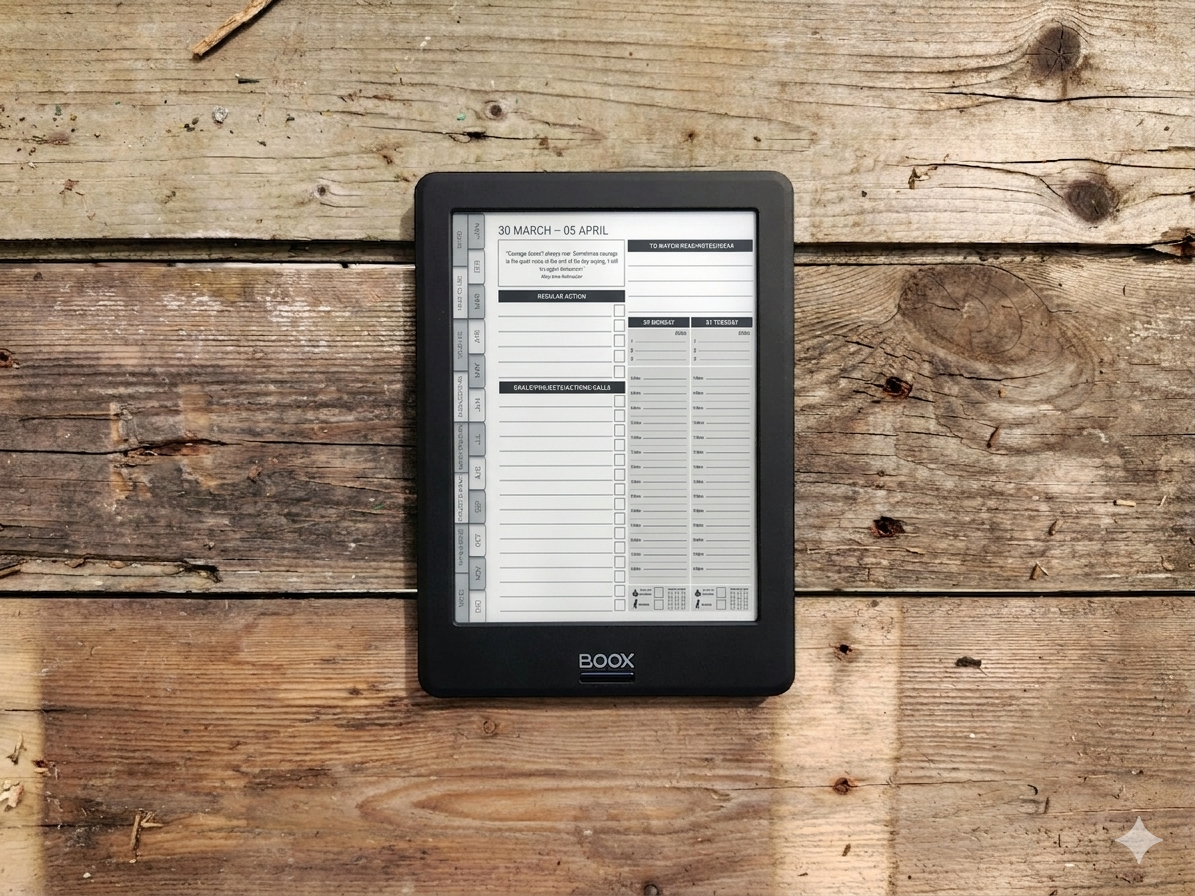
Most people buy an Onyx Boox and use it for reading. Maybe some note-taking. But they never turn it into what it could be — a focused, distraction-free planning system for running their business.
That’s a missed opportunity. An Onyx Boox is one of the best devices for business planning if you set it up properly. No notifications pulling your attention. No apps competing for your focus. Just you, your stylus, and a clean screen designed for thinking and writing.
This guide shows you how to turn your Onyx Boox into a complete business planning system — from initial setup to a daily and weekly workflow that actually keeps you on track.

You worked all day.
Replied to messages. Updated a spreadsheet. Bounced between three apps. Wrote half a plan. Chased an invoice. Started something you forgot to finish yesterday.
And at the end of it?
You couldn't tell someone what you actually moved forward.
That's not a work ethic problem. That's a systems problem.
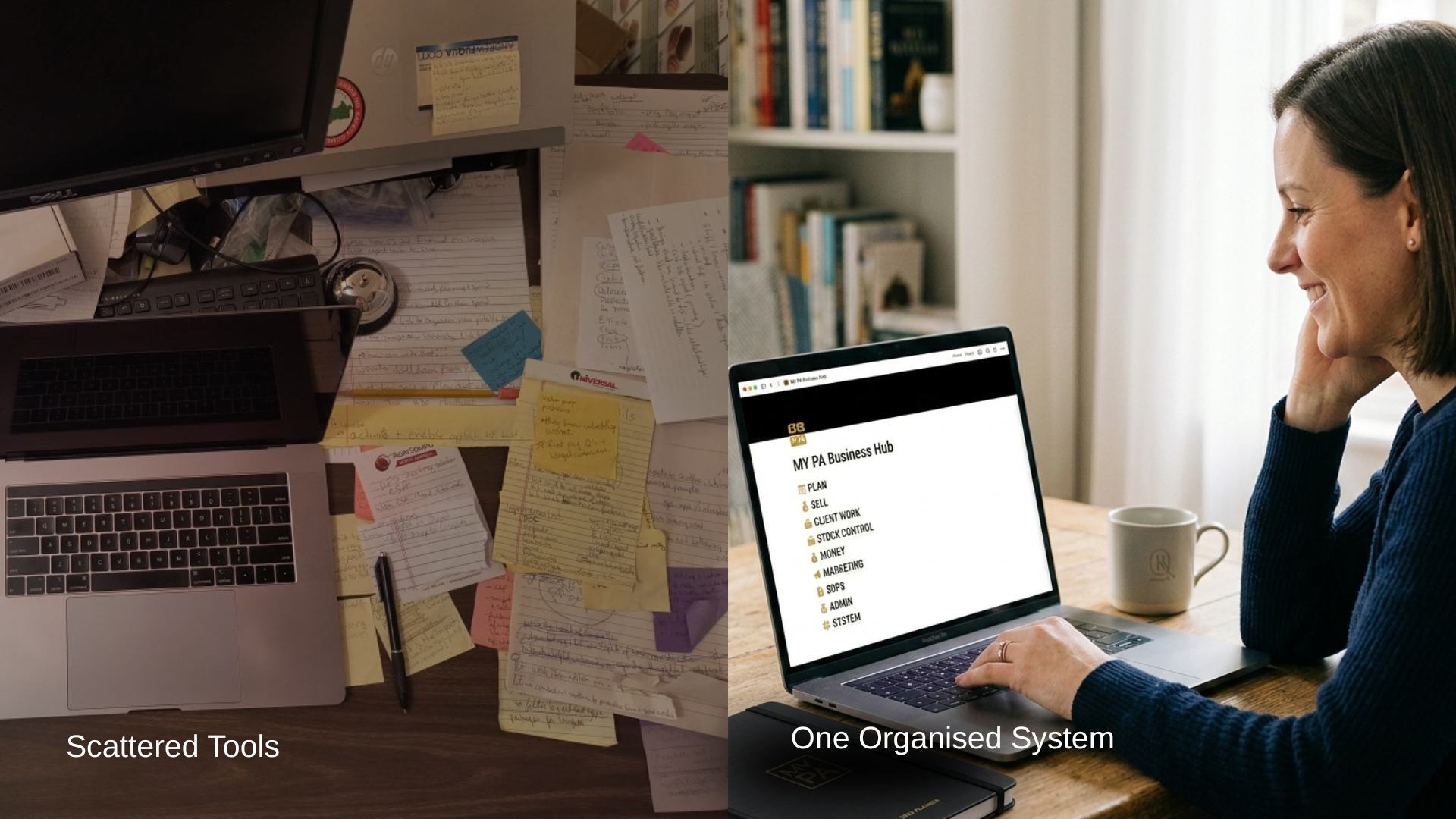
The other day I posted a poll asking founders how they currently run their businesses.
About 50% said they’re using a mix of apps and tools, kind of making it work as they go.
And I get it, that’s how most businesses start.
A note in your phone.
A task list somewhere.
Ideas in a doc.
Client stuff in email.
Money stuff in a spreadsheet.

If you’re a founder, this will sound familiar.
You work all week.
You’re constantly thinking ahead.
You solve problems other people don’t even notice.
And yet, by Friday, there’s a quiet feeling that you didn’t do enough.
That guilt is confusing, because you weren’t lazy. You didn’t waste time. You worked nonstop.
So why does it still feel like you’re behind?
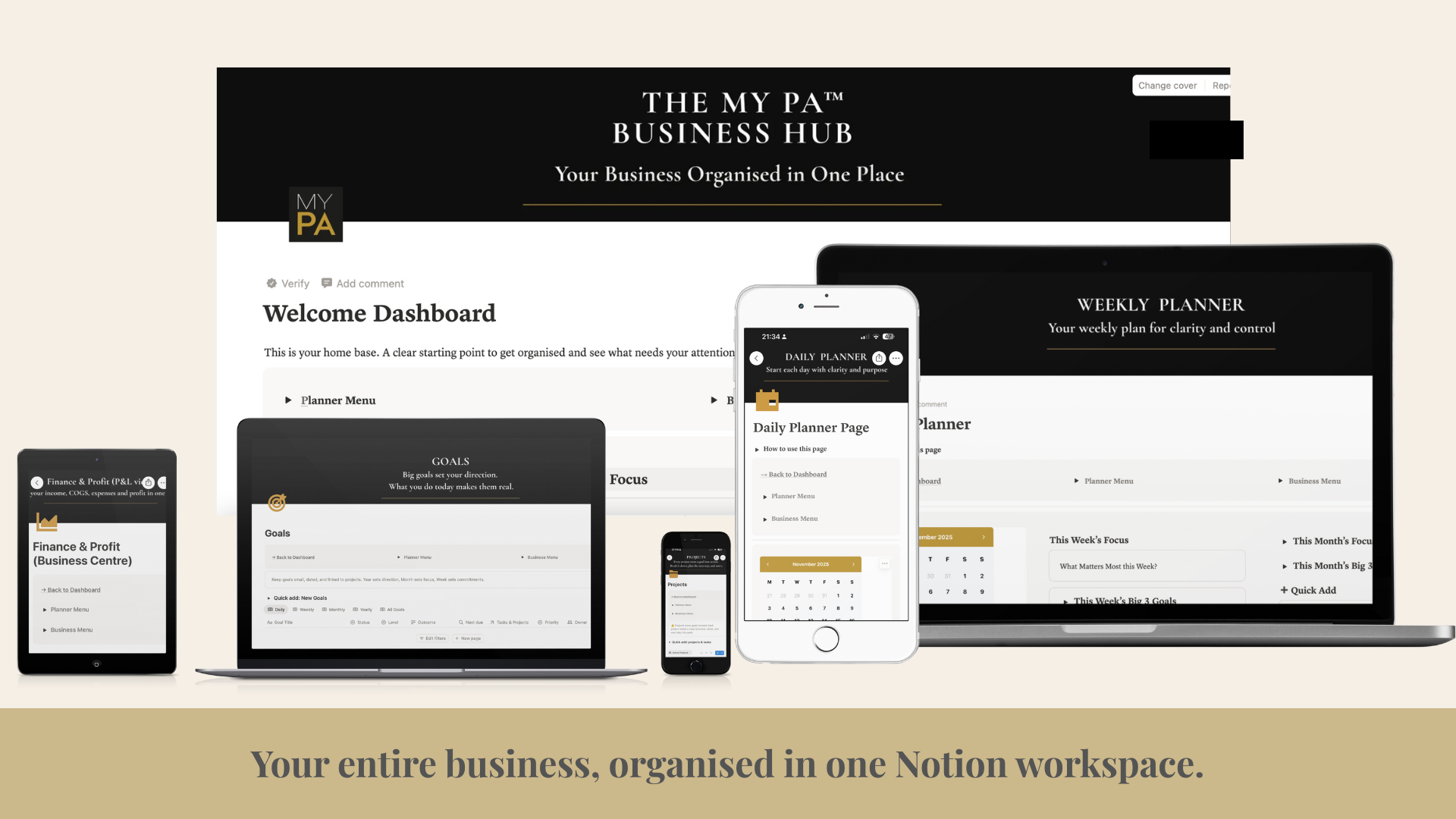
Running a business means juggling ideas, tasks, clients, finances, and plans, often all in your head. Notion can be a powerful tool for organising your business, but only if it’s set up in a way that actually supports how you work.
This guide explains how to use Notion for business in a simple, practical way, without overcomplicating things or turning it into another system you never check.
Why Use Notion for Business?
Notion works well for business because it brings everything into one place. Instead of using separate tools for planning, notes, projects, and tracking, Notion lets you connect everything together.
Used properly, Notion can help you:
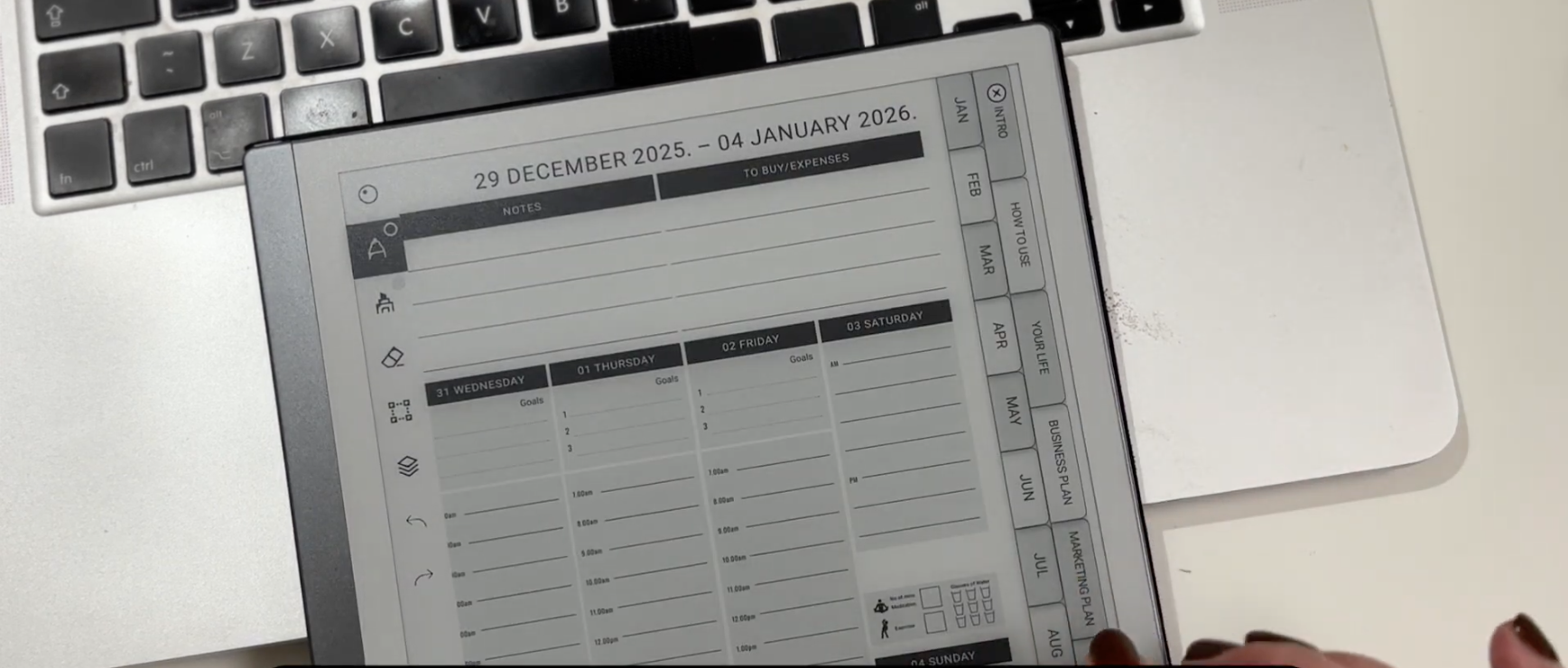
reMarkable 2 and reMarkable Paper Pro are designed for people who think better when they write things down. They remove distractions and give you space to plan, think, and focus.
But once you move beyond basic note-taking, many people run into the same issue. They have lots of notes, ideas scattered across notebooks, and no clear structure for their days or weeks.
Planning on reMarkable works best when you use a clear, repeatable planning system, rather than starting from blank pages every time.
Some people choose to use a structured digital planner PDF, such as the MY PA planner, which is designed to work well on paper-like tablets including reMarkable 2 and reMarkable Paper Pro.

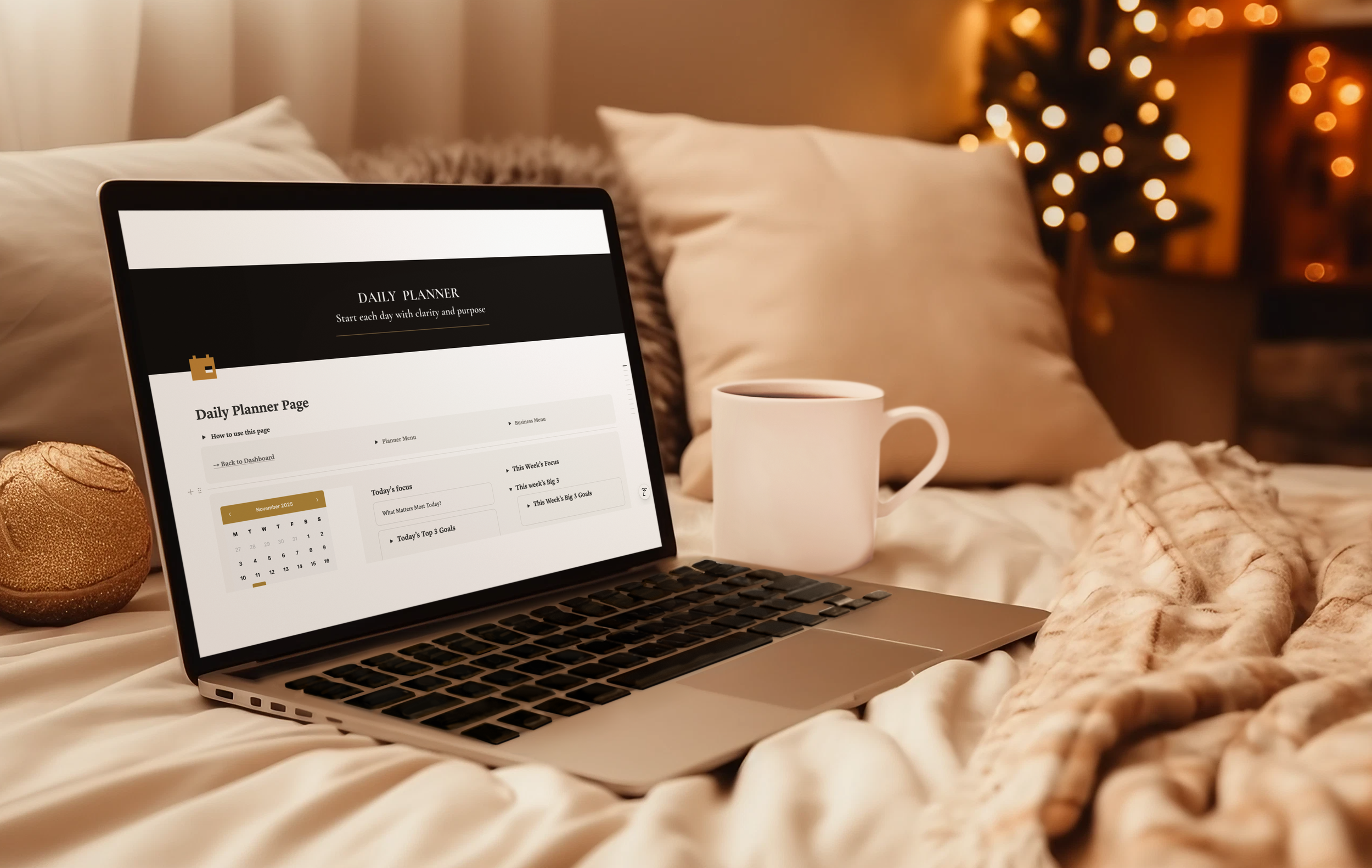
There is something grounding about opening a fresh planner.
Clean pages. A calm layout. A feeling that you are finally taking control again.
For many people, including me, pen and paper is where clarity happens.
It slows your mind down just enough to think properly.
It cuts out the noise.
It gives your week shape.
This is why MY PA has always been a paper first system.
The physical planner is the core, the anchor, the place you come back to no matter how overwhelmed life gets.
If you’re curious, this is the exact Notion workspace I use myself.

Most small business owners are not struggling because they’re disorganised.
They’re struggling because their business is scattered everywhere.
Projects in one app, content in another, money tracked somewhere else, client notes in a notebook, screenshots saved in your photos, reminders in your head.
It feels heavy because it is heavy.
And no one can run a business with clarity like that.
This post is for the business owners who are doing everything alone and carrying all the mental weight. If it feels messy, slow, or overwhelming, there is nothing wrong with you. You just don’t have a central system holding everything for you.
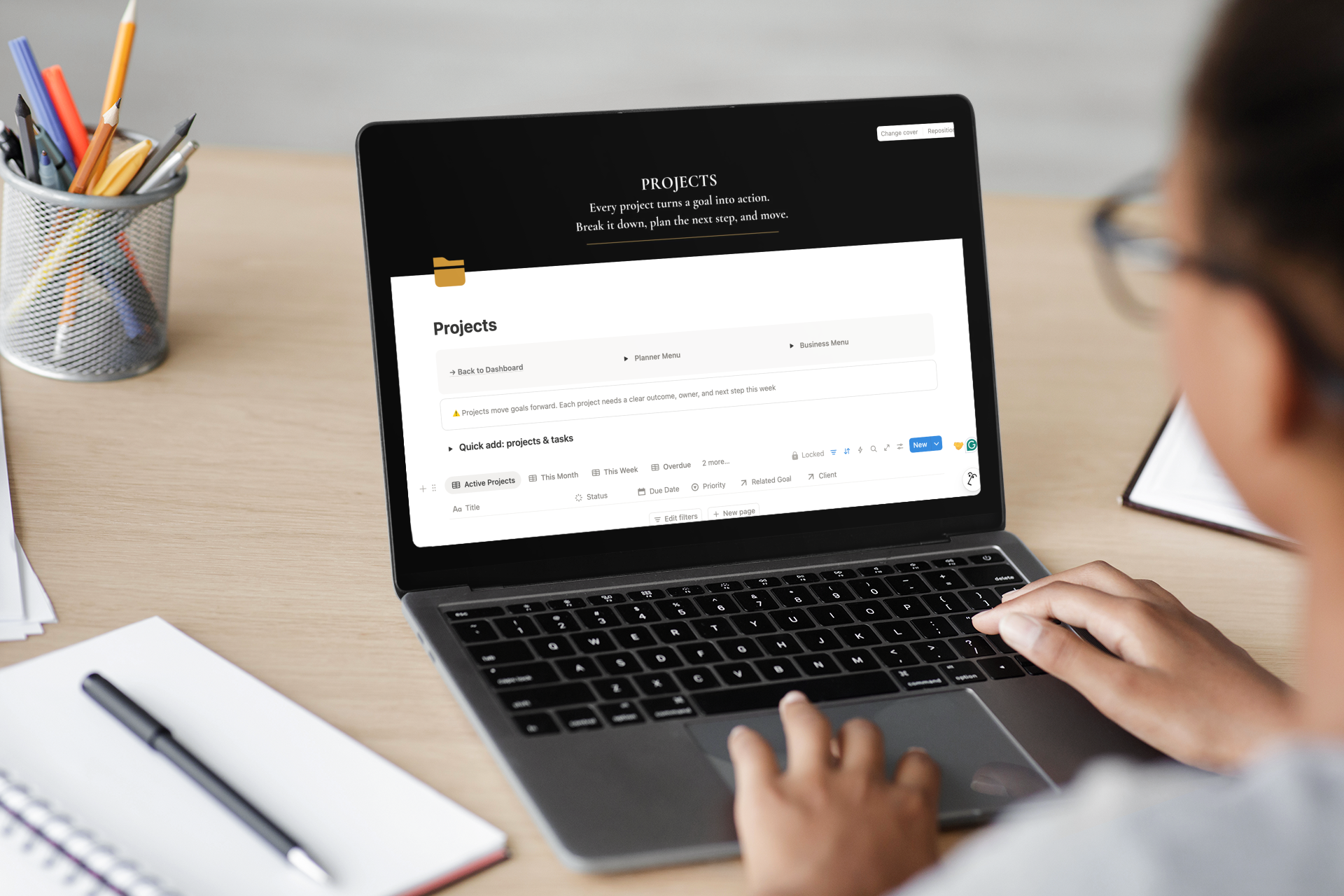
For the last few months, I have basically been in a cave.
On the outside it looked like “planner season as usual.” Orders going out. Emails coming in. Social posts. Real life.
On the inside, every spare hour was being poured into one question:
How do I take what MY PA does on paper and turn it into a proper business system that lives in Notion.
I thought it would be simple. A few databases. Some views. A nice dashboard.
It wasn't simple.
At several points I seriously considered walking away from it and pretending I never started.
The idea that would not leave me alone
For years, I have watched customers use the MY PA Planner as their weekly control centre. They plan their goals, block their time, review their weeks and actually move things forward.
But there was always this gap.
They were still running the business in their head. Leads. Client work. Invoices. Content. Ideas. To-dos. All in mental tabs.