
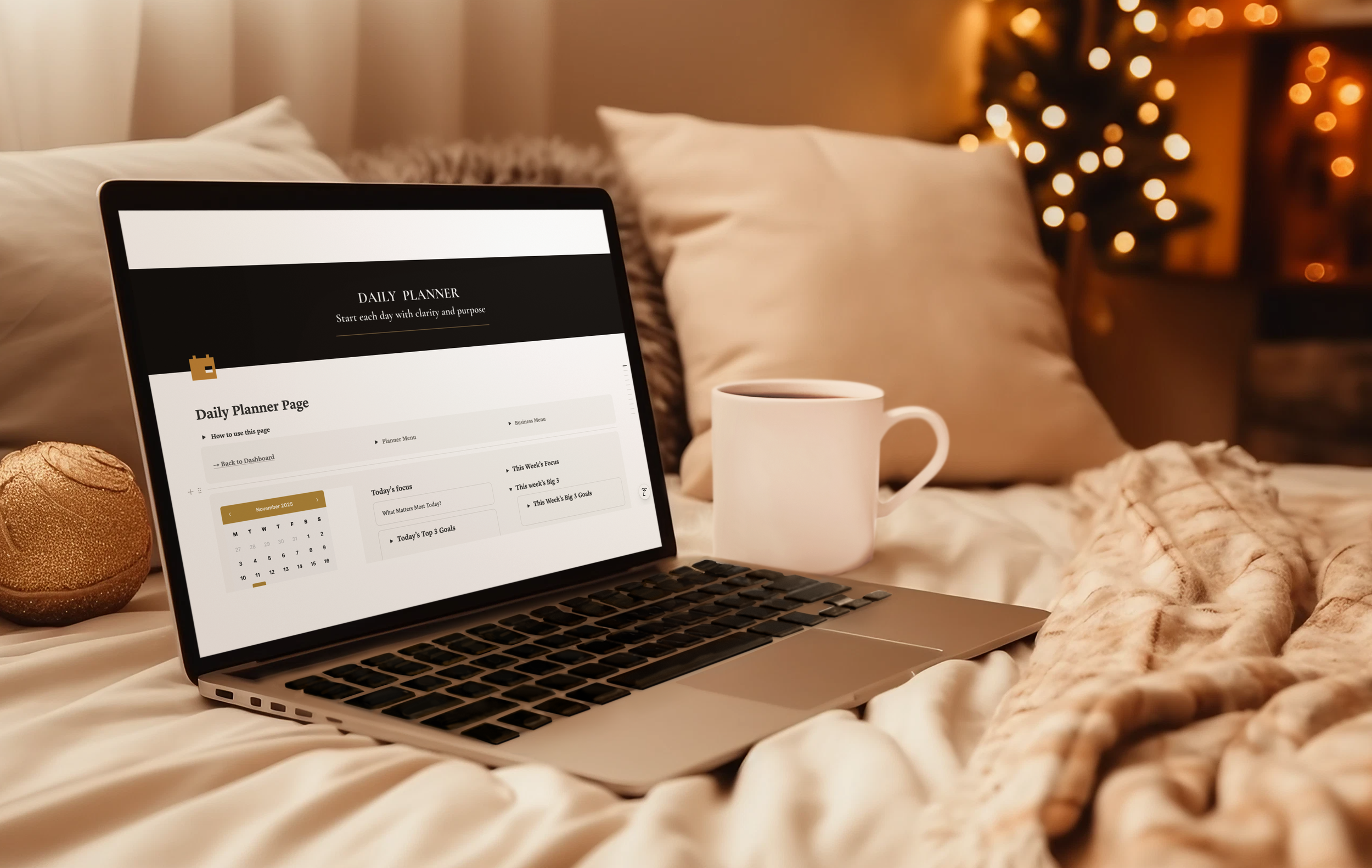
There is something grounding about opening a fresh planner.
Clean pages. A calm layout. A feeling that you are finally taking control again.
For many people, including me, pen and paper is where clarity happens.
It slows your mind down just enough to think properly.
It cuts out the noise.
It gives your week shape.
This is why MY PA has always been a paper first system.
The physical planner is the core, the anchor, the place you come back to no matter how overwhelmed life gets.
But here is the truth most business owners never say out loud.
It is not the planner that fails.
It is everything outside the planner that becomes chaotic.
A bit of information in email.
Tasks in one app.
Client notes in another.
Invoices in a spreadsheet.
Screenshots saved in photos.
Important reminders stored in your head because you did not have time to write them down.
It is not disorganisation.
It is overload.
And that is where Notion entered my world. Not to replace the planner, but to support it.
Why I Started Using Notion (And Why It Did Not Replace My Planner)
Notion is a digital workspace that keeps the parts of your business that paper should not carry, like projects, clients, money and documents, all in one place. Which is exactly why it fits MY ethos of one place for everything.
But there is something very few people say out loud.
Notion is extremely powerful, but the learning curve is brutal.
Notion is not a normal app.
It is more like an empty warehouse.
You have to design every room, build every wall, create every system, connect every database.
Most people open Notion, look at the blank screen and immediately think:
Where do I even start?
That was me too.
Where do I keep clients?
How do repeating tasks resurface?
Where do I track money?
How do I link goals to projects?
Why does everything look messy?
Why does everyone online make this look so easy?
Very quickly I realised that Notion is only powerful if you already know how to build the system underneath it.
And most small business owners do not have the time to become systems architects.
They need something that just works.
Why MY PA And Notion Work So Well Together
Here is the balance I eventually discovered, and it changed everything.
The MY PA Planner = Your weekly control centre
This is where you plan your week, set your goals, choose your priorities and stay grounded.
It protects your focus.
Notion = Your business backend
This holds the things you cannot and should not run on paper.
Clients
Leads
Projects
Money
Invoices
Deadlines
Documents
Content
Business plan
Systems
Paper is for clarity and focus.
Notion is for storage and structure.
When you combine the two, you stop running your business in your head.
The Big Problem: Notion’s Learning Curve
Notion is brilliant, but only if you can get through the setup stage.
Most people never do.
Why?
Because Notion requires you to:
design your own dashboards
build your own databases
link your own relationships
create your own views
set up formulas
create recurring tasks
connect projects to goals
build a finance system
design a content pipeline
structure clients and delivery
create a weekly focus view
make it look clean and usable
That can easily take 80–200 hours if you try to do it properly.
And that is for someone who is comfortable with this kind of tech.
Most people quit long before they build a single usable system.
The Solution: MY PA Business Hub, A Done For You System In Notion
This was the whole reason I created the MY PA Business Hub.
I wanted the power of Notion without having to build anything myself.
The Hub removes the entire learning curve.
Everything is plug and play.
All the pages are built
All the templates are connected
All the databases talk to each other
Tasks, goals, clients and money flow into your dashboard
Weekly focus pages mirror the MY PA planner
Recurring tasks resurface on the right day
Filters and views are already set up
The finance system is already structured
The business plan lives in a clear guided layout
Content planning is already mapped out
Client delivery is organised
Documents and files have a home
You simply duplicate the workspace into your Notion account and start.
You do not have to learn Notion in depth.
You learn your business.
Notion just holds it for you.
This is why the MY PA Business Hub works for both beginners and more advanced business owners.
It does not require you to be technical.
You just run your business.
How I Use The Planner And Notion Together
This is what my actual weekly system looks like in real life.
1. I plan my month and week on paper
Always.
The planner is my anchor, my clarity and my focus.
Monthly goals
Project lists
Weekly focus
Daily top three
Habits
Time blocking
Paper gives me perspective. It is where I decide what matters.
2. Then I move the “backend” details into Notion
Once I am clear on the week, I use Notion to hold the heavy lifting.
That includes:
client deadlines
delivery tasks
bills due
invoices going out
content ideas
follow ups
money tracking
These are the things paper should not have to store.
3. My dashboard tells me what matters today and this week
I do not go hunting.
The system surfaces everything for me.
Overdue tasks.
Bills that are due.
Meetings.
Projects.
Content to publish.
Client tasks.
Recurring actions.
I no longer wake up thinking, “What am I forgetting?”.
The system remembers for me.
You Do Not Need More Motivation, You Need A System
Most business owners do not lack discipline.
They lack structure and support.
They are not chaotic.
They are carrying everything alone.
The MY PA system, the planner plus the Notion hub, finally gives you:
one calm weekly structure
one clear business backend
one place for your brain to rest
It is not just a pretty template it goes much deeper.
It’s real support.
The planner keeps you grounded in the week in front of you.
The Notion Hub quietly holds the rest of your business in the background, so you do not have to run it in your head.