




To create a time blocking schedule, list the kinds of work you do each week, put your hardest work in the hours when you are sharpest, and give every task a set slot in your planner or calendar. Then block out your actual week every Sunday or Monday, and protect those blocks like client meetings.
The short answer: time blocking means giving every task a time, not just a place on a list. Build a template week once, adjust it each week for real deadlines and meetings, leave buffer time between blocks, and start with one protected two-hour block for your most important work.
Time blocking is the simplest productivity technique that most entrepreneurs know about but few actually use consistently. The concept is straightforward: instead of working from a to-do list and hoping you get to everything, you assign specific tasks to specific times in your day.
That sounds basic, but for entrepreneurs, who typically juggle client work, marketing, admin, finances, and strategy all in the same day, it is transformative. Time blocking turns a chaotic day of reactive task-switching into a structured day where your most important work gets protected time.
If you have ever ended a week feeling like you were busy every day but did not actually accomplish anything meaningful, time blocking is the primary solution.
We've written about why this happens, and the psychology behind that feeling, in our guide on Why you feel busy but not productive.
How to start time blocking
| Step | What to do |
|---|---|
| 1. List your recurring task categories | The types of work you do every week |
| 2. Identify your peak energy times | Schedule your most demanding work when you are sharpest |
| 3. Create your template week | A rough plan for a typical week |
| 4. Block your actual week | Adjust the template each Sunday or Monday for the week ahead |
| 5. Protect the blocks | Close your inbox and put your phone away until the block ends |
A sample time blocking schedule for a business owner
| Time | Block | Why it goes here |
|---|---|---|
| 9am to 11am | Deep work on your most important project | Your sharpest hours go to the work that moves the business forward |
| 11am to 11.30am | Emails and messages | Batched, so they do not break up your deep work |
| 11.30am to 12.30pm | Client call and follow-up | Calls sit together instead of scattered through the day |
| 1.30pm to 2.30pm | Accounts and admin | Routine tasks suit lower-energy time after lunch |
| 2.30pm to 3.30pm | Marketing and social media | Creative but lighter work for the afternoon |
| 3.30pm to 4pm | Plan tomorrow and shut down | You finish knowing exactly what comes first tomorrow |
Watch
Time boxing in 90 seconds
What is time blocking?
Time blocking means dividing your day into blocks of time, each dedicated to a specific task or type of work. Instead of a to-do list that says "write blog post, reply to emails, update accounts, call supplier," your calendar says:
9:00–11:00: Write blog post (deep work, no interruptions)
11:00–11:30: Reply to emails and messages
11:30–12:30: Client call + follow-up
1:30–2:30: Update accounts and financial admin
2:30–3:30: Marketing and social media
3:30–4:00: Plan tomorrow + shutdown
The key difference from a regular schedule is that you are making decisions about your time in advance, when you have perspective and clarity, rather than in the moment, when you are reactive and easily distracted. If you are weighing up the two approaches, read productivity planner vs to-do list.
Why time blocking works for entrepreneurs
It protects your most important work
Without time blocking, deep work, the kind that actually moves your business forward, gets squeezed out by emails, messages, and small tasks that feel urgent but are not important. In our blog The hidden cost of distractions it explains just how much context switching costs you: research suggests it takes an average of 23 minutes to fully refocus after an interruption. The American Psychological Association notes that switching between tasks can cost as much as 40 percent of someone's productive time.
It makes your workload visible
When your tasks live on a list, it is easy to overcommit. When they are placed in actual time slots, you can immediately see whether you have enough hours in the day. This forces you to prioritise ruthlessly, if the blog post takes the 9–11 slot, the accounts have to wait until the afternoon. That is a feature, not a bug.
It turns intentions into plans
Deciding in advance when and where you will do something makes you far more likely to do it. A review of 94 studies by psychologists Peter Gollwitzer and Paschal Sheeran found that plans which spell out the when, where and how of a goal had a medium-to-large effect on reaching it. A time block is exactly that kind of plan.
It creates boundaries
For entrepreneurs who work from home or run their own schedule, there is no natural end to the workday. Time blocking creates structure: when your last block ends, the day ends. This is especially important for avoiding burnout, something we explore in why founders feel guilty even when they work nonstop. Block your walks, workouts and time off first, as we suggest in how to avoid burnout as a business owner.
How to start time blocking
Step 1: List your recurring task categories
Most entrepreneurs have 5–7 categories of work that repeat every week: deep work (writing, creating, building), communication (emails, calls, messages), admin (accounts, filing, logistics), marketing (social media, content, outreach), client work (delivery, meetings), planning (weekly review, goal setting), and personal (exercise, breaks, family time).
Step 2: Identify your peak energy times
When are you sharpest? For most people, that is the morning. Schedule your most demanding work, the creative, strategic, or analytical tasks, during your peak hours. Put emails, admin, and routine tasks in your lower-energy periods. If you struggle with decision fatigue later in the day, how to overcome decision fatigue has practical solutions.
Step 3: Create your template week
Before blocking individual days, create a rough template for a typical week. This is not a rigid schedule. It is a default pattern that you adjust each week based on what is actually happening. For example:
Monday morning: weekly planning + biggest project
Tuesday–Thursday mornings: deep work blocks
Afternoons: client calls, emails, admin
Friday afternoon: weekly review + planning next week
Step 4: Block your actual week each Sunday or Monday
Use your template as a starting point, then adjust for the specific week ahead. What deadlines are approaching? What meetings are booked? What are your top 3 priorities? Our weekly planning ritual guide walks through this process in detail, and how I plan my week and day shows a real example of what this looks like in practice.
Step 5: Protect the blocks
The hardest part of time blocking is not creating the schedule, it is defending it. When you are in a deep work block and an email arrives, the temptation to switch is enormous. Resist it. That email will still be there when your communication block starts. Close your inbox, put your phone in another room, and focus.
Common time blocking mistakes
Blocking every minute: leave buffer time between blocks for overflow and unexpected tasks
Making blocks too long: most people cannot focus effectively for more than 90 minutes
Not including breaks: your brain needs downtime to perform at its best
Being too rigid: time blocking is a guide, not a prison. If something genuinely urgent comes up, adjust
Skipping the weekly planning step: without it, your blocks will not reflect your actual priorities
For more ways to make your blocks stick, read how to time block effectively.
Time blocking with ADHD
If you have ADHD, time blocking can be especially helpful because it creates the external structure your brain may not generate naturally. However, it needs to be adapted: shorter blocks, more flexibility, and lower expectations on perfect adherence. Our dedicated guide on ADHD time blocking covers the specific adjustments that make it work for ADHD brains.
Time blocking tools
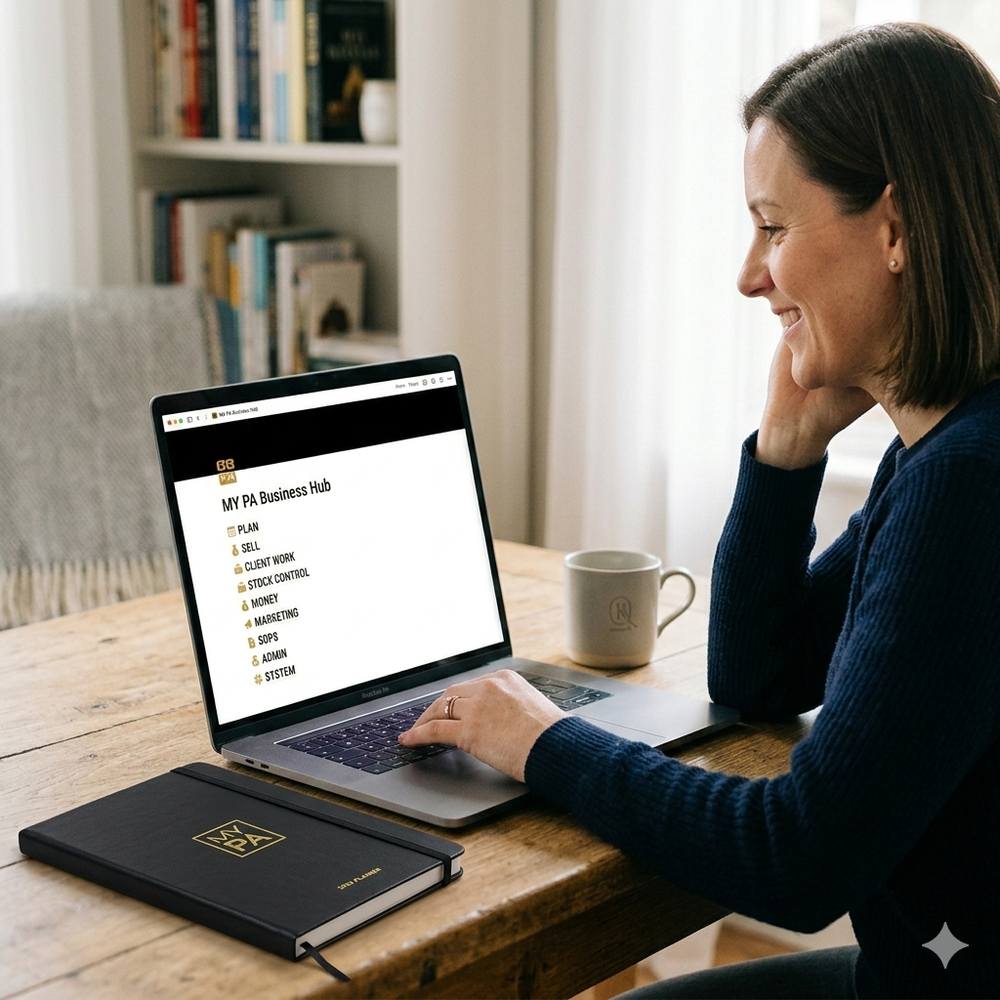
You do not need a special app to time block. A paper planner with a timed daily layout works beautifully. The MY PA time blocking planner uses a time-blocking format for its weekly and daily pages, so you can block your week as part of your regular planning session.
If you prefer digital, our digital planner PDFs include the same time-blocking layouts for iPad, reMarkable, Kindle Scribe, and other devices. And the MY PA Notion planning system includes a weekly time-blocking view alongside your goals, projects, and task management.
You can also time block directly in Google Calendar, Apple Calendar, or any calendar app. The tool matters less than the habit.
Getting started today
You do not need to overhaul your entire schedule to try time blocking. Start small:
Tomorrow morning, block out just two hours for your most important task. Put it in your calendar, close your email, and work on nothing else during that time. If that single change makes your day feel more productive, you are ready to expand it to a full day, then a full week. Combine it with the Daily Top 3 method for an even simpler starting point: three tasks, protected time, real progress. And if two hours a day is all you have, read if you only had 2 hours a day to run your business.
For more practical productivity strategies, explore our full productivity and time management hub.
Frequently asked questions
How do I create a time blocking schedule?
List the types of work you do each week, decide when you are sharpest, and build a template week that puts deep work in those hours and admin in the quieter ones. Each Sunday or Monday, adjust the template for that week's deadlines and meetings, then protect the blocks.
What is the difference between time blocking and time boxing?
Time blocking reserves a slot in your day for a task or type of work. Time boxing sets a fixed time limit for one task, and you stop when the time is up. Many business owners use both: a block for marketing, with a 30-minute box for social media inside it.
How long should a time block be?
For focused work, 60 to 90 minutes with a short break afterwards suits most people. Admin and email blocks can be 30 minutes. Leave a little buffer between blocks so one overrun does not knock out the rest of the day.
Is time blocking better on paper or in a calendar app?
Both work. Many business owners plan the week on paper, where they can see everything at once, and keep fixed appointments in a calendar app. The tool matters less than the habit of planning your week before it starts.
Try time blocking with the free 2027 planner
Download the free 2027 planner to try the MY PA weekly layout and block out your first week. When you are ready, the 2027 MY PA Business Planner gives you weekly spreads time blocked by the hour, so your business and your life are planned in one place all year.
Sources
Start your business without guessing
The Business Starter Kit gives you the plan, the pricing, and one place to run it, so you always know what to do next.
- Clear plan, step by step from idea to launch.
- Price for profit, know what to charge and what you will make.
- One Business HQ, run your entire business from one place from day one.
Start free, then choose the next step when you are ready.