

You’ve got a to-do list. It’s long, it keeps growing, and somehow the important things still don’t get done. So is a productivity planner the answer, or just a fancier list?
The short answer: a to-do list tells you what needs doing. A productivity planner tells you what to do first, when to do it, and why it matters. For most business owners, the best approach is both: a to-do list to capture tasks, inside a planner that turns them into a plan.
Productivity planner vs to-do list at a glance
| To-do list | Productivity planner | |
|---|---|---|
| Main job | Capture what needs doing | Decide what to do, and when |
| Links to goals | No | Yes, from yearly goals to daily tasks |
| Time | No sense of time | Time blocks for each day |
| Priorities | Every task looks equal | Top priorities chosen each day and week |
| Review | Rarely | Built-in weekly review |
| Best for | Quick tasks and errands | Running a business and a busy life |
What’s the difference between a to-do list and a productivity planner?
A to-do list is a list of tasks. That’s its strength: it’s quick, simple and gets things out of your head. But it has no sense of time or importance. Replying to an email and finishing your sales page sit side by side, looking equally urgent.
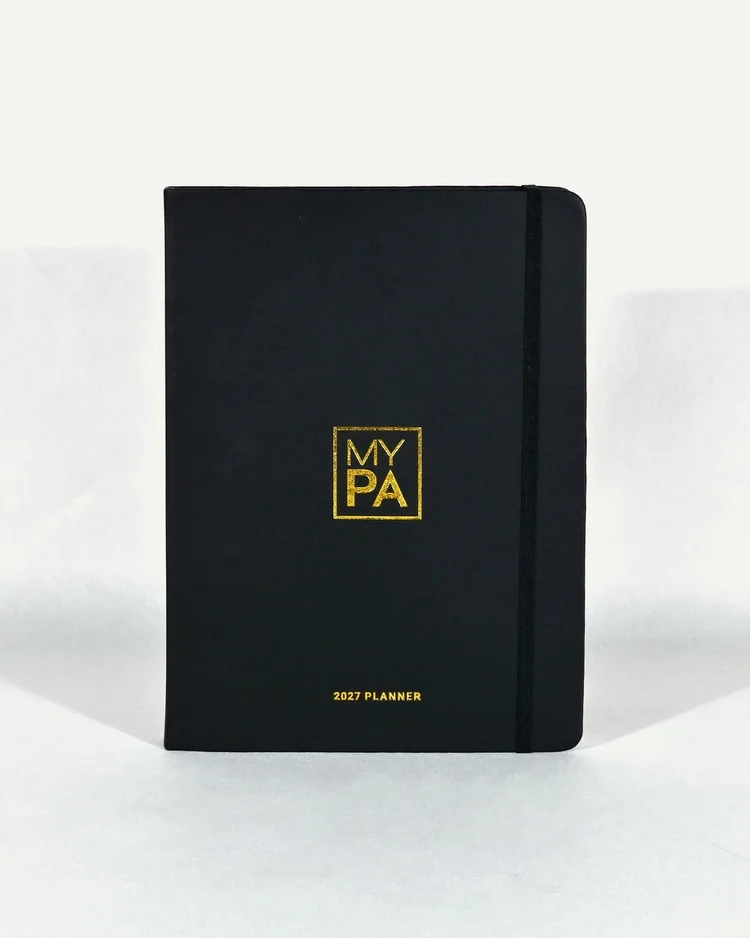
A productivity planner adds the two things a list is missing: priorities and time. It connects each day’s tasks to your goals for the month and year, and gives the important ones a slot in your diary. If you want one built for business owners, see the MY PA productivity planner.
Why to-do lists stop working
They never end. Tasks get added faster than they get done, so you finish every day feeling behind.
Easy tasks win. It’s tempting to tick off quick jobs and leave the important, harder work for “later”.
Nothing links to your goals. You can be busy all week and still not move your business forward.
There’s no time attached. A list of 20 tasks doesn’t tell you whether they fit in your day. Usually they don’t.
When a to-do list is enough
A simple list works well when:
The tasks are short and self-contained, like errands or admin
You’re dealing with one day or one small project
There are no bigger goals or deadlines to connect them to
When you need a productivity planner
A planner is the better choice when:
You’re running a business, with goals, projects and deadlines
You keep finishing busy days without making real progress
Important work keeps getting pushed to next week
You want your business and your life planned in one place
The best approach: use both
You don’t have to choose. The most effective system for most business owners is:
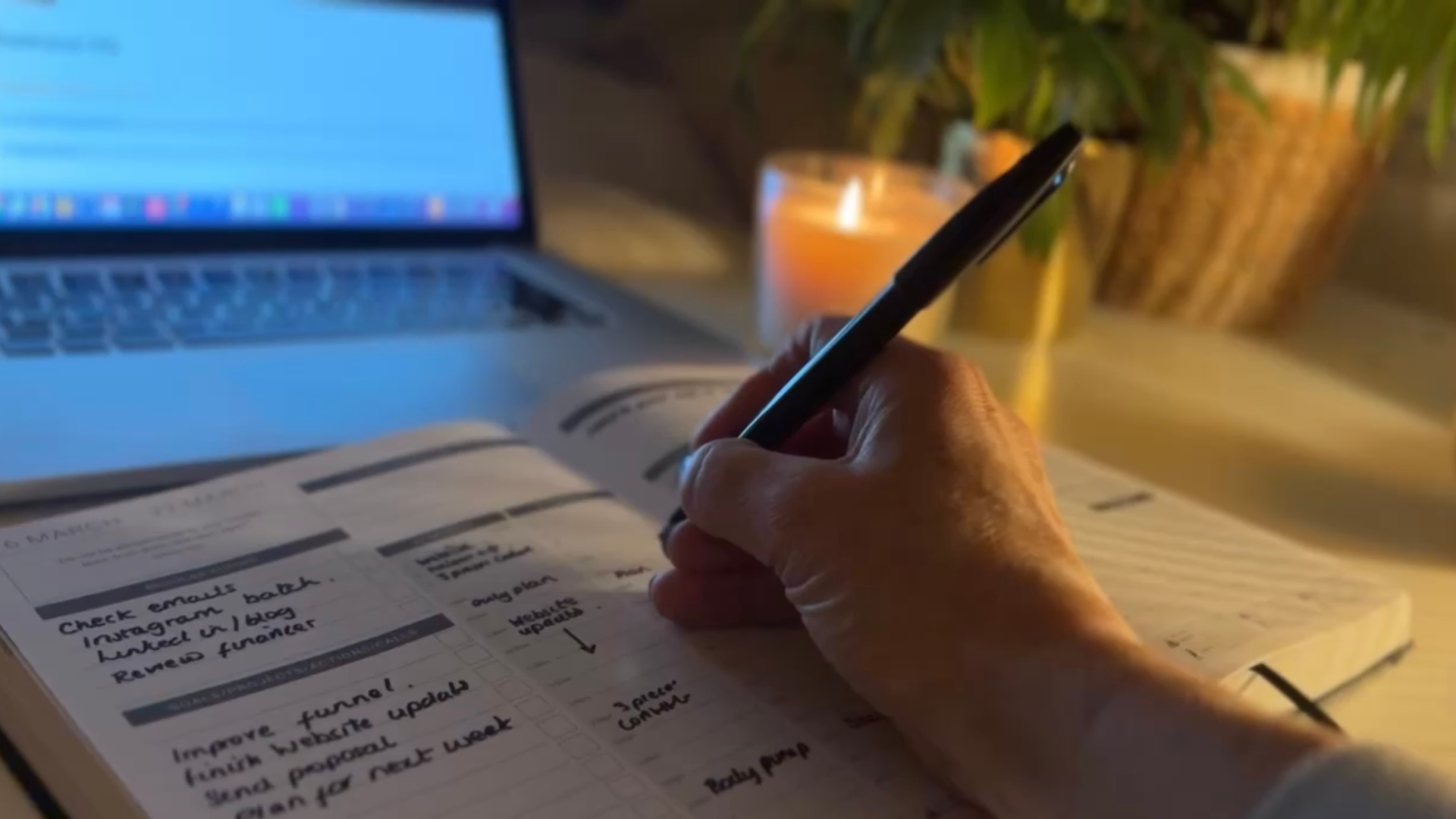
Capture everything on a list. Brain-dump every task so nothing lives in your head.
Plan the week in your planner. Pick the tasks that move your goals forward and make them your weekly priorities.
Time-block the day. Choose three priorities each day and give them a set time. Read time blocking 101 to get started.
Review weekly. Move unfinished tasks forward, or drop them if they no longer matter. See how to do a weekly review.
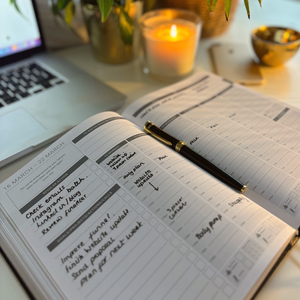
The MY PA 2027 Planner is built around this, with space for brain dumps alongside your goals, weekly priorities and time blocks. If you prefer a daily page at your desk, Power Pages Daily puts your task list, top 3 priorities and hourly time blocks on one sheet.
For the full method, read how to use a productivity planner.
Frequently asked questions
Is a planner better than a to-do list?
For anyone with goals and deadlines, yes. A planner helps you decide what matters and when to do it. A to-do list only records what needs doing.
Can I use a to-do list app with a paper planner?
Yes. Many business owners capture tasks in an app and plan their week on paper. Just make sure the app list feeds into your weekly plan rather than replacing it.
How many tasks should be on my daily list?
Choose three priorities a day. You can list smaller tasks underneath, but protect time for the top three first.
Try the system free
Download the free 2027 planner and see the difference a plan makes.