reMarkable Paper Pure: Everything Business Planners Need to Know (2026)

Free business planner sample

Free Business Planner

Weekly layout · instant download

Download Free

The reMarkable Paper Pure launched on 6 May 2026, replacing the much-loved

reMarkable 2 as reMarkable’s entry-level writing tablet. If you’ve been using a

reMarkable 2 for business planning, or you’ve been waiting for a more affordable

reMarkable before buying, this is the device you’ve been waiting for.

Here’s everything you need to know before you buy, and how to get the most out of it

for business planning.

What Is the reMarkable Paper Pure?

The Paper Pure is reMarkable’s back-to-basics device. No colour display, no front light,

no premium price tag. Just the best paper-like writing experience reMarkable has ever

built at their most accessible price point.

It sits alongside the Paper Pro (11.8 inch, colour) and the Paper Pro Move (7.3 inch,

colour, portable) as the third device in the current reMarkable lineup. The reMarkable 2

is now discontinued.

If you’re new to reMarkable devices, here’s how they compare to Onyx Boox and Kindle

Scribe for business planning.

Key Specs at a Glance

• 10.3 inch monochrome display, same size and resolution as the reMarkable 2

(1872x1404, 226 PPI)

• Black and white only, no colour

• No front light, you rely on ambient lighting

• 32GB storage, four times the reMarkable 2

• 50% faster performance than the reMarkable 2

• Up to three weeks battery life

• Weighs 360g, about 40g lighter than its predecessor• Compatible with the new Marker and Marker Plus styluses (not the old

reMarkable 2 pen)

• Starts at $399 / £359

What’s Different from the reMarkable 2?

The screen size, aspect ratio, and resolution are identical to the reMarkable 2, which is

good news if you’re upgrading. Your existing planner files will work without any resizing.

Inside, though, it’s a big step up: faster processor, four times the storage, longer battery,

and a lighter build. It also runs the latest reMarkable software, including calendar sync,

Slack integration, Miro support, and a web app.

One important note for reMarkable 2 owners: your old stylus will not work with

the Paper Pure. It uses the new Marker or Marker Plus pen, not the older Wacom-

based stylus from the reMarkable 2. You’ll need to buy a new pen.

Is It Good for Business Planning?

Yes, and here’s why. The Paper Pure is distraction-free by design. No apps, no

notifications, no temptation to check your email. When you sit down to plan your week,

you’re planning your week, nothing else. For business owners who struggle to focus

during planning sessions, that constraint is genuinely valuable.

The 10.3 inch screen is large enough to use a full A4 PDF planner comfortably, making

it ideal for structured weekly and daily planning layouts. The faster performance over

the reMarkable 2 means loading large planner PDFs is noticeably smoother.

The lack of a front light is the main trade-off. You’ll need decent ambient lighting to use

it comfortably, so it’s less ideal for early morning or late evening sessions in a dim room.

If that matters to you, the Paper Pro is worth the extra cost.

Not sure which planning format works best for your business? This post on digital

planners vs paper planners for business owners covers the honest comparison.

Using the MY PA Business Planner on the reMarkable Paper Pure

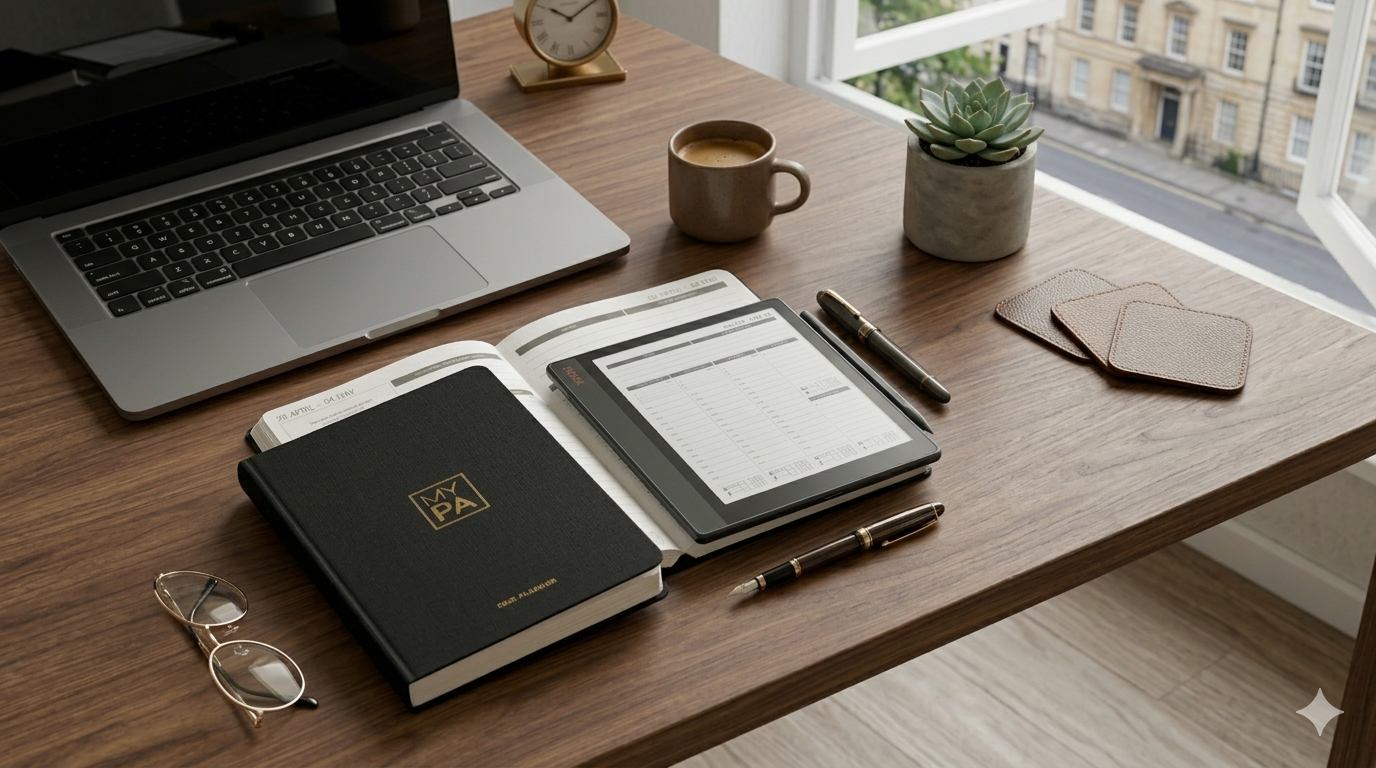
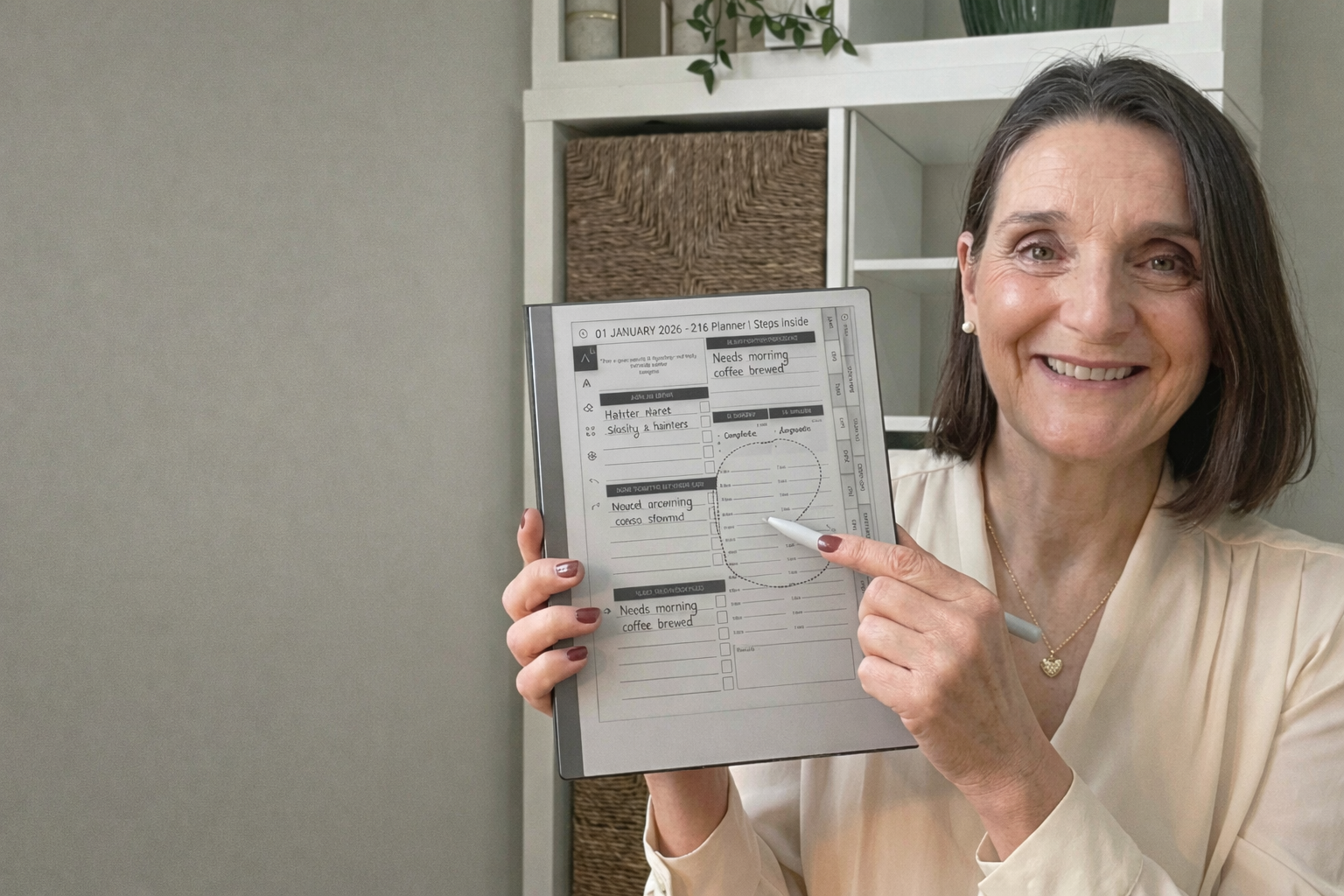
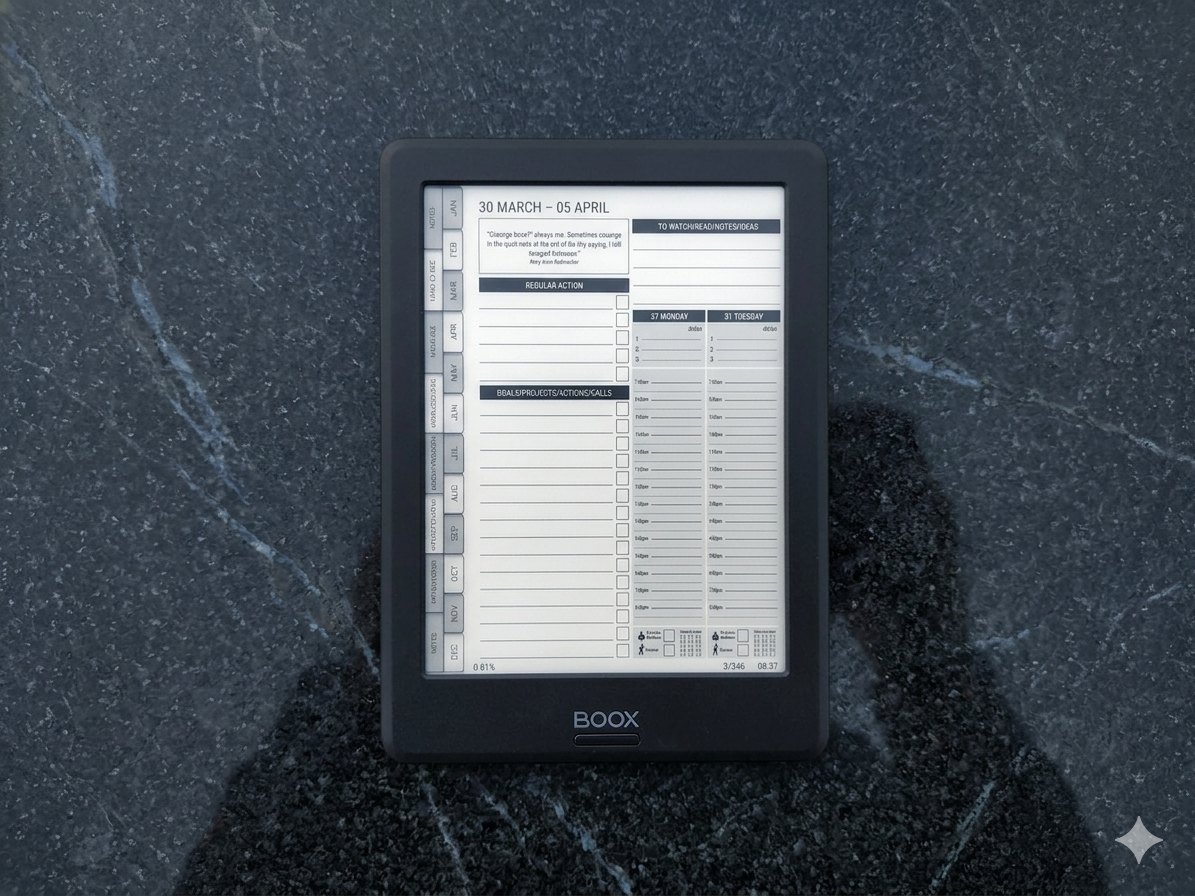
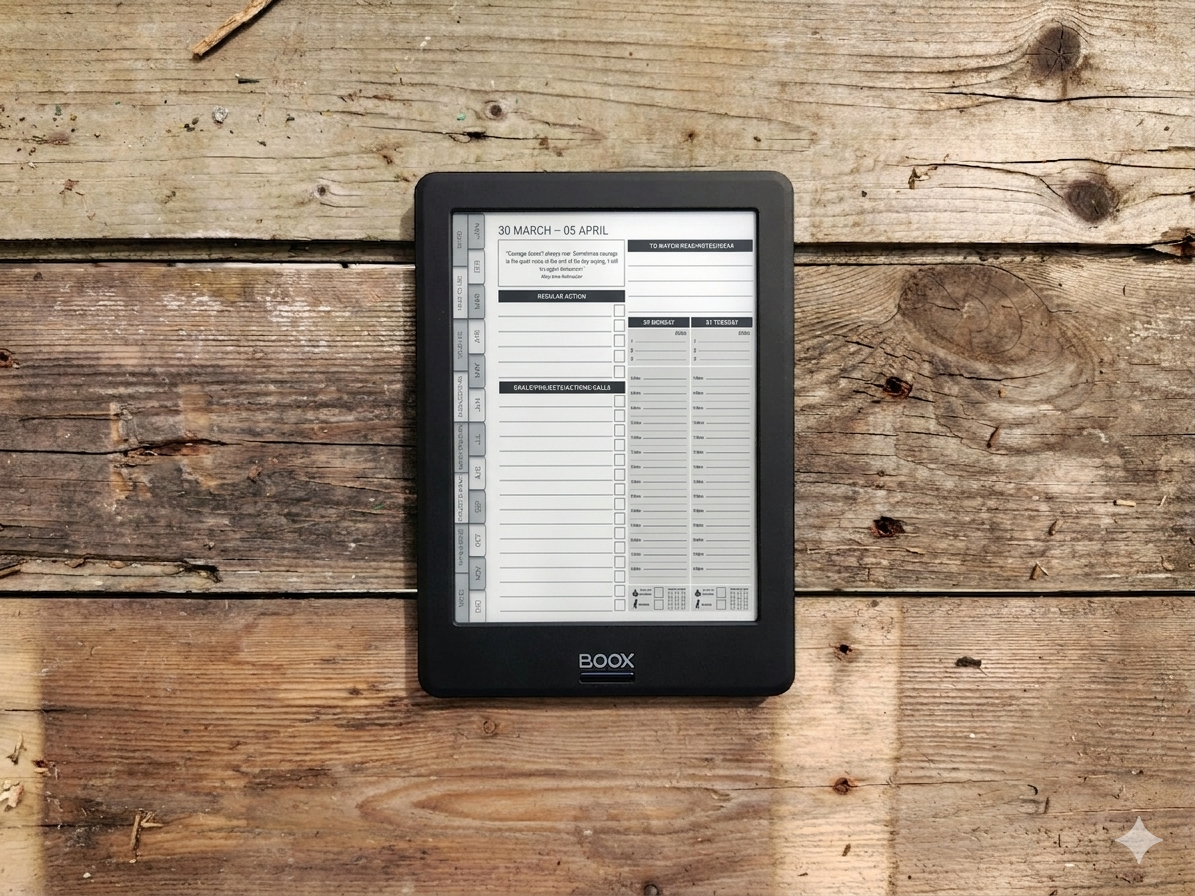
The MY PA Business Planner for reMarkable is fully compatible with the Paper Pure.

The screen dimensions are identical to the reMarkable 2, so the layout, tabs, and page

structure all work exactly as designed.

You can choose between two formats:

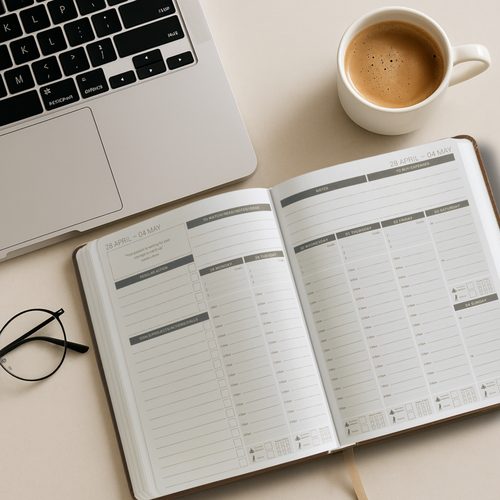
• Daily Planner for reMarkable Paper Pure: day-by-day structure with space for

priorities, time-blocking, and notes

• Weekly Planner for reMarkable Paper Pure: broader overview of your week,

ideal for planning sessions on Sunday or Monday morning

Both are available now as instant digital downloads.Pre-order the 2027 edition alongside your 2026 planner and get both for one purchase.

The 2026 planner is available immediately and the 2027 edition will be sent as soon as

it’s ready.

Not sure how to install your planner once you’ve downloaded it? Read the step-by-step

guide to uploading a planner to reMarkable for the full process.

👉Shop the MY PA Daily Business Planner for reMarkable Paper Pure

👉Shop the MY PA Weekly Business Planner for reMarkable Paper Pure

reMarkable Paper Pure vs reMarkable 2: Should You Upgrade?

If you’re already using a reMarkable 2 and it’s working well for you, you don’t urgently

need to upgrade. The screen is the same size and the writing experience is similar.

The main reasons to upgrade: you want the newer software features (calendar sync,

Miro, Slack), your device is slow or ageing, or you want the extra storage and better

battery life.

If you’ve never owned a reMarkable and want to start, the Paper Pure is the best entry

point reMarkable has ever offered.

reMarkable Paper Pure vs Paper Pro: Which Is Right for You?

Choose the Paper Pure if: you want the classic reMarkable writing experience at a

lower price, you don’t need colour, and you plan in normal lighting conditions.

Choose the Paper Pro if: you want colour highlighting in your planner, you need a front

light for low-light use, or you prefer the larger 11.8 inch screen.

For a full side-by-side comparison of reMarkable devices plus Onyx Boox and Kindle

Scribe, read which e-ink device is best for business planning.

Where to Buy

Order directly from remarkable.com. The Paper Pure is available to order now, with

shipping starting in early June 2026.

• $399 / £359: tablet and standard Marker

• $449 / £399: tablet, Marker Plus (with eraser), and sleeve folio in Ocean Blue,

Mist Green, or Desert Pink

The older reMarkable 2 has been discontinued and is no longer available to order from

reMarkable directly.

Start your business without guessing

The Business Starter Kit gives you the plan, the pricing, and one place to run it, so you always know what to do next.

  • Clear plan, step by step from idea to launch.
  • Price for profit, know what to charge and what you will make.
  • One Business HQ, run your entire business from one place from day one.

Start free, then choose the next step when you are ready.
Digital Planner vs Paper Planner: Which Is Better for Business?

Digital Planner vs Paper Planner: Which Is Better for Business?

This is one of the most common questions we get asked, and the honest answer is: neither is objectively better. They’re different tools with different strengths, and the right choice depends entirely on how you work.

But that non-answer doesn’t help you decide. So this guide breaks down both options honestly — what each does well, where each falls short, and how to choose based on your actual planning habits, not someone else’s opinion.

Best Onyx Boox Templates for Planning in 2026 (Free + Paid Options)

Best Onyx Boox Templates for Planning in 2026 (Free + Paid Options)

One of the best things about the Onyx Boox is that you can load any PDF template onto it and start writing immediately. But finding templates that actually work well on e-ink — and for serious planning, not just note-taking — takes more effort than you’d expect.

Most templates floating around online are designed for iPads. They use colour-coded sections, tiny text, and layouts that look great on a retina screen but fall apart in greyscale. On an Onyx Boox, you need clean lines, high contrast, and enough writing space for a stylus.

This guide rounds up the best planning templates for Onyx Boox in 2026 — both free and paid — and explains what to look for so you don’t waste time downloading things that don’t work.

How I Plan My Week on Onyx Boox (Simple System That Works)

How I Plan My Week on Onyx Boox (Simple System That Works)

Every Monday morning, before I open my laptop, I pick up my Onyx Boox and spend about 15 minutes planning my week. No apps. No notifications. Just the planner, a stylus, and a clear head.

This is the single habit that keeps my business moving forward. Not a to-do list app. Not a Notion dashboard. A simple weekly planning session on an e-ink screen that forces me to think before I start doing.

Here’s exactly how it works.

Why I Plan on Onyx Boox Instead of My Laptop

I tried planning digitally for years — Notion, Google Calendar, various task apps. They all had the same problem: I’d open my laptop to plan, then get pulled into emails, Slack messages, or a browser tab I’d left open. The planning session would dissolve into reactive work within minutes.

Is Onyx Boox Good for Productivity? | Honest Review for Business Owners

Is Onyx Boox Good for Productivity? | Honest Review for Business Owners

There’s a growing trend of people switching from iPads and laptops to e-ink devices like the Onyx Boox for focused work. The pitch is simple: no distractions, no notifications, just a clean screen for reading, writing, and thinking.

But does it actually make you more productive? Or is it just another gadget that ends up in a drawer after two weeks?

This is an honest review of using Onyx Boox specifically for productivity and business planning — what it does well, where it falls short, and who it’s actually for.

Onyx Boox vs Kindle Scribe vs reMarkable 2: Which Is Best for Planning?

Onyx Boox vs Kindle Scribe vs reMarkable 2: Which Is Best for Planning?

If you’re looking for an e-ink device specifically for planning — not just reading or casual note-taking — you’ve probably narrowed it down to three options: Onyx Boox, Kindle Scribe, and reMarkable 2.

All three have stylus input, e-ink screens, and long battery life. But they’re very different devices when it comes to actually using them as a planning tool. What works for reading a novel doesn’t necessarily work for managing your business week.

This guide compares all three from a planning perspective — not specs and benchmarks, but the things that actually matter when you’re trying to stay organised and get things done.

If You Only Had 2 Hours a Day to Run Your Business. What Would You Do?

If You Only Had 2 Hours a Day to Run Your Business. What Would You Do?

Here's a thought experiment worth taking seriously.

Imagine you still had your 9 to 5. You're coming home tired, making dinner, doing life. And somewhere in between, you've carved out two hours — maybe 6am before everyone wakes up, maybe 9pm when the house goes quiet — to work on your business.

What would you actually do with those two hours?

Not what you'd want to do. Not what feels productive. What would you actually need to do to keep the thing moving?

I ask because a lot of people running businesses full-time are still acting like they have infinite time. They're doing tasks that feel important — redesigning the website, tweaking their logo, reorganising their folders — and wondering why growth feels slow.

The 2-hour constraint forces clarity. And clarity is exactly what most business owners are missing.

How to Start a Service Business (Beginner Guide)

How to Start a Service Business (Beginner Guide)

If you want to start a business with no money, a service business is the fastest way to get there.

No stock. No warehouse. No upfront investment. Just a skill, a customer, and the ability to deliver. You get paid for your time and expertise, and you can start earning from week one if you move quickly enough.

This guide walks you through choosing your service, finding your first clients, setting your prices, and building something that can grow — all without spending money you don’t have.

What Is a Business Plan (and Do You Actually Need One)?

What Is a Business Plan (and Do You Actually Need One)?

A business plan is a written document that describes what your business does, who it serves, how it makes money, and how you plan to grow it.

But here's the honest truth most business advice glosses over: you don't need a 40-page document with financial projections and market analysis charts to start a business.

What you need is clarity.

Clarity on:

  • What problem you're solving

  • Who you're solving it for

  • How you'll reach them

  • How you'll make money

  • What you need to do first

Best Productivity Planners for Small Business Owners — Ranked & Reviewed

Best Productivity Planners for Small Business Owners — Ranked & Reviewed

If you've ever Googled "best productivity planner" and ended up more overwhelmed than when you started, you're not alone.

There are hundreds of planners on the market. Most are beautiful. Most are also built for students, not business owners.

This guide cuts through the noise. We've tested and reviewed the best productivity planners specifically for entrepreneurs, freelancers, coaches, and small business owners — people who need a planner that handles real business life, not just to-do lists.

How to Upload the MY PA Planner to the Remarkable 2 (Step-by-Step Guide)

How to Upload the MY PA Planner to the Remarkable 2 (Step-by-Step Guide)

The Remarkable 2 is one of the cleanest, simplest planning devices for entrepreneurs. It removes distractions, feels like paper and gives you a calm space to plan your week, projects and ideas without overwhelm.

If you want to use your MY PA Planner on your Remarkable 2, the good news is that it takes less than a minute to upload. Here is the simplest step-by-step guide to get you set up with the 2026 planner.

How to Stay Consistent When Starting a Business

How to Stay Consistent When Starting a Business

Starting a business is exciting. The first few weeks are full of energy, ideas, and momentum. You’re researching, planning, building, and it feels like everything is moving.

Then week four hits. Or week six. Nobody has bought anything. Your content isn’t getting traction. You’re tired from working on this alongside your day job. And that voice in your head starts: “Maybe this isn’t going to work.”

This is where most businesses die. Not because the idea was bad, but because the founder stopped.

This guide is about making sure that doesn’t happen to you. If you’re building from scratch, read this alongside our full guide: How to Start a Business with No Money.

How to Install a Planner on Onyx Boox | Step-by-Step Guide

How to Install a Planner on Onyx Boox | Step-by-Step Guide

You’ve bought a digital planner for your Onyx Boox. Now you need to get it onto the device and set it up properly so the hyperlinks work, the writing feels right, and you can actually start planning.

This guide walks you through the entire process — from downloading the file to navigating your planner with the stylus. It takes about five minutes, and once it’s done, you’re ready to go.

If you haven’t chosen a planner yet, read our guide on the best planner for Onyx Boox first.

Before You Start

How to Start a Business While Working a 9 to 5

How to Start a Business While Working a 9 to 5

Quitting your job to start a business sounds bold. It also sounds like one of the fastest ways to put yourself under financial pressure and make terrible decisions.

The smarter move? Keep your job. Build alongside it. Let your salary fund your business while you figure out what works, what doesn’t, and whether this thing has legs.

Millions of successful businesses were started exactly this way — evenings, weekends, lunch breaks. You don’t need eight hours a day. You need one or two focused hours, used consistently.

This guide shows you how to build a real business around a full-time job without burning out or staying stuck. If you’re starting from zero, read the full guide first: How to Start a Business with No Money.

Why You Shouldn’t Quit Your Job (Yet)

Best Planner for Onyx Boox in 2026 | Complete Guide

Best Planner for Onyx Boox in 2026 | Complete Guide

If you’ve bought an Onyx Boox and you’re looking for a planner that actually works on it, you’ve probably already discovered that most digital planners aren’t designed for e-ink devices.

They’re built for iPads. Bright colours, tiny text, layouts that look beautiful on a retina screen but become unreadable on e-ink. Hyperlinks that don’t work properly. Pages that are too cluttered for stylus writing.

Finding the right planner for Onyx Boox means knowing what to look for — and what to avoid. This guide breaks down what makes a good Boox planner, compares the main options, and helps you pick the right one for how you actually work.

How to Get Your First Customer Without Spending Money | Beginner Guide

How to Get Your First Customer Without Spending Money | Beginner Guide

You’ve got an idea. Maybe you’ve even got an offer. But nobody has paid you yet.

This is the hardest part of starting a business, not because it’s complicated, but because it feels uncomfortable. Reaching out to people, putting yourself out there, asking for money. Most people avoid it by hiding behind “setup work” building a website, tweaking a logo, posting on social media to an audience of zero.

None of that gets you a customer. Conversations do.

This guide will show you exactly how to land your first paying customer without spending a penny on ads, funnels, or marketing tools. If you’re starting from scratch, make sure you’ve also read the full guide on how to start a business with no money for the complete step-by-step process.

Business Ideas You Can Start with No Money | 21 Realistic Ideas

Business Ideas You Can Start with No Money | 21 Realistic Ideas

Business Ideas You Can Start with No Money

You don’t need savings, stock, or a business loan to get started. Some of the most successful businesses in the world began with nothing more than a skill and an internet connection.

But most “business ideas” lists are full of nonsense. Dropshipping. Print-on-demand. “Passive income” schemes that require months of unpaid work before you earn a penny.

This isn’t that kind of list.

Every idea below is something you can start today, with no upfront costs, no inventory, and no special equipment. They’re all service-based or skill-based — because when you have no money, the fastest path to income is selling what you already know how to do.

If you want the full step-by-step process for going from zero to your first paying customer, start with our complete guide: How to Start a Business with No Money.

What Makes a Good Zero-Cost Business Idea?

Before we get into the ideas, here’s how to filter them. A good no-money business idea should tick three boxes:

  • You can deliver it using skills you already have (or can learn quickly)

  • You can find customers without spending on ads

  • You can get paid before you need to invest anything

If an idea requires you to buy stock, pay for software, or spend weeks building something before anyone pays you — it’s not a no-money idea. It’s a low-money idea, and that’s a different thing entirely.

How to Use Onyx Boox for Business Planning (Step-by-Step Guide)

How to Use Onyx Boox for Business Planning (Step-by-Step Guide)

Most people buy an Onyx Boox and use it for reading. Maybe some note-taking. But they never turn it into what it could be — a focused, distraction-free planning system for running their business.

That’s a missed opportunity. An Onyx Boox is one of the best devices for business planning if you set it up properly. No notifications pulling your attention. No apps competing for your focus. Just you, your stylus, and a clean screen designed for thinking and writing.

This guide shows you how to turn your Onyx Boox into a complete business planning system — from initial setup to a daily and weekly workflow that actually keeps you on track.

How to Start a Business with No Money (Step-by-Step Guide)

How to Start a Business with No Money (Step-by-Step Guide)

Most people think starting a business requires money. A loan. Savings. Maybe investors.

It doesn’t.

But it does require a completely different approach — and this is where most people get it wrong. They spend months building a website, designing a logo, and planning a launch for something nobody has asked for. Then they wonder why nothing happens.

If you don’t have money, you can’t afford to build first. You have to sell first.

This guide will show you how to start a business with no money — step by step — in a way that’s realistic, practical, and actually works. No motivational fluff. No ‘passive income’ fantasy. Just a clear path from where you are to your first paying customer and beyond.