
If you've ever Googled "best productivity planner" and ended up more overwhelmed than when you started, you're not alone.
There are hundreds of planners on the market. Most are beautiful. Most are also built for students, not business owners.
This guide cuts through the noise. We've tested and reviewed the best productivity planners specifically for entrepreneurs, freelancers, coaches, and small business owners — people who need a planner that handles real business life, not just to-do lists.
What Makes a Great Productivity Planner for Business Owners?
Before we get into the recommendations, here's what we actually looked for:
Goal alignment — Can you connect your daily tasks to your bigger business goals? A good planner makes this link visible every week.
Time blocking — The best productivity planners include proper time-blocking functionality. Scheduling your day in blocks is one of the most research-backed productivity methods.
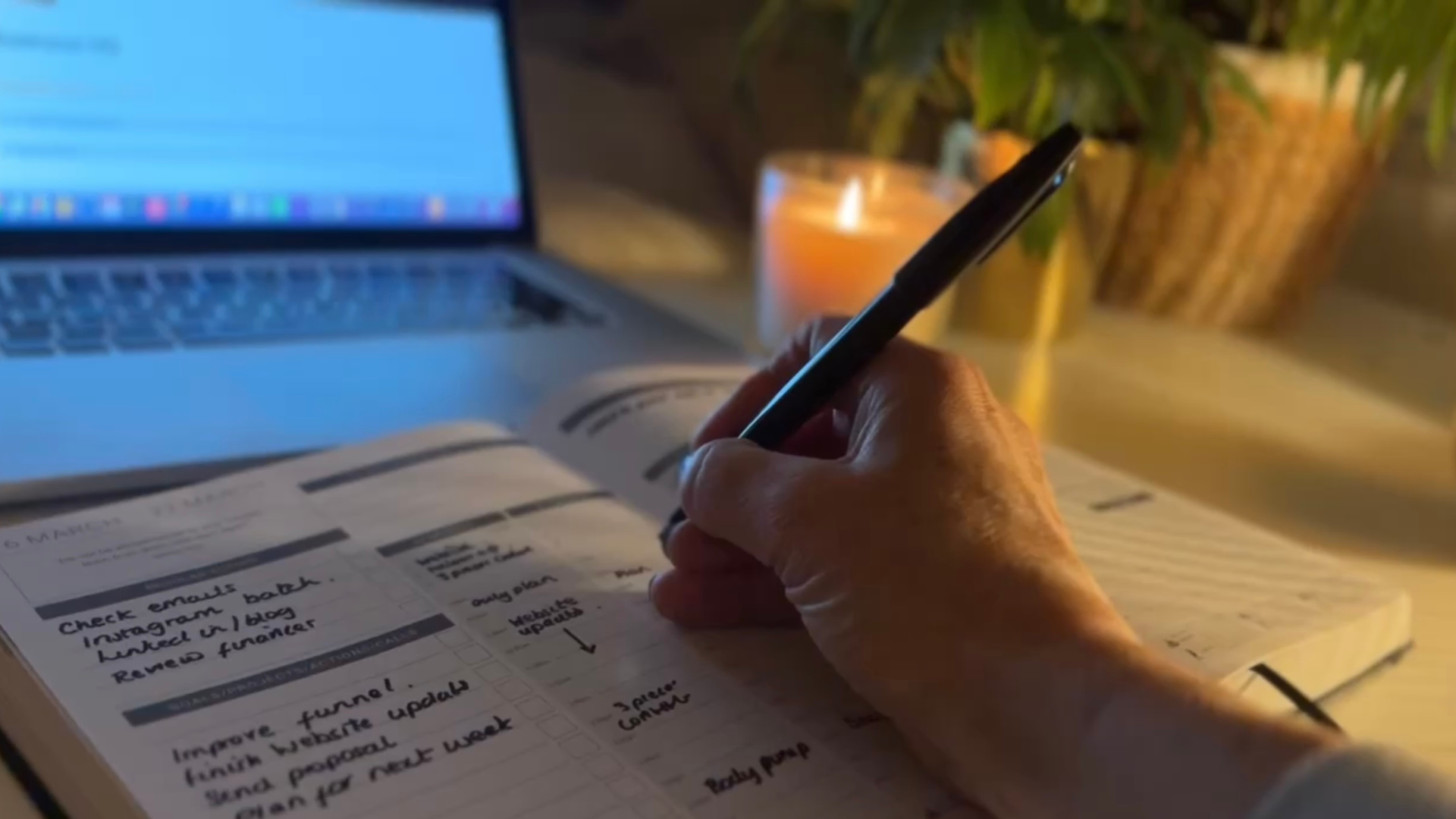
Business sections — Revenue tracking, client notes, content planning, project management. A planner built for business should handle business.
Weekly and monthly views — You need to zoom out as well as zoom in. Daily pages alone aren't enough.
Flexibility — Business life doesn't follow a rigid script. The best planners give you structure without boxing you in.
The Best Productivity Planners — Our Top Picks
1. MY PA Business Planner — Best Overall for Entrepreneurs
Best for: Entrepreneurs, small business owners, coaches, freelancers Available as: Physical planner / Digital PDF / Notion system
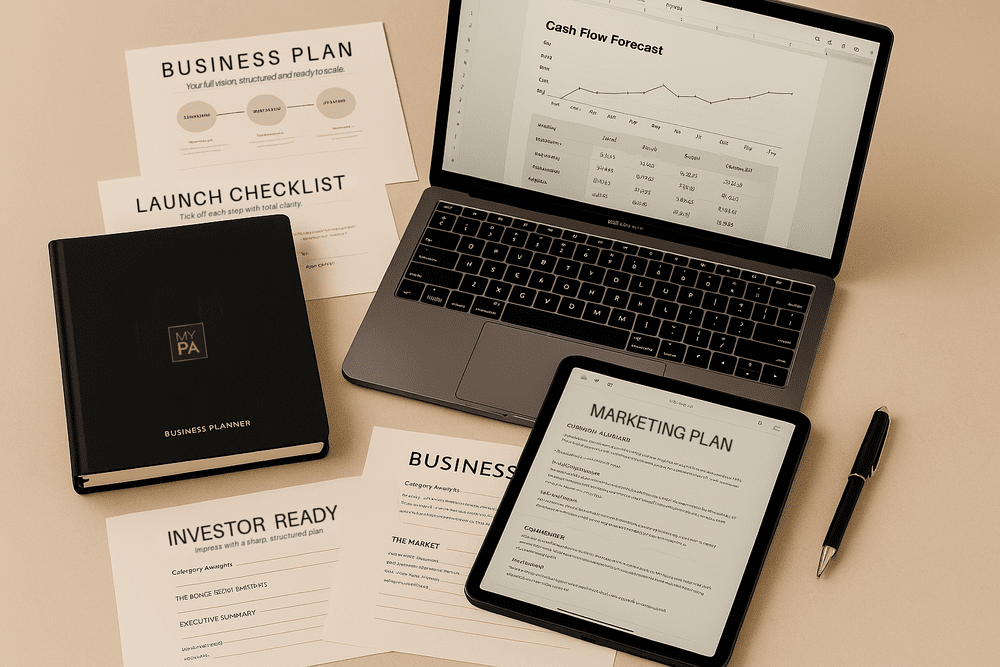
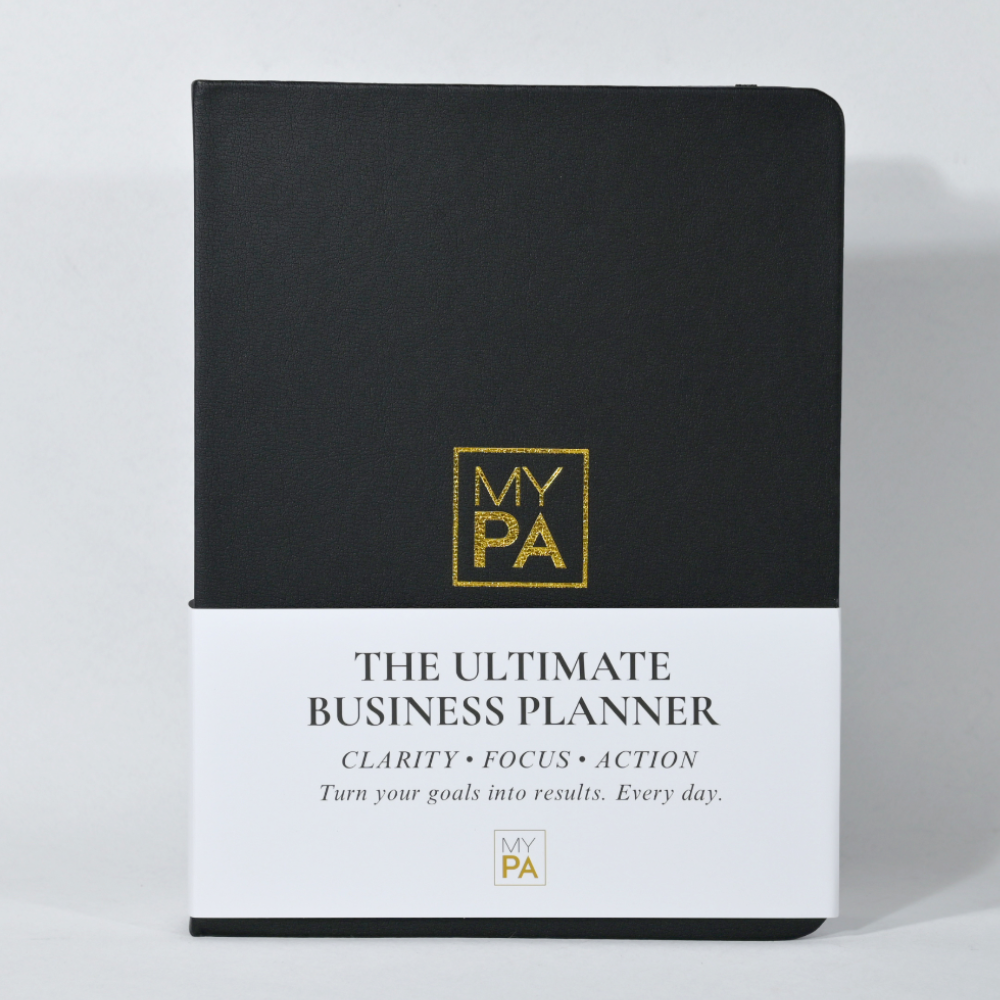
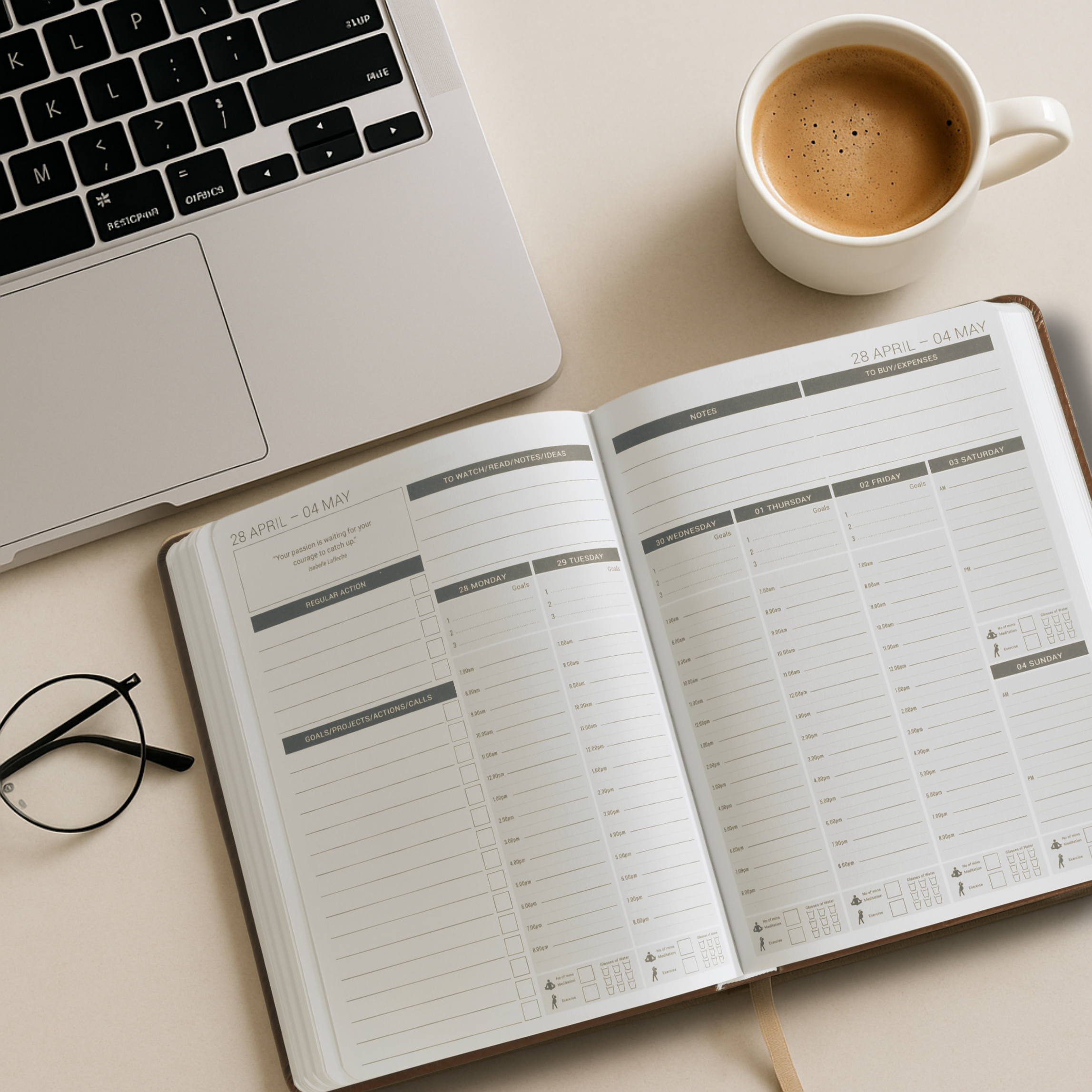
The MY PA Business Planner was built specifically for business owners who are doing everything themselves. It's not a generic diary with a goals page bolted on — it's a complete planning system.
What's inside:
Annual vision and goal-setting pages
Quarterly planning with business focus
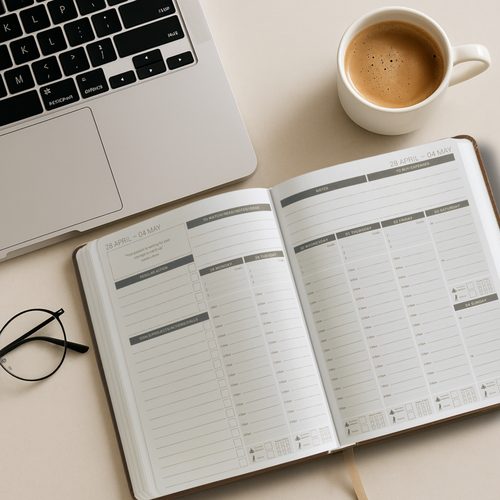
Weekly spreads with time-blocking built in
Daily pages with priority tasks and focus time
Revenue and finance tracking
Monthly reviews
Project planning pages
Space for content and marketing planning
The physical version is undated so you can start any time and never waste pages. The digital PDF version works seamlessly on iPad with GoodNotes, reMarkable, Kindle Scribe, and Onyx Boox. The Notion version (Business HQ) brings your entire business into one dashboard.
Why it's our top pick: Most planners are built for personal productivity. The MY PA system is built around running a business — the weekly layouts reflect how a business owner actually thinks about their week, not a 9-5 employee.
👉 [Shop the MY PA Business Planner] 👉 [Free Business Planner Download]
2. MY PA Digital Planner — Best for iPad & E-Ink Device Users
Best for: Digital-first planners, iPad users, reMarkable and Kindle Scribe owners
If you prefer planning digitally, the MY PA digital planner gives you the same business-focused structure — fully hyperlinked and optimised for iPad, GoodNotes, reMarkable 2, Kindle Scribe, and Onyx Boox.

Why it works:
Hyperlinked tabs so you jump between sections instantly
Designed for Apple Pencil — feels like writing on paper
Syncs across all your devices
No more lost notebooks
3. MY PA Business HQ (Notion) — Best for Running Your Whole Business in One Place
Best for: Business owners who want everything in one digital system
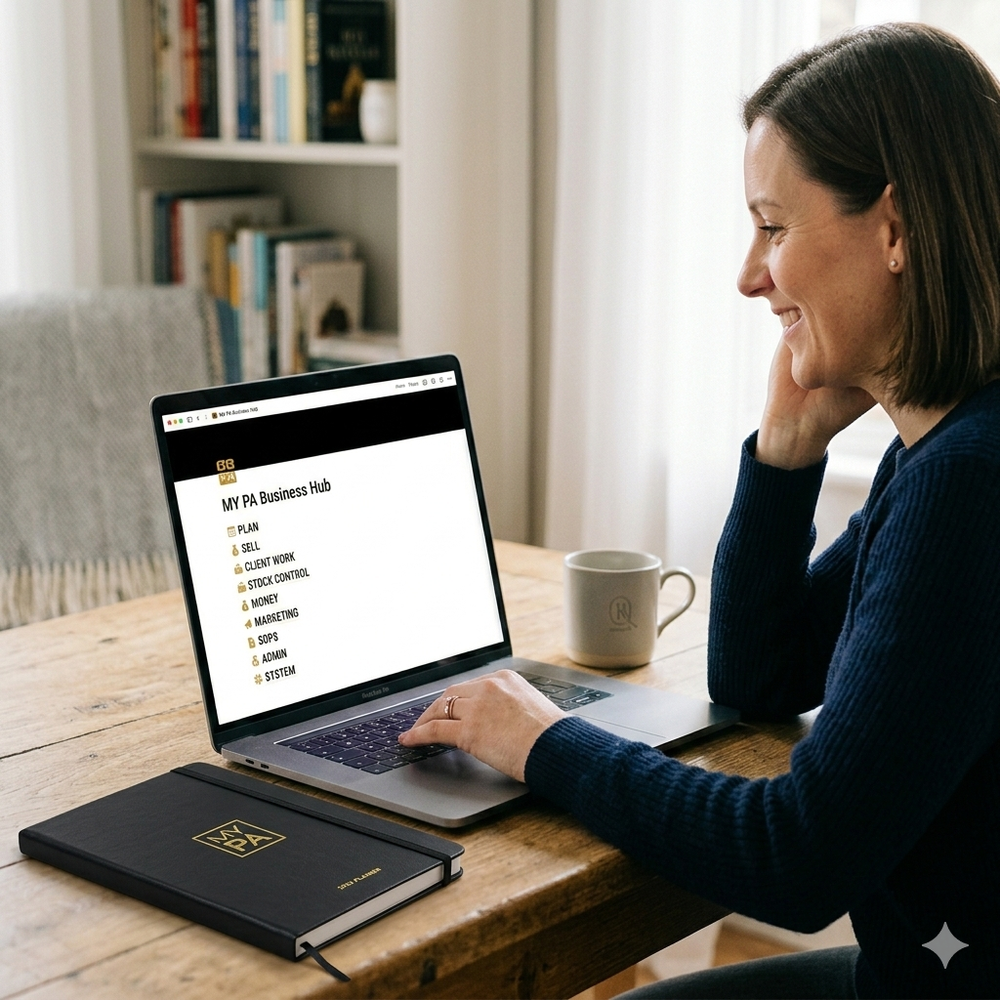
If you want your planner, projects, clients, finances, and content all in one place — the MY PA Business HQ Notion system is the answer.
What's included:
Full weekly and daily planner
Project and task management
Client CRM
Finance and revenue tracker
Content planner
Goals and KPI dashboard

4. Passion Planner — Best Budget Physical Option
Best for: Personal productivity with some business overlap — around $35
Solid budget option with a focus on goal-setting. Better suited to personal productivity than running a business, but a good starting point.
Limitations: No dedicated business sections, revenue tracking, or project planning. You'll likely outgrow it as your business grows.
5. Full Focus Planner (Michael Hyatt) — Best for Corporate Professionals
Best for: Corporate professionals and executives — around $45 per quarter
Well-known option with a strong goal-setting framework but quarterly (you need a new one every 90 days) which adds up.
Limitations: Expensive over time, no digital version, quite rigid. Better suited to corporate professionals than entrepreneurs who need flexibility.
Physical vs Digital vs Notion — Which Is Right for You?
Choose a physical planner if:
You think better with pen on paper
You want something away from screens
You like the ritual of sitting down with a notebook
Choose a digital PDF planner if:
You already use an iPad or e-ink device
You want your planner on every device
You travel a lot
Choose a Notion system if:
You want your planner connected to your projects, clients, and finances
You want one home for your entire business
How to Choose the Right Productivity Planner for Your Business
Most planner guides just show you a list. But the right planner depends entirely on where you are in your business and how you actually work. Here's a simple framework before you spend money.
Step 1: Know what problem you're actually trying to solve
A productivity planner isn't a magic fix. It's a tool that works when you know what you need it to do. Ask yourself honestly: is the problem that you don't know what to focus on each day? That you start the week with good intentions and lose track by Tuesday? That you have big goals but no system for breaking them into weekly actions? Or that you're running a business from your head and nothing is written down?
Each of these needs a slightly different thing from a planner. Knowing your real problem stops you buying something beautiful that sits on your desk unused.
Step 2: Physical, digital, or both?
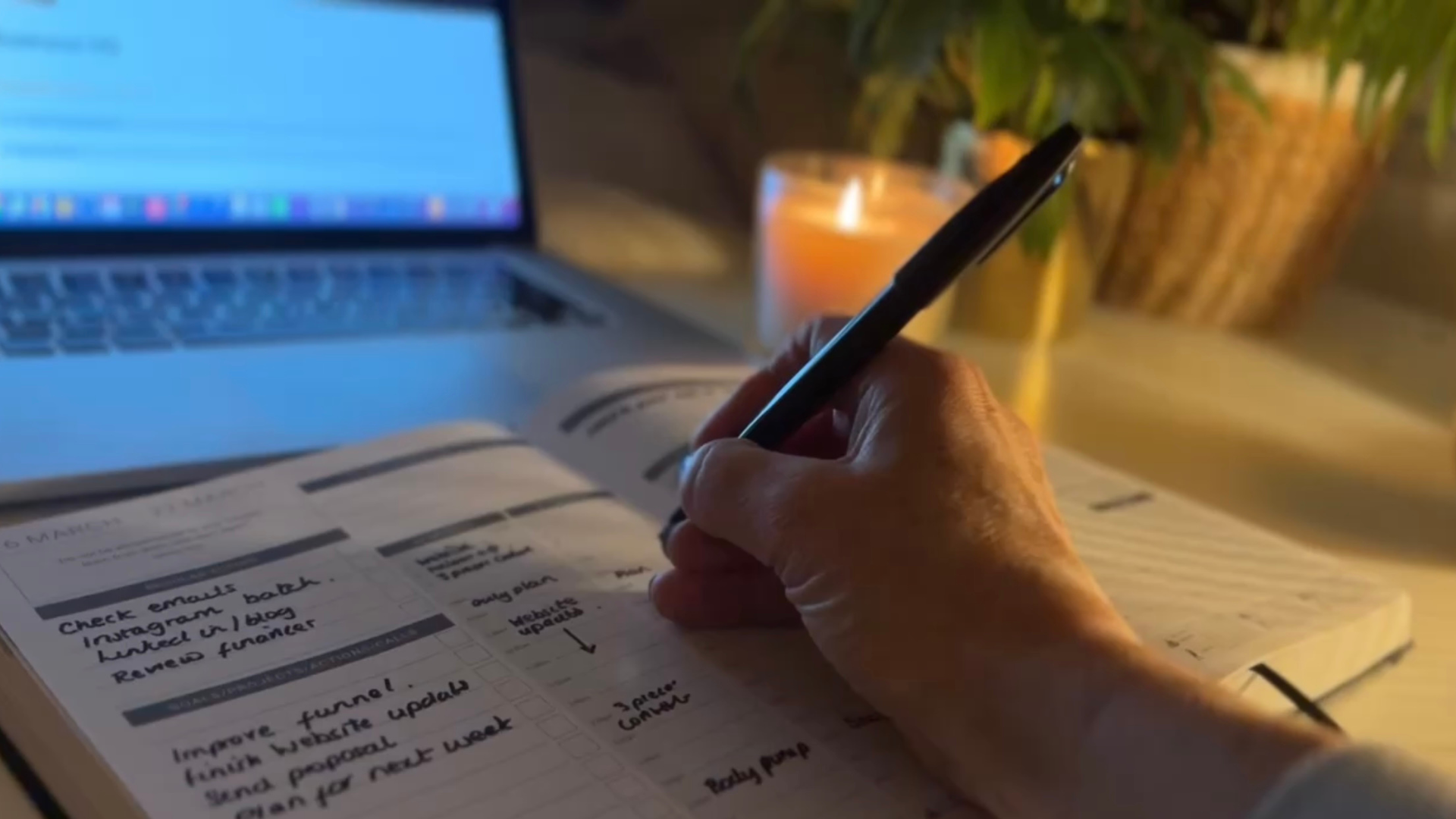
Physical planners are better for focus, thinking, and reducing screen time. Writing by hand slows you down in a useful way, helping you actually process your priorities rather than just list them. The research consistently supports handwriting for retention and decision-making.
Digital planners are better for accessibility, especially if you're moving between devices, working across time zones, or need your planning system to be available wherever you are. A digital planner on a reMarkable, Onyx Boox, or iPad gives you the writing experience of paper without the bulk.
Many business owners use both: a physical planner for weekly and monthly planning, and a digital system for day-to-day task management and notes.
Step 3: Match the planner to your stage of business
This is the part most guides skip. A planner that's perfect for someone building a business from scratch is often wrong for someone running a team of five. Here's a rough guide:
Just starting out or still in a 9 to 5: you need something simple and fast. One page per day maximum. Clear priority-setting at the top. No complex sections that take 20 minutes to fill in on a tired Tuesday evening. The goal is to build the habit first.
Running a business full time, solo or small team: you need goal-to-task alignment. A planner that connects your annual goals to your quarterly priorities to your weekly actions. Time-blocking is essential at this stage. Weekly reviews become non-negotiable.
Scaling or managing a team: you need a system, not just a planner. This is where Notion or a hybrid digital system starts to make more sense alongside a physical planner for personal planning.
Step 4: Check for these five things before you buy
Time-blocking layouts. If the daily page doesn't have time slots, it's a diary, not a productivity planner. Time-blocking is one of the most effective productivity methods available to small business owners and your planner should support it.
Goal alignment. Can you see your weekly priorities in the context of your monthly and quarterly goals? If the weekly page exists in isolation, you'll find yourself completing tasks without making progress.
Weekly review structure. The weekly review is the single most important habit a business owner can build. If the planner doesn't prompt one, you'll skip it.
Simplicity. A planner you use for 5 minutes a day beats a complex system you abandon by February. Fewer sections done consistently will always outperform a 10-section system done badly.
Business-specific sections. Productivity planners built for students or personal use won't have revenue tracking, project planning, or business goal frameworks. Make sure yours is built for how a business actually works.
What Type of Productivity Planner Do You Need?
Physical business planner Best for: entrepreneurs who want to disconnect from screens, think more clearly, and build a consistent weekly planning habit. The act of writing by hand reduces overwhelm and forces prioritisation in a way typing doesn't. A good physical business planner should last a full year and cover goal-setting, weekly planning, time-blocking, and business-specific sections.
See: best physical business planners for entrepreneurs
Digital planner for iPad Best for: entrepreneurs who already use an iPad for work and want one device for everything. Works with GoodNotes, Notability, and Noteshelf. The best digital planners for iPad are hyperlinked PDFs with tab navigation so you can move between sections in seconds.
Digital planner for e-ink devices Best for: entrepreneurs who want the focus and writing feel of paper without the physical bulk. Devices like the reMarkable Paper Pure, Onyx Boox, and Kindle Scribe give you a paper-like writing surface that's easier on the eyes and completely distraction-free.
See: best planner for Onyx Boox
Notion business system Best for: entrepreneurs who want to run their entire business from one digital workspace, not just their planning. A Notion system can connect your goals, projects, CRM, content planning, and finances in one place. More of a learning curve than a planner but significantly more powerful for business operations.
Hybrid system Best for: most established business owners. A physical planner for weekly and monthly thinking combined with a digital system for day-to-day tasks and project management. The two work better together than either does alone.
The Honest Truth About Productivity Planners
A planner won't make you productive on its own.
The best planner is the one you'll actually use. Consistently. Every week.
That's why the MY PA system was designed with simplicity at its core — enough structure to give you direction, enough flexibility to actually fit your life.
If you've bought planners before and abandoned them by February, the issue usually isn't willpower. It's that the planner wasn't designed for how you actually work.
Try Before You Buy
Not sure which option is right for you? Download our free business planner and see if the MY PA approach works for you before committing.
👉 [Download Free Business Planner]
Frequently Asked Questions
What is the best productivity planner for small business owners? The MY PA Business Planner is specifically designed for small business owners and entrepreneurs, with dedicated sections for goal-setting, time-blocking, revenue tracking, and project planning.
What's the difference between a productivity planner and a regular diary? A productivity planner goes beyond dates and appointments. The best ones include goal-setting frameworks, weekly review prompts, priority-setting tools, and business-specific sections.
Is a digital or physical planner better for productivity? Neither is objectively better — it depends on how you work. Physical planners are better for focus and reducing screen time. Digital planners are better for accessibility and syncing across devices. The MY PA system is available in both formats.
How do I actually stick to using a planner? Keep it visible and make it part of a routine — ideally a Sunday planning session to set up your week and a Friday review to close it out. The simpler the planner, the more likely you are to use it consistently.
What makes a good business productivity planner? Look for: time-blocking layouts, goal-to-task alignment, weekly and monthly views, business-specific sections, and flexibility to adapt to your schedule.
Start your business without guessing
The Business Starter Kit gives you the plan, the pricing, and one place to run it, so you always know what to do next.
- Clear plan, step by step from idea to launch.
- Price for profit, know what to charge and what you will make.
- One Business HQ, run your entire business from one place from day one.
Start free, then choose the next step when you are ready.