One of the best things about the Onyx Boox is that you can load any PDF template onto it and start writing immediately. But finding templates that actually work well on e-ink — and for serious planning, not just note-taking — takes more effort than you’d expect.
Most templates floating around online are designed for iPads. They use colour-coded sections, tiny text, and layouts that look great on a retina screen but fall apart in greyscale. On an Onyx Boox, you need clean lines, high contrast, and enough writing space for a stylus.
This guide rounds up the best planning templates for Onyx Boox in 2026 — both free and paid — and explains what to look for so you don’t waste time downloading things that don’t work.
What Makes a Good Template for Onyx Boox?
Before looking at specific options, here’s what to check:
High contrast — dark lines on white background, no colour dependency
Large writing areas — sized for stylus handwriting, not typed text
PDF format — works in NeoReader without needing additional apps
Hyperlinked navigation — tabs or links to jump between sections (essential for planners with many pages)
Clean layout — minimal decoration, functional design
If a template fails on any of these, it’ll be frustrating to use on e-ink. Beautiful doesn’t mean functional on this screen type.
Free Templates
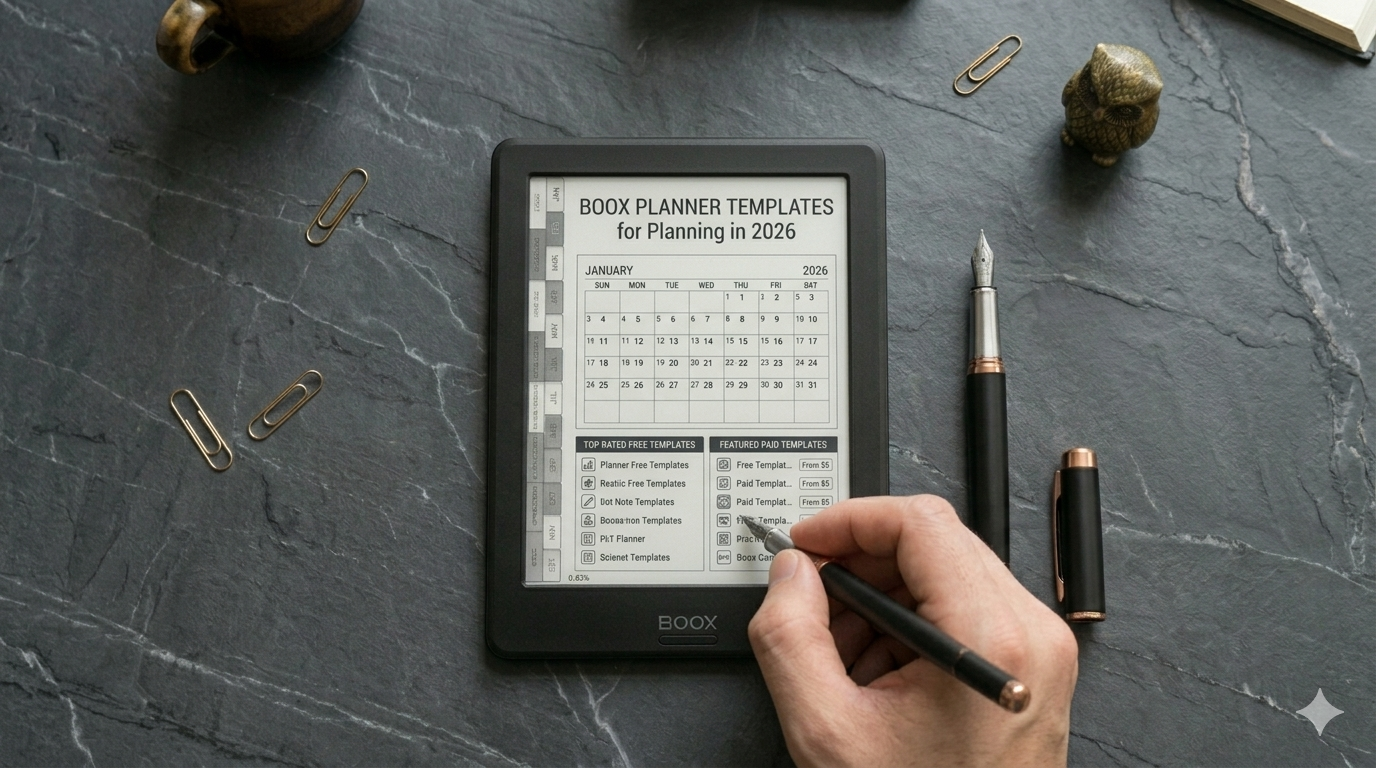
Built-In Onyx Boox Templates
Onyx Boox devices come with basic templates in the Notes app — lined paper, grids, dot grids, and simple calendar layouts. These are fine for quick notes and brainstorming, but they’re not planning systems. There’s no goal-setting structure, no weekly review flow, and no way to build a consistent planning habit around them.
Good for: scratch notes, meeting notes, quick lists. Not for: structured business planning.
Free PDF Planners Online
There are free PDF planners available from various websites and creator marketplaces. Quality varies wildly. Some are well-designed and work fine on e-ink. Others are iPad-focused templates that happen to be free — meaning colour-dependent, small text, and broken hyperlinks on Onyx Boox.
If you want to test the concept before investing, a free planner can work as a starting point. Just check that it’s actually designed for e-ink or at least uses a clean, high-contrast layout.
Onyx Boox Community Templates
The Onyx Boox community on Reddit and various forums share custom templates. These tend to be simple and functional — daily schedules, habit trackers, reading logs. Worth browsing if you want single-page templates for specific purposes rather than a full planning system.
Paid Templates and Planners
Etsy Digital Planners
Etsy is the biggest marketplace for digital planner templates. Prices range from £3 to £30. The challenge is that the vast majority are designed for GoodNotes on iPad. Search specifically for “e-ink planner” or “Onyx Boox planner” to filter results.
What to watch for: check reviews for mentions of e-ink compatibility, look at the preview images for colour dependency, and confirm the planner uses hyperlinked navigation. A cheap planner that doesn’t work on your device is a waste of money at any price.
Dedicated E-Ink Planners
A few companies create planners specifically for e-ink devices. These tend to be higher quality because they’re designed from the ground up for greyscale screens, stylus writing, and hyperlinked navigation.
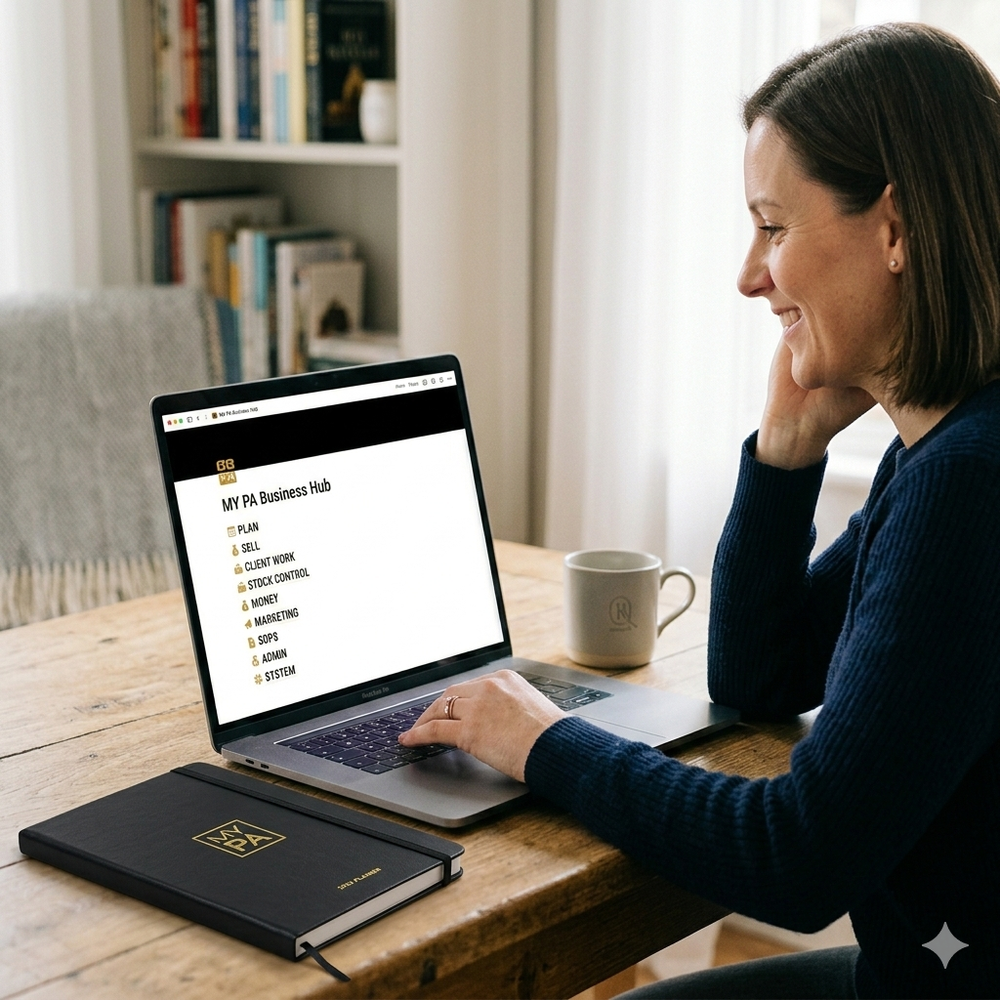
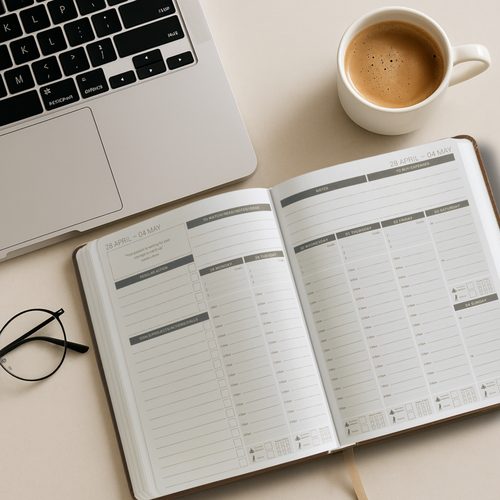
The MY PA Digital Business Planner for Onyx Boox falls into this category. It’s not just a calendar template — it’s a complete business planning system with monthly goal-setting, weekly planning, daily time-blocking, project planning, cash flow tracking, and weekly reviews. Everything is hyperlinked with file tabs for quick navigation, and the layout is designed specifically for e-ink screens and stylus writing.
The difference between a template and a system is significant. Templates give you blank pages to fill in. A system gives you a workflow that guides what you write and why. If you’re using your Onyx Boox for business planning, a system is what you need.
Single-Page Templates vs Full Planners
This is an important distinction that most people don’t think about:
Single-page templates (daily schedule, habit tracker, weekly to-do) are great for specific tasks. You can load several onto your Onyx Boox and use them as needed. They’re simple, often free, and serve a focused purpose.
Full planners (monthly + weekly + daily + goals + reviews in one hyperlinked PDF) are better for building a consistent planning habit. Everything is in one place, sections connect to each other, and the structure guides your thinking.
Most people start with single-page templates and eventually move to a full planner once they realise they need more structure. If you’re serious about using your Onyx Boox for business planning, starting with a full planner saves time.
How to Get Templates onto Your Onyx Boox
Once you’ve chosen your template or planner, getting it onto the device is straightforward. We’ve written a full guide on how to install a planner on Onyx Boox covering USB transfer, cloud storage, and NeoReader setup.
The Right Template Depends on How You Work
If you just want a clean daily page to write notes on, a free template will do the job. If you want a structured system that helps you set goals, plan your week, and review your progress, invest in a proper planner designed for e-ink.
For a full guide on building a planning workflow on your Onyx Boox, read how to use Onyx Boox for business planning.
Start your business without guessing
The Business Starter Kit gives you the plan, the pricing, and one place to run it, so you always know what to do next.
- Clear plan, step by step from idea to launch.
- Price for profit, know what to charge and what you will make.
- One Business HQ, run your entire business from one place from day one.
Start free, then choose the next step when you are ready.