

AI has made it easier than ever to start things. That's exactly why I reach for my paper planner more than ever.
The short answer: when you can start ten jobs before lunch, the hard part isn't doing the work any more. It's keeping track of it, and deciding what matters. AI can help with the tasks. My planner is where I do the deciding.
What I give AI, and what stays on paper
| Give it to AI | Keep it on paper |
|---|---|
| First drafts and rewrites | Monthly goals |
| Research and number crunching | Today's top three |
| Fixes and admin | Decisions, and why I made them |
| Ideas and options | Ideas parked for later |
| Suggesting a schedule | Family, health and time off, planned next to work |
| Repetitive tasks | A record of what got done |
What changed when I started using AI
Like a lot of business owners, I now use AI for some of my work: a first draft, a bit of research, a fiddly spreadsheet. It's quick, and it makes starting things very easy.
That's the catch. When starting is that easy, you start more, and it's easy to lose track. Which job did I finish? Which one is half done in another chat? What did I decide, and why? None of that lives neatly in a chat window. It lives in my planner.
Does AI reduce your workload? No, it multiplies it
Researchers have found the same thing. In an eight-month study at a US tech company with around 200 staff, published in Harvard Business Review, people using AI worked faster, took on a wider range of tasks and let work spill into more hours of the day. Often nobody had asked them to.
Because AI made starting a task so easy, small bits of work crept into what used to be breaks. The researchers warn that this quiet workload creep can lead to tiredness, burnout and poorer decisions.
In a company, a manager might spot it. When you run your own business, there's no one to notice but you. So your plan has to do that job.
Even the man behind ChatGPT thinks on paper
If anyone could hand all their thinking to AI, it's Sam Altman, the CEO of OpenAI. He doesn't.
On David Perell's How I Write podcast, he said "writing is most importantly a tool for thinking", and that he doesn't see that changing. He fills spiral notebooks and tears out the pages as he goes. Speaking at the Federal Reserve in 2025, he said clear thinking matters even more than clear communication, and writing things down is one of the best ways to get there.
Back in 2018, he wrote that he prefers his to-do lists on paper, and that rewriting them often makes him rethink every item on them. When the person building the tools still plans by hand, that tells you something.
Is writing by hand better than typing?
For remembering and thinking, yes. In a 2024 study at the Norwegian University of Science and Technology, students who wrote by hand showed far more connected brain activity than when they typed, in the areas linked to memory and learning. The benefit came from forming letters with a pen, whether on paper or a touchscreen. That's good news if you plan on an e-ink tablet.
The opposite happens when AI does the thinking. In MIT's 2025 "Your Brain on ChatGPT" study, people who wrote essays with ChatGPT showed the lowest brain engagement. Most couldn't accurately quote a single line of what they'd just written. It was a small study of 54 people, so treat it as a warning sign, not the final word.
The lesson isn't to stop using AI. It's to keep the thinking for yourself. Paper also has practical perks no app can match: it doesn't ping, it doesn't open another tab, and when the page is done, you're done.
Why prioritising matters even more with AI
There's one more reason I plan first: AI runs out. Every AI tool has usage limits, and when you hit yours halfway through a job, the work stops until it resets.
So I can't spend my usage on the easy, fun jobs and leave the important one unfinished. Before I open AI, I decide on paper which job matters most, and if AI can help with it, that's what it works on first. If I run out, the thing that mattered is already done.
Prioritising was always a business owner's superpower. With AI, it's also how you get the most from every session.
How I use AI and a paper planner together every day
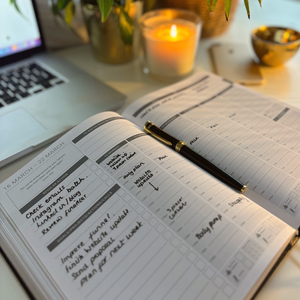
Top three first. Before I open AI, I write my top three for the day in my planner.
Number one comes first. If AI can help with it, that job gets my AI time first, while I still have usage. I block the time out in my time blocking planner.
Park new ideas. AI sparks ideas all day. They go on a list in my planner, not into a new chat.
Write down what got done. At the end of the day, I note what's finished, what's half done and what I decided. AI work disappears into chat histories. My planner keeps the record.
Review every Friday. A weekly review shows what moved forward and what's slipping.
Monthly goals steer it all. Each month I set my goals in my planner, and they decide what makes the top three.
Want the full step-by-step setup? Read how to organise your day with AI, Notion and your planner.
AI gave me a team. My planner is still my PA.
Every CEO has always had help: a PA to run the diary, experts to do the specialist work, a team to get it done. Nobody said they were losing their minds. Using AI is the same thing. It's delegation, and for business owners it's the first time we've had that kind of help without a payroll.
But a bigger team doesn't mean less to manage. It means more. The more work AI takes on, the more there is to keep track of, check and decide on. And one job can't be handed over: deciding what matters, what comes first and what gets dropped. That's the boss's job.
That's what my planner is for. It's where I do the thinking AI can't do for me: my monthly goals, my top three for the day, the decisions, and a record of what actually got done. AI can help with the tasks, but the deciding is mine. My planner keeps me in charge of my business and my life.
Frequently asked questions
Is a paper planner still worth it if you use AI?
Yes, more than before. AI increases how much you can start, so you need one place to decide what matters and to track what got done. Writing it by hand also helps you remember it.
Can AI replace a planner?
No. AI can suggest a plan, but it can't decide what matters to you or keep you accountable to it. Use AI to help with tasks and your planner for the decisions.
Should I use a paper or digital planner with AI?
Either works, as long as you write by hand. The MY PA planner comes printed, or as a digital planner for reMarkable, Kindle Scribe and Onyx Boox, where you still write with a pen. Not sure which suits you? Read digital planner vs paper planner.
What should I write in my planner if I use AI?
Your monthly goals, your top three for the day, the decisions you make, ideas to come back to, and what got done. Plan your life there too, so work doesn't take over.
Let AI help. Keep the deciding on paper.
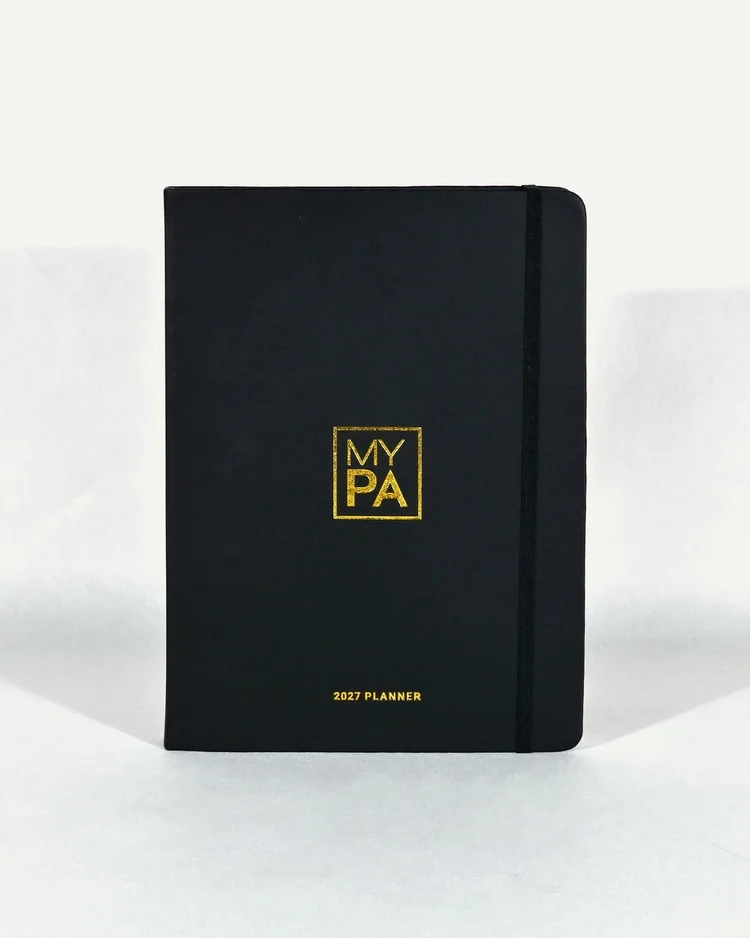
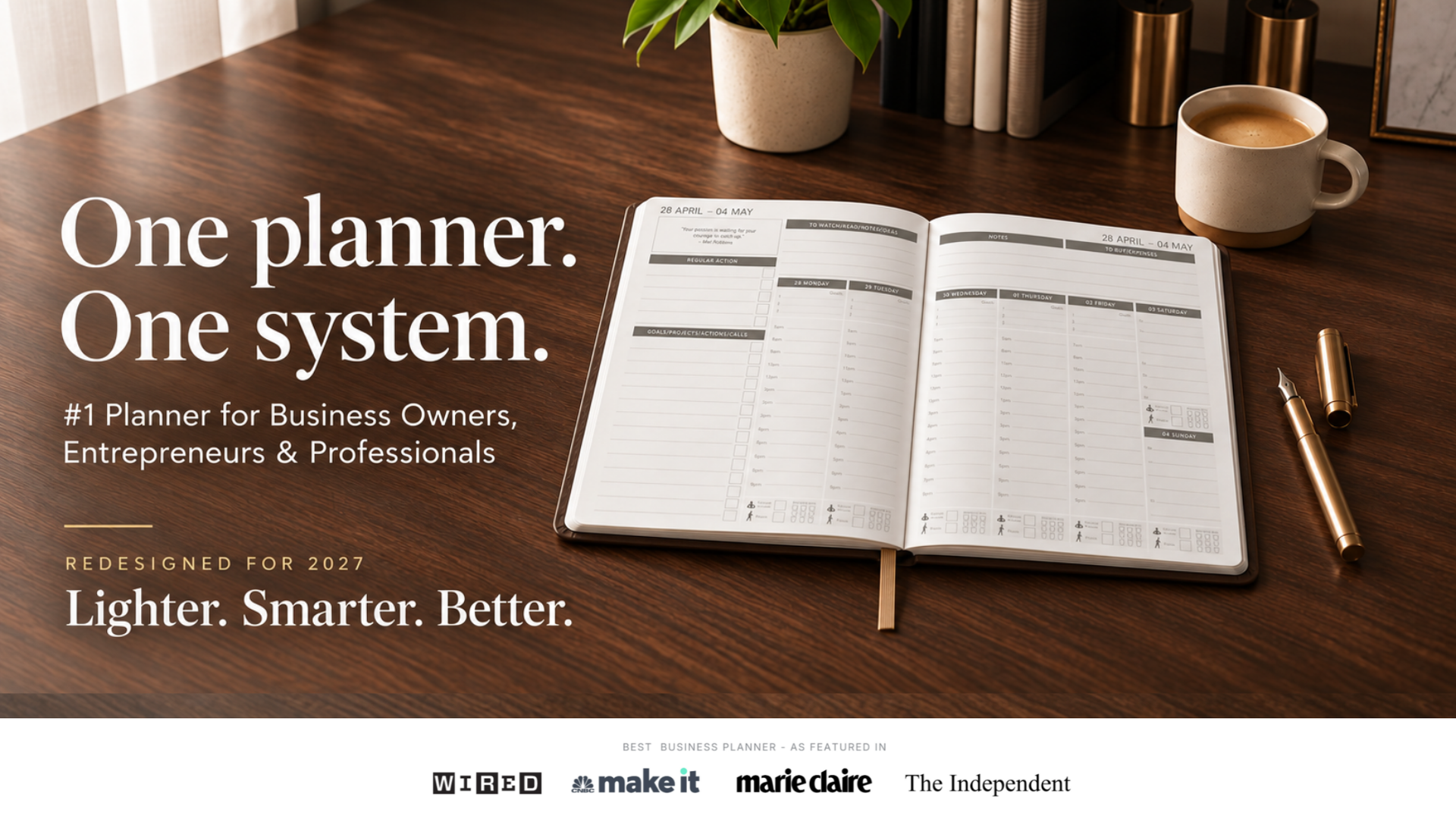
The MY PA 2027 Business Planner gives you one place for your monthly goals, your weekly priorities, your daily top three and your reviews, so you can run your business and your life together, however much AI takes on.
Get the free 2027 planner and start planning on paper today.