
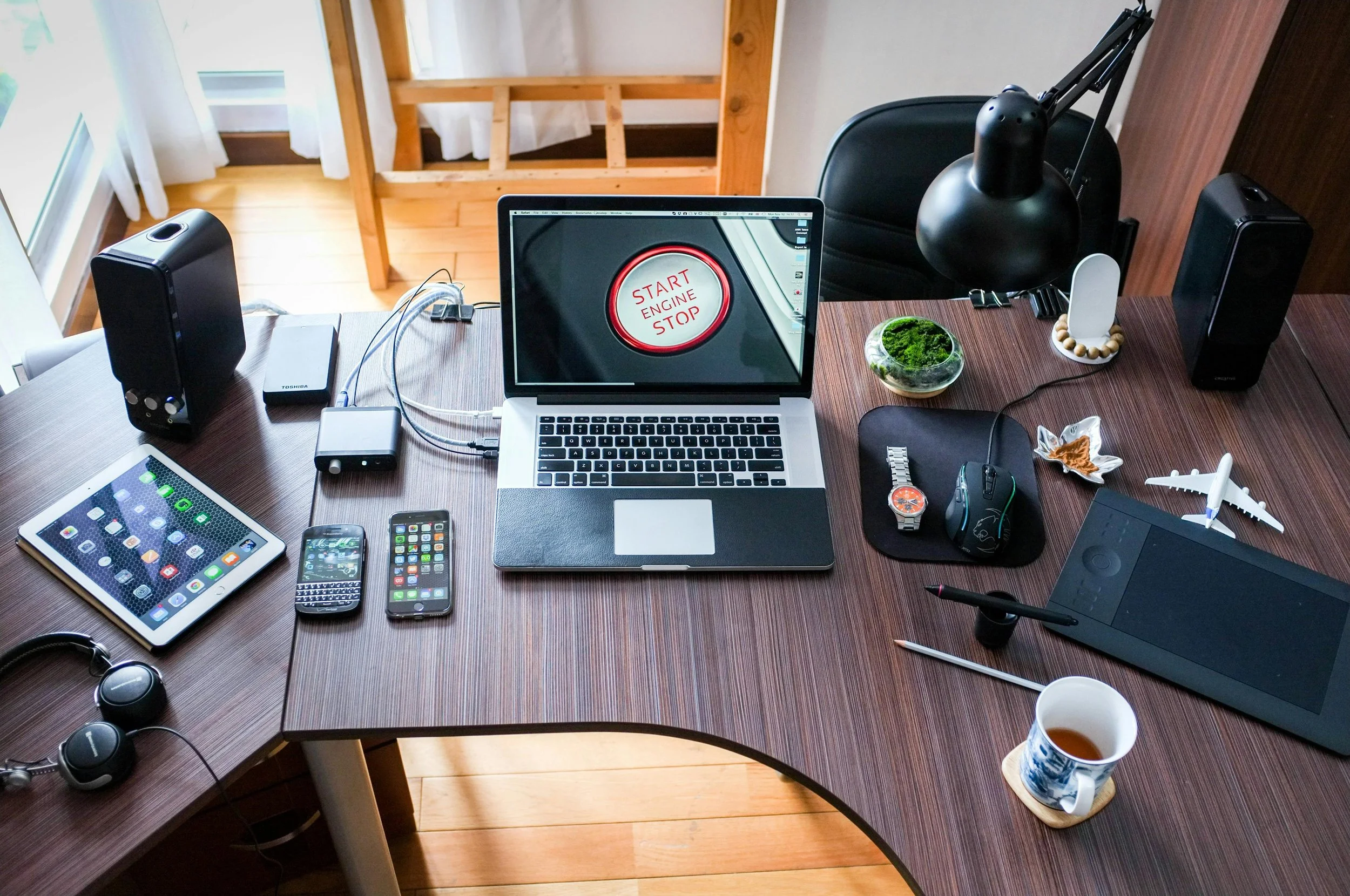
If you've decided to move to digital planning with ADHD, the next decision is not just which planner to use, but which device to use it on.
This matters more than people expect.
The right device can make planning feel simple and focused. The wrong one can quietly pull your attention away every time you open it.
Each option — iPad, Kindle Scribe, and Remarkable — has genuine strengths. But they also have trade-offs, especially for ADHD.
The best choice depends less on features, and more on how your brain responds to distraction, structure, and environment. First, do planners actually help with ADHD? Here's the evidence.
Why the Device Matters for ADHD
Most productivity advice focuses on tools, apps, or systems.
But for ADHD, the environment you use those tools in is just as important.
If your device constantly interrupts you, offers distractions, or encourages switching between tasks, then even the best planner will be harder to stick to.
On the other hand, a device that removes friction and limits distractions can make planning feel significantly easier.
That is why this choice is not just about preference. It is about support.
iPad
Best for: flexibility, features, and a rich digital experience
The iPad is the most versatile option.
You get colour, Apple Pencil precision, apps like GoodNotes and Notability, and the ability to customise your planner with stickers, layouts, and integrations.
If you enjoy visual planning, or want everything in one place, the iPad gives you the most options.
It also fits well if you are already using Apple devices in your day-to-day life.
ADHD reality check:
The same features that make the iPad powerful also make it distracting.
Notifications, apps, messages, and endless content are always there. Even with focus modes or discipline, it is easy to get pulled away.
If you struggle with impulse control around screens, this is not a small issue. It can be the difference between opening your planner and actually using it, or opening it and doing something else entirely.
Get the MY PA ADHD Planner for iPad.
Kindle Scribe
Best for: maximum focus and distraction-free planning
The Kindle Scribe is almost the opposite of the iPad.
You get no apps, no notifications, no browser — just a simple, calm e-ink screen.
It is designed to do one thing, and that is exactly why it works so well for ADHD.
There is nothing competing for your attention. When you open your planner, you stay in your planner.
The e-ink display is also easier on the eyes and feels closer to paper, especially useful if you plan in the evening.
ADHD reality check:
It is limited. You are not getting colour, apps, or advanced features. Some users also find the writing experience slightly less precise than an iPad or Remarkable.
But for many people with ADHD, that limitation is the advantage. Less choice. Less distraction. More focus.
For a deeper look at why e-ink works so well, read our guide: why Kindle Scribe is perfect for ADHD.
Get the MY PA ADHD Planner for Kindle Scribe.
Remarkable 2 / Paper Pro
Best for: the most natural writing experience
Remarkable sits between the two.
Like the Kindle Scribe, it is distraction-free — no notifications, no apps, no multitasking.
But it offers one of the best paper-like writing experiences available.
For ADHD users who process better through handwriting, this can be a big advantage. Writing things out can help with clarity, memory, and focus in a way typing often does not.
ADHD reality check:
It is typically the most expensive option. File management and syncing can also feel slightly less intuitive compared to the iPad. It is not complicated, but it is not as seamless.
Still, for people who value writing feel and minimal distraction, it is a strong choice.
For a dedicated guide, read: best ADHD planner for Remarkable.
Get the MY PA ADHD Planner for Remarkable.
Which Device Is Best for ADHD Planning?
There is no single best device for everyone.
The right choice depends on your biggest challenge.
If your main struggle is distraction: 👉 Kindle Scribe or Remarkable. Both remove the noise. They create a focused environment where planning is easier to stick to.
If your main priority is flexibility and features: 👉 iPad. You get more tools, more customisation, and a richer experience. But you need to manage distractions actively.
A Simple Way to Decide
Ask yourself one question: What usually stops me from sticking to planning?
If it is distraction → choose simplicity
If it is lack of structure → choose the device you will actually use consistently
If it is boredom or lack of engagement → the iPad may suit you better
The best device is not the most advanced one. It is the one that supports your behaviour.
The Planner Still Matters
The device creates the environment, but the planner creates the structure.
Even on the best device, a planner that is too complex, cluttered, or unclear will still be hard to use.
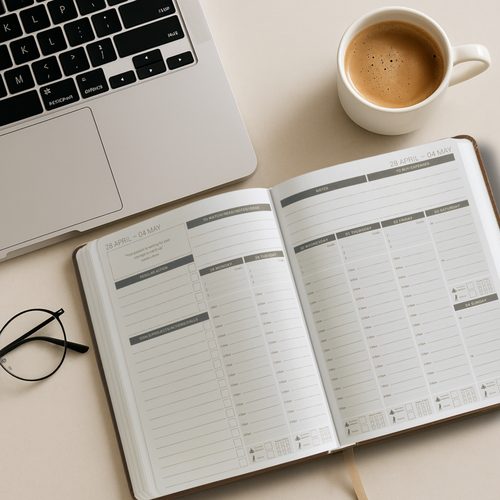
For ADHD, you need clean layouts, simple structure, built-in time blocking, easy navigation, and a system that is forgiving when you miss days.
MY PA ADHD Planner (Works Across All Devices)
The MY PA ADHD Planner is designed to work across iPad, Kindle Scribe, and Remarkable.
That means you can choose the device that suits your focus, without having to change your planning system.
It includes clean, structured layouts, time blocking built into weekly spreads, simple navigation, and a weekly review designed to reset — not overwhelm. Whichever device you pick, see our full ADHD time blocking guide to get the most from it.
So whichever device you choose, you are working with the same consistent system.
Final Thought
You do not need the perfect device. You need the right environment.
For ADHD, that usually means fewer distractions, less friction, and a system that makes it easier to start and easier to return.
Choose the setup that gives you that, and planning becomes something you can actually stick to.
Explore all our ADHD planning articles for more, or browse the full ADHD planning system to see how it all fits together.
We've also written a guide on how to use Onyx Boox for business planning if you're using that device You can read here
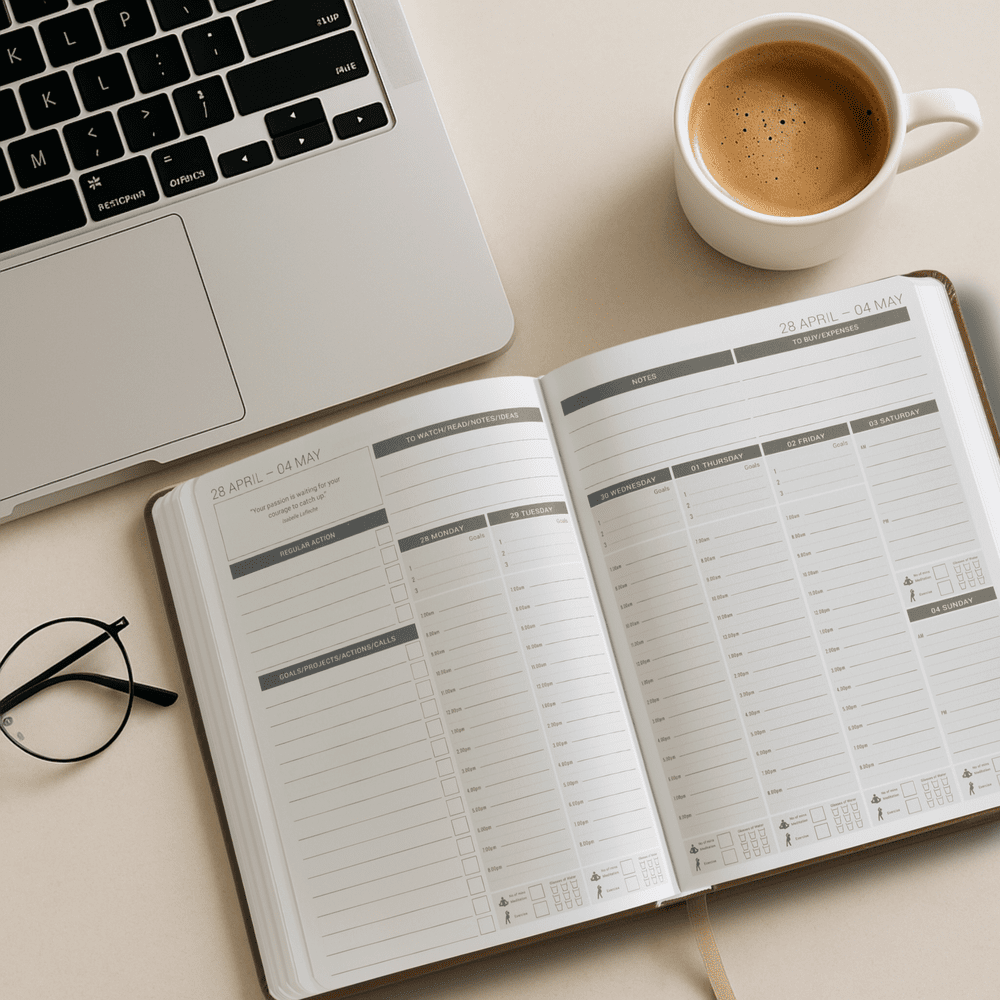
Free Business Planner
Printable weekly layout to plan priorities and stay organised, instant download.