Financial Planning

How to Use Notion to Run Your Small Business (Simple 2026 Guide)

Notion has become one of the most powerful tools for small business owners. Instead of juggling ten different apps, Notion lets you keep your plans, clients, projects, finances and ideas together in one clear workspace.

But the question most people have is:
“How do I actually use Notion to run my business?”

This guide breaks it down in the simplest possible way.

You’ll learn the exact structure most small business owners need, the types of pages to create, and how to keep everything organised without getting overwhelmed.

Why Notion Works So Well for Small Business Owners

Most small business owners don’t have a software problem — they have a scattered problem.

They use:

  • Asana for tasks

  • Google Docs for notes

  • Stripe for payments

  • Apple Notes for ideas

  • Spreadsheets for finance

  • Trello for projects

  • A diary for planning

  • Their head for reminders

Notion replaces all of that by creating one organised home for:

  • planning

  • clients

  • content

  • sales

  • delivery

  • finances

  • documents

  • ideas

When everything lives together, you stop firefighting and actually feel in control.

1. Start With a Simple Weekly Planning System

Before you move your entire business into Notion, begin with the basics:

  • your week

  • your goals

  • your priorities

  • your recurring tasks

A weekly planning dashboard should include:

  • This Week’s Focus

  • This Week’s Goals

  • Today’s Tasks

  • Quick Notes

  • Calendar

  • Regular Actions (recurring tasks)

This alone will change how your business feels day to day.

👉 Internal link:
Link “weekly planning dashboard” to MY PA Notion Planner workspace.

2. Add a Task + Project System

Once your planning is in place, add a simple project dashboard:

  • Project name

  • Status (Not Started / Active / Waiting / Done)

  • Linked tasks

  • Due date

  • Notes

  • Linked client (optional)

Then create a task database with:

  • Task name

  • Due date

  • Priority

  • Status

  • Linked project

  • Linked client

This keeps everything clean and traceable instead of scattered.

3. Set Up a CRM for Leads + Clients

A CRM doesn’t have to be complex.
A simple Notion CRM helps you track:

  • enquiries

  • leads

  • follow-ups

  • client details

  • meetings

  • notes

  • what stage they’re at

This alone can prevent thousands in lost revenue each year.

👉 Internal link:
Make “simple Notion CRM” link to MY PA Business Hub for Notion.

4. Track Your Finance in One View

Small business owners often avoid finances because the tools feel too “big”.

Notion gives you a simple snapshot of:

  • upcoming payments

  • invoices

  • expenses

  • subscriptions

  • income

  • profit

  • categories

  • due dates

You don’t need accounting software for everyday visibility.
You just need one organised weekly view.

👉 Internal link:
Link “track your finance” to MY PA Business Hub Notion template.

5. Add a Content Planner for Consistency

A content planner helps you stay consistent without burning out.

Create:

  • ideas list

  • platforms (IG, TikTok, Pinterest, email)

  • weekly or monthly posting schedule

  • hooks

  • captions

  • brand messaging

  • assets

This makes content creation structured instead of overwhelming.

6. Bring Everything Together into One Business Hub

Once you have planning, projects, CRM and finances in place, you can combine them into a full Notion business hub.

A real business hub includes:

  • Weekly dashboard

  • Planner (daily → yearly)

  • Projects + tasks

  • CRM

  • Finance

  • Content

  • Documents

  • Systems

  • Meetings

  • Recurring actions

  • Quick add buttons

This is what turns Notion from “just a note-taking tool” into a business operating system.

👉 Internal link:
Make “full Notion business hub” link to MY PA Business Hub for Notion.

What’s the Best Way to Start?

If you’re at the beginning of using Notion for business:

✔ Start with the MY PA Notion Planner workspace

This is ideal if your main challenge is:

  • clarity

  • weekly structure

  • getting things done

  • reducing overwhelm

✔ When you’re ready, upgrade to the MY PA Business Hub for Notion

This is perfect if you want:

  • planning + CRM

  • clients + projects

  • finance + content

  • everything in one place

  • one calm, clear weekly view

Final Thoughts

You don’t need complicated systems.
You need a clean, calm, organised structure that helps you focus on the work that actually grows your business.

Notion is powerful, but only when it’s set up properly.
A good template creates a foundation you can build on for years.
The Best Notion Business Templates for Small Business Owners in 2026 (Complete Guide)

Running a small business means juggling ideas, clients, planning, content, invoices, projects, goals… and often doing it all alone.
Notion is one of the best tools to bring everything together, but only if you use the right templates.

In this guide, you’ll discover the best Notion business templates for 2026, what each one is for, and how to choose the right system depending on where you are in your business.

Whether you’re a solopreneur, coach, creator, freelancer, or small business owner, this guide will help you build a business that feels clear, organised, and calm.

Why Notion Templates Matter (Especially for Small Business Owners)

Most business owners don’t struggle because they’re disorganised.
They struggle because their business is scattered:

  • projects in one app

  • content in another

  • invoices in a spreadsheet

  • ideas in Apple Notes

  • reminders in their head

Notion fixes this — if you have the right setup.

A good template helps you:

  • See your entire business in one place

  • Reduce overwhelm

  • Focus on what matters this week

  • Stay consistent with clients

  • Track money clearly

  • Grow without chaos

The templates below are the ones that genuinely help you run your business like a business, not a guessing game.

1. Notion Planner Templates

A Notion planner is perfect if you want structure in your week without bringing the whole business into Notion yet.

The best planner templates include:

  • daily, weekly, monthly and yearly planning

  • goals linked to projects

  • weekly focus

  • a content planner

  • space for ideas and notes

Who this is for:
Early-stage founders, creators, solopreneurs, or anyone who wants clarity without managing clients or finances in Notion.

👉 MY PA Planner Workspace

2. Notion Project Management Templates

If you work with clients or deliver services, you need a simple way to see:

  • what’s active

  • what’s overdue

  • what’s waiting for the client

  • what’s coming next

The best project templates include:

  • task timelines

  • status tracking

  • links to clients

  • priority views

  • “this week” views

  • notes and deliverables

This keeps delivery clean and stops things slipping through the cracks.

3. Notion CRM (Client Management) Templates

A CRM doesn’t need to be complicated.
You just need a simple way to track:

  • enquiries

  • leads

  • follow-ups

  • client status

  • meetings

  • notes

Most small business owners lose money because they forget to follow up.
The right template fixes this.

👉 Internal link here:
Link to MY PA Business Hub page (this is where the CRM lives).

4. Notion Finance Templates

Your finances don’t need to be complicated. The best templates include:

  • income tracking

  • expenses

  • subscriptions

  • invoices

  • upcoming payments

  • simple profit view

  • due dates

A good Notion finance system won’t replace accounting software,
but it will help you stay in control week by week.

👉 MY PA Business FInance Hub

5. Notion Content Planner Templates

If you create content, this is a must.
Look for:

  • ideas list

  • posts by platform

  • schedule for the week

  • brand assets

  • messaging

  • hooks and captions

  • launch timelines

The key is consistency — a good content planner helps you show up without burning out.

6. Notion Business Hub Templates

This is the template for business owners who want everything in one organised system.

A real Business Hub should include:

  • Planner (daily, weekly, monthly, yearly)

  • Projects

  • Tasks

  • Goals

  • Content

  • Leads & CRM

  • Client delivery

  • Finance

  • Systems

  • Documents

  • Recurring actions

  • A dashboard that shows “This Week” clearly

Most templates only do one piece.
A Business Hub brings everything together.

👉 MY PA Business Hub page

Which Notion Template Should You Start With?

Here’s the simplest way to decide:

If you want structure and planning → start with the Planner Workspace

Perfect if your biggest problem is clarity, focus, routines, or weekly planning.

If you want to run the whole business from one calm system → choose the Business Hub

This includes the full planner plus:

  • CRM

  • Projects

  • Finance

  • Delivery

  • Content

  • Documents

  • Systems

It’s for anyone who wants everything in one home inside Notion.

Final Thoughts

Notion can transform how you run your business, but only with the right setup.

You don’t need 20 templates.
You just need one system that brings the important pieces together.

If you want to get organised quickly, the MY PA templates give you:

  • clarity

  • structure

  • weekly focus

  • all your business in one place

  • a calm, clean workspace

Runway and Forecasting Basics: How to Build Startup Forecasts Investors Trust

Why runway matters

In startup life, cash is oxygen. Runway is the number of months your business can survive before it runs out of cash. If you misjudge it, you risk scrambling for funding at the worst possible time.

For founders, knowing your runway helps you plan ahead. For investors, it signals when you’ll need capital again and whether you’re managing your resources with discipline.

How to calculate runway

The formula is simple:

Runway = Current Cash Balance ÷ Monthly Burn Rate

  • Example: If you have £150,000 in the bank and spend £25,000 per month, your runway is 6 months.

This back-of-the-envelope calculation is what investors will do immediately when they look at your financials.

💡 Tip: Always calculate your “net burn” (spend minus revenue). If you generate £10k/month in revenue but spend £35k, your net burn is £25k.

Why investors care

A founder raising with less than 6 months of runway is negotiating from a position of weakness. It creates urgency, which often leads to down rounds or poor terms.

Savvy investors prefer founders who raise with 9–12 months of runway left. It shows foresight, confidence, and an ability to execute under less pressure.

Building forecasting scenarios

Investors know no forecast is perfect. What matters is whether you’ve thought through different outcomes. A good forecast includes three scenarios:

  • Base Case: Conservative revenue growth, steady expenses.

  • Best Case: Faster customer acquisition, higher retention, controlled costs.

  • Worst Case: Growth slows, costs creep up, and fundraising is delayed.

This tells investors: “I’ve considered risks, and I have a plan no matter what happens.”

How to build credible forecasts

Early-stage founders often overcomplicate their models. You don’t need 200-line spreadsheets. You need clarity on the drivers of growth.

  • Keep assumptions simple.
    Example: 100 new customers/month at £20 ARPU (average revenue per user).

  • Tie expenses to growth drivers.

    • Marketing spend = new customer acquisition.

    • Product spend = improved retention.

    • Hiring = capacity to scale operations.

  • Focus on 3–5 key variables.
    This makes your model transparent and flexible, rather than fragile and unrealistic.

Example from the real world

Uber’s earliest forecasts were far from perfectly accurate — but they impressed investors because they showed a clear logic:

  • Spend on driver acquisition → More drivers → Faster rider adoption.

  • Offer rider incentives → Boost trips → Build market dominance.

The model was credible not because of precision, but because of its cause-and-effect clarity.

Common mistakes founders make

  • 📊 Only showing best case. Investors see through this instantly.

  • 👥 Forgetting hiring costs. Growth requires people, and payroll is usually the biggest expense.

  • 📈 Assuming endless linear growth. Growth curves flatten, churn happens, and competition enters.

The takeaway

Runway and forecasting aren’t about predicting the future with perfection. They’re about showing that you:

  • Understand your numbers.

  • Have thought through multiple scenarios.

  • Can explain how funding today leads to growth tomorrow.

👉 Next Step: Use the Investor Kit for ready-to-use forecasting templates, scenario models, and investor-ready financials.

Go further

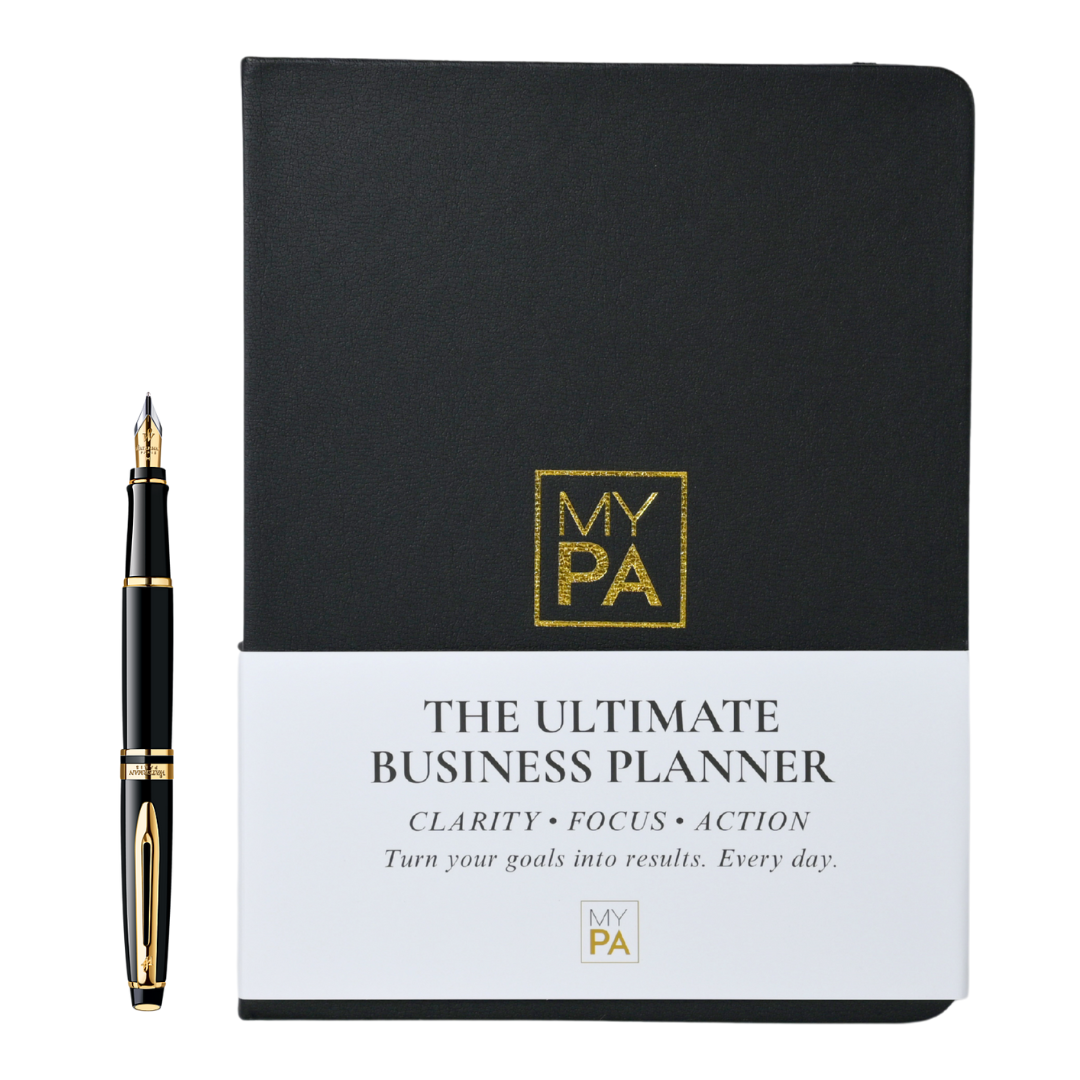
MY PA Business Planner 2026

Need more than a one-pager?

MY PA Business Planner (physical & digital) helps you plan weekly, track goals, and stay accountable.

See the Planner
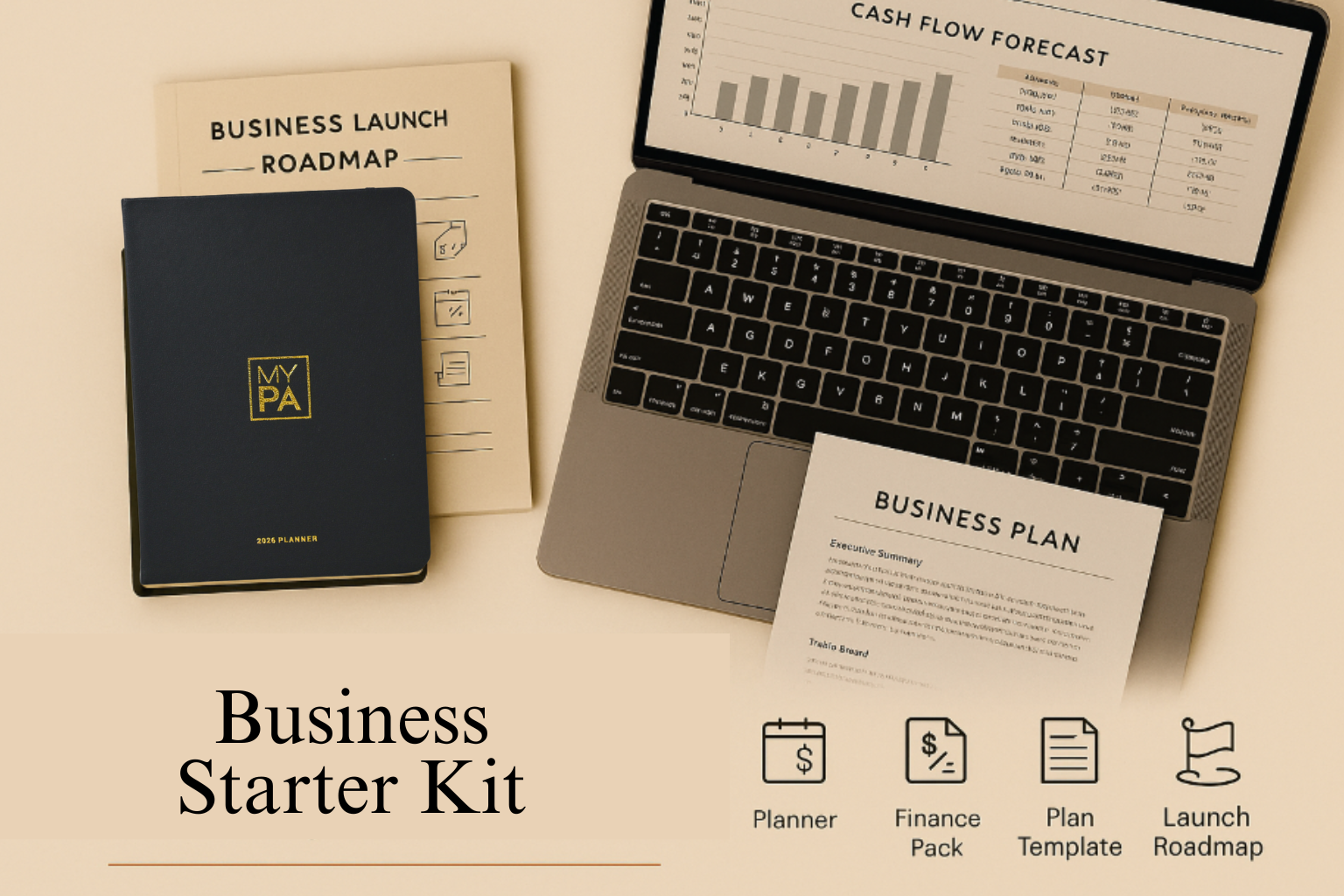
Business Starter Kit

Ready for the complete system?

The Business Starter Kit bundles the planner with templates, financial tools, and a 30-day roadmap.

Explore the Starter Kit
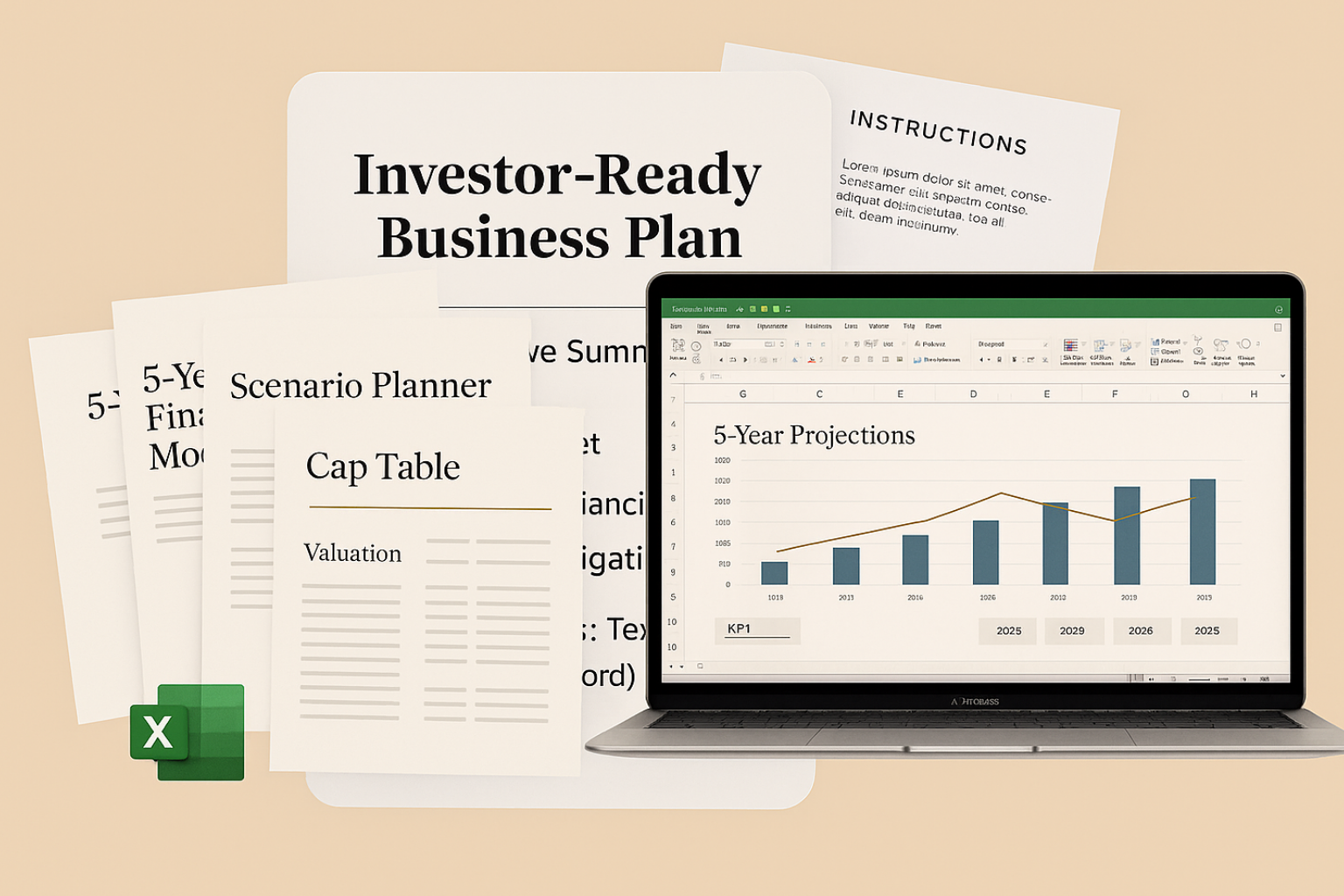
Investor Kit

Raising funding?

Get investor-ready with structured planning, forecasts and checklists. (Investor Kit link set to Starter Kit as requested.)

See Investor Kit

The Startup Metrics Investors Actually Care About (and Which Ones You Can Skip)

The Startup Metrics Investors Actually Care About (and Which Ones You Can Skip)

When founders hear “investor metrics,” they often think of complex SaaS dashboards full of acronyms — CAC, LTV, churn, MRR. But here’s the truth: most early-stage investors don’t expect all of those. What they do want is a clear financial story, backed by a few key numbers that prove your business is investable.

This guide breaks down the metrics that matter for small businesses and early-stage startups (the ones you must include), and the “nice-to-haves” that only apply if you’re building a high-growth tech venture.

Cash Flow 101 for Small Businesses

Cash Flow 101 for Small Businesses

Cash is the lifeblood of any business. It doesn’t matter how many sales you make if the money isn’t in your account when you need it. That’s why managing cash flow is one of the most important habits every entrepreneur can build.

This guide gives you the basics = what cash flow is, common mistakes, and simple steps you can take to keep your business healthy.

What is cash flow?

Business Plan Financials (Made Simple)

Business Plan Financials (Made Simple)

Numbers are often the part of business planning that scare people off. Spreadsheets, forecasts, break-even points, it can feel like a different language. But here’s the truth: you don’t need to be a financial expert to write simple, useful business plan financials.

With a few basic steps, you can build a financial picture that helps you make decisions, avoid nasty surprises, and,when the time comes ,show investors you’re serious.