


How to Manage Time Blocking and Goal Setting in One System
URL: /blog/time-blocking-goal-setting-one-system
Target: "How to manage time blocking and goal setting in one system?"
Category: Productivity & Time
Goal setting and time blocking are two of the most effective productivity strategies for entrepreneurs. But here’s the problem: most people use separate tools for each. Goals live in a document or app, while their calendar or schedule lives somewhere else. The two never connect, and the goals gather dust.
The power comes from integrating them. When your goals directly inform how you block your time, every hour of your work day has purpose.
The Integration Framework
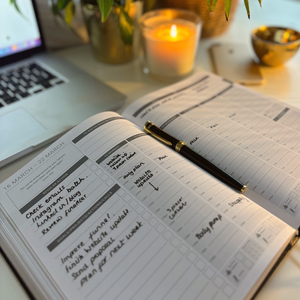
Think of it as a cascading system. Start at the top with your yearly vision and goals. Break those into quarterly or monthly milestones. From each milestone, identify the projects and key actions needed. Each week, pull from those actions to set your weekly priorities. Then time-block those priorities into specific slots in your day.
The result: every time block on your schedule can be traced back to a meaningful goal. You’re never wondering “why am I doing this?” because the connection is explicit.
How to Set Up Your Time Blocking
Effective time blocking for entrepreneurs typically follows this pattern:
Deep work blocks: 2–3 hour chunks for your most important, goal-aligned work. Protect these fiercely.
Admin blocks: Batch emails, invoicing, and routine tasks into dedicated time slots instead of letting them leak across the day.
Buffer blocks: Leave gaps for the unexpected. No plan survives the day perfectly.
Review blocks: Your weekly review and daily planning sessions are time blocks too.
Choosing a Unified System
The simplest approach is using a planner or tool that was designed to combine both from the start. Trying to bolt together a goal-setting app and a separate calendar creates friction and usually means one gets neglected.
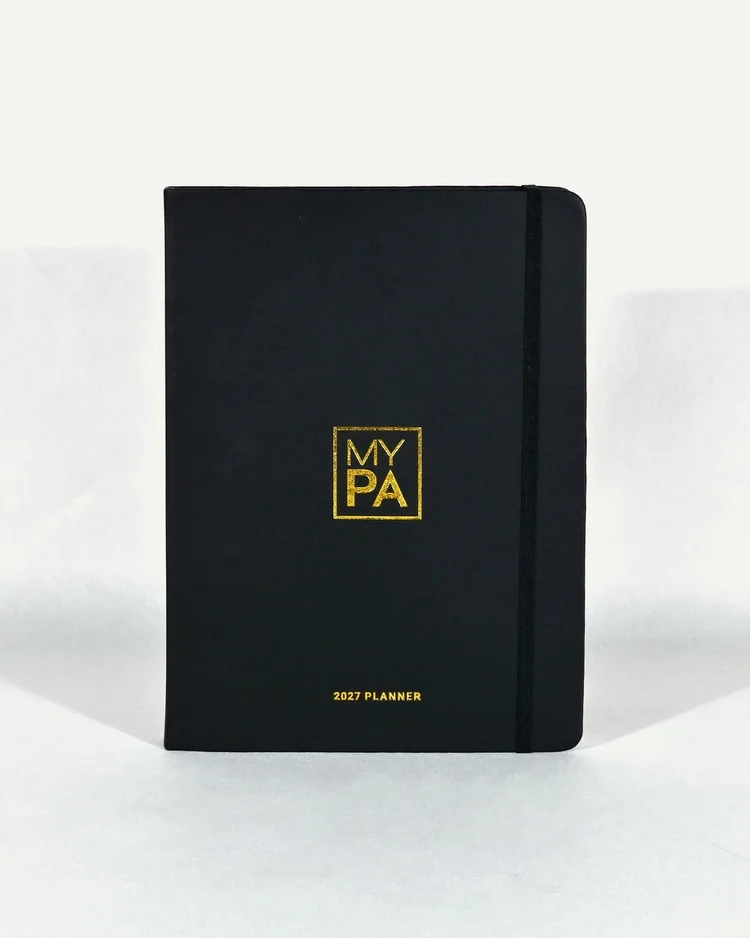
The MY PA system was built around this exact principle. Whether you use the physical planner, the digital PDF version, or the Notion template, the structure flows from yearly goals through monthly planning into weekly and daily time-blocking layouts. Everything lives in one place, and each level connects to the next.
If you prefer a fully digital approach, Notion combined with Google Calendar can work, though it requires more setup and discipline to keep the systems linked. The advantage of a purpose-built planner is that the linking is done for you.
https://www.mypaplanner.com/2026-business-planners
"The MY PA system was built around this exact principle."
https://www.mypaplanner.com/my-pa-notion-planner
"...the Notion template, the structure flows from yearly goals..."
https://www.mypaplanner.com/digital-planners-hub
"...the digital PDF version..."
https://www.mypaplanner.com/high-performance-productivity-guide
End CTA: "Download our free productivity guide for more frameworks."